About this app
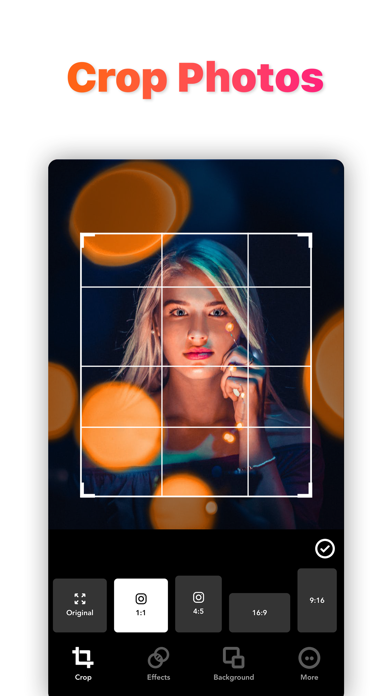
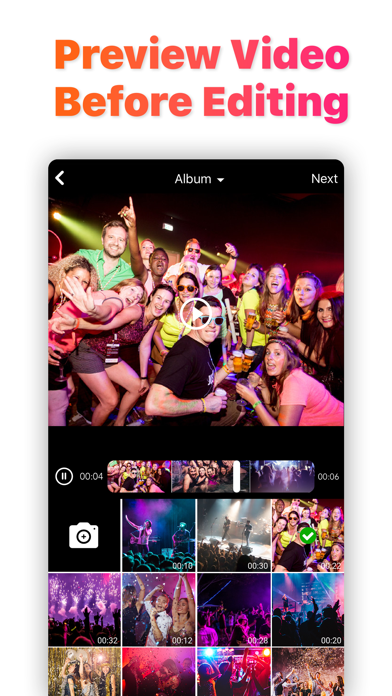
Crop Video is the most popular photo & video editor on the app store. Crop Video with Music is an easy video editor with fast editing tools, filters and many other effects for personalizing your videos & pictures. New Features : #1 - Add Background to Portrait / Landscape videos or photos to make it Instagram ready and Square. #2 - Add Blur Background with No Crop Videos and Pictures. #3 - New Sharing Screen. #4 - Access your videos/pictures everywhere from different devices on the "My Videos" screen. #5 - Get the Music and Backgrounds Updates Periodically. FEATURES 1. Trim: Cut out any unwanted moments. 2. Music: Add from your iPod library 3. Adjust Display: Change Brightness, Blur etc. 4. Filters: Select from several filters to enhance your videos. 5. Crop: Rescale your video within the video frame. 6. Share on Instagram, Facebook, YouTube or email + Best support in iPhone 12 & 12 Pro Max, and also other iPhone Devices. + Also Compatible in the latest iOS 15.3.1 Download 'Crop Video' App Today and Enjoy! PRO PRICING & TERMS For Pro upgrades we offer the following subscription: Price of subscription: 3 days free then USD $2.99/week OR USD $35.99/year* * Prices displayed are USD$, actual charges might be converted to local currency depending on your country of residence. - Payment will be charged to your iTunes account at confirmation of purchase. Subscription automatically renews unless auto-renew is turned off at least 24 hours before the end of the current period. - The account will be charged for renewal within 24 hours of the end of the current period, and the cost of the renewal will be provided. - No cancellation of the current subscription is allowed during the active subscription period. - Any unused portion of a free trial period, if offered, will be forfeited when the user purchases a subscription to that publication. - Subscriptions may be managed by the user: you can modify or cancel your subscription at any time by signing in to your iTunes account on your computer or iOS and changing the settings. For more details on this please visit: http://support.apple.com/kb/HT4098 For more information: Privacy Policy - https://greenmirchiapps.blogspot.com/p/privacy.html Terms & Conditions -https://greenmirchiapps.blogspot.com/p/terms.html EULA - https://greenmirchiapps.blogspot.com/p/eula.html
Latest release
What’s New
* Sleeker UI for easier video cropping * Boosted performance & stability * Overall smoother experience Thanks for choosing Crop Video!
Audience growth
Ratings growth
Momentum comes from crawler snapshots for the tracked storefront. “Viral growth signal” means unusually fast recent rating gains; it is an indicator, not download data.
Price tracking
Price intelligence
- First observed Aug 23, 2026 · 12:03 PM Free
Screenshots