About this app
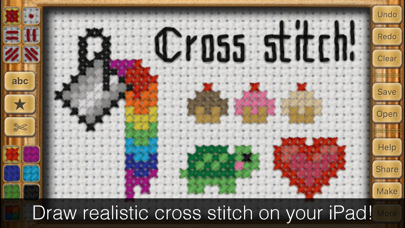
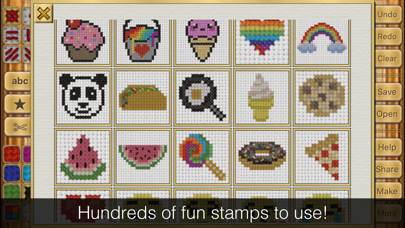
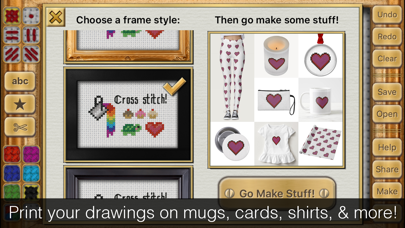
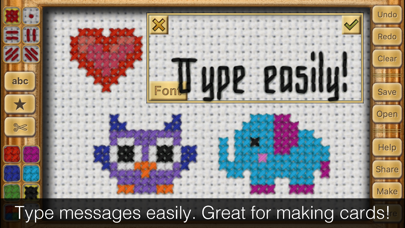
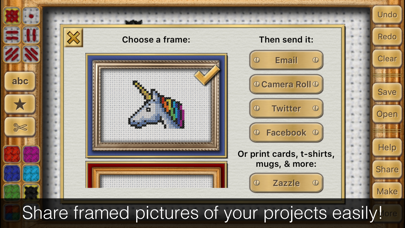
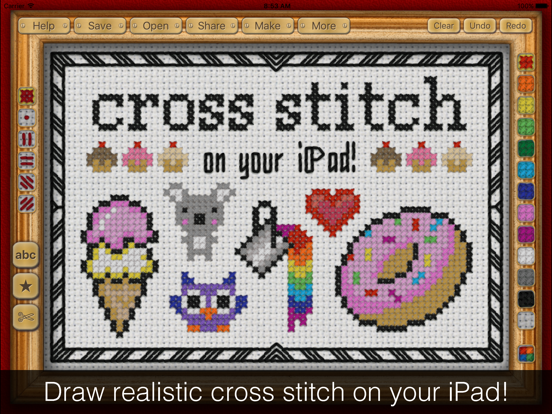
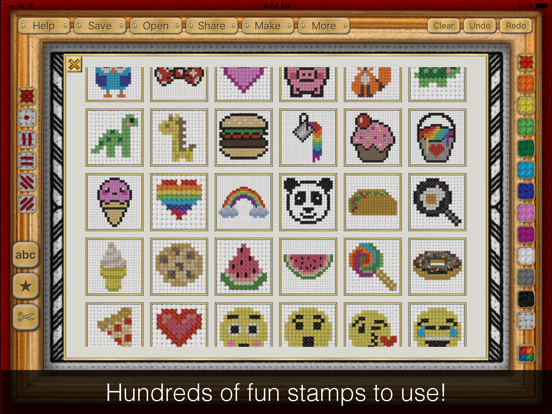
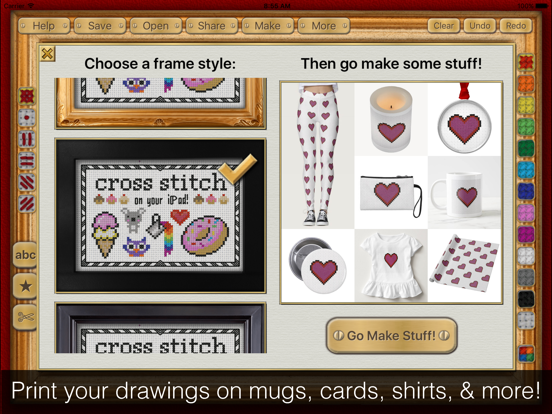
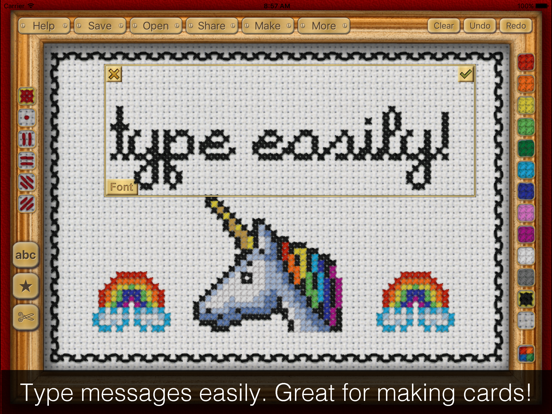
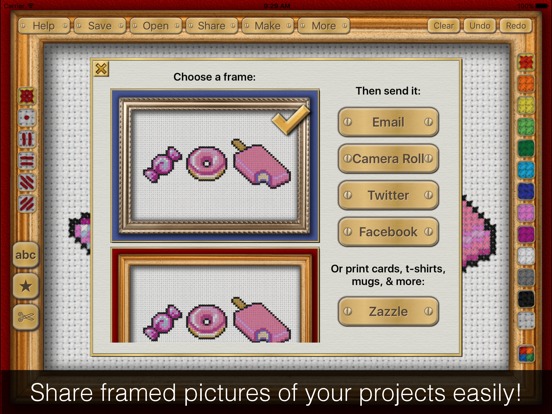
Relax with the original pixel art! Cross Stitch Maker lets you draw realistic cross stitch on your iPhone or iPad! Create beautiful projects easily by typing a message and using the built-in library of borders and clipart. Or take some time to create your own drawing using the 100+ thread colors and six stitch types. You won't believe how realistic your finished picture is! It looks just like a real framed cross stitch hanging on a wall. You can even print your design on mugs, shirts, stamps, cards, and more! The "Share" tool lets you easily send your creation to friends. A great way to send Birthday, Mother's Day, and other holiday greetings. Your friends might even think it's a real cross stitch! Project Ideas: • Make a custom card! Type a message, then add a border and a picture from the clipart menu. Email it or have a real card printed by clicking "Make" • Make pixel art inspired by your favorite video game. • Give your tweet or Facebook update extra punch by saying it in cross stitch. Built in Twitter and Facebook sharing makes this easy. • Say something mischievous ... Drawn in the sweet innocence of embroidery, this can be hilarious! • Use the app to plan a real cross stitch project. Your design looks so real in the app, you will know exactly how it will turn out. • Design birth announcements, party invitations, place cards, and other fun stuff! • Print your creations on real world items such as mugs, t-shirts, greeting cards and more! Features: • Photorealistic results • 100+ thread colors • 6 stitch types • 7 fonts • 10 frame options • 250+ clipart borders and pictures • Built-in Facebook, Twitter, and email sharing
Latest release
What’s New
What's new in this update? Wow, a lot! - Bigger drawing area on long phones - New french knot stitch type! - 81 new cute & colorful clipart images! This was the the most fun part of making this update :) - Brighter fabric & stitch colors - Three new frames to choose from - More colors available from the side bar on iPad - Easier to get the keyboard out of the way when you need to position your text. Just hit "Done." - New "no fabric" option for sharing your image. Looks nice when printed on white Zazzle items. - More Zazzle products to print on! Check out the new "Make" button for more info. - Bug fixes Thanks so much to everyone who sent feedback. I make the app by myself so hearing your feedback is super, super helpful. I hope you enjoy the update as much as I enjoyed making it! ~Sarah
Audience growth
Ratings growth
Baseline captured. Growth appears after the crawler observes a changed rating count.
Momentum comes from crawler snapshots for the tracked storefront. “Viral growth signal” means unusually fast recent rating gains; it is an indicator, not download data.
Price tracking
Price intelligence
- First observed Aug 15, 2026 · 7:14 PM $1.99
Screenshots