About this app
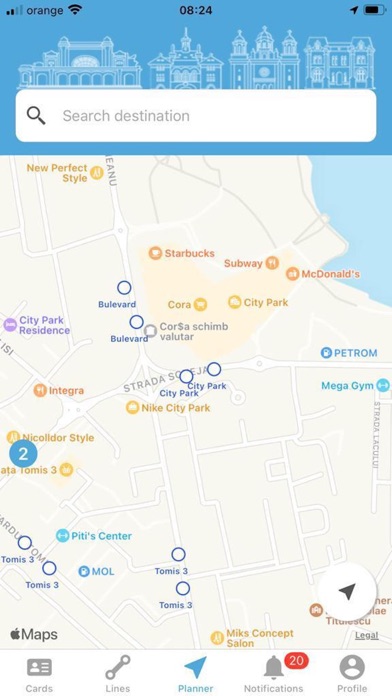
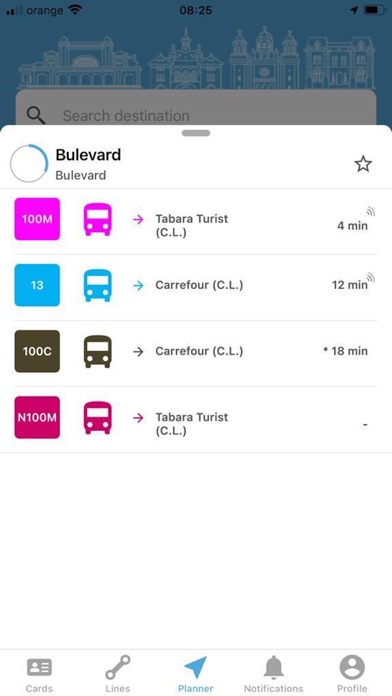
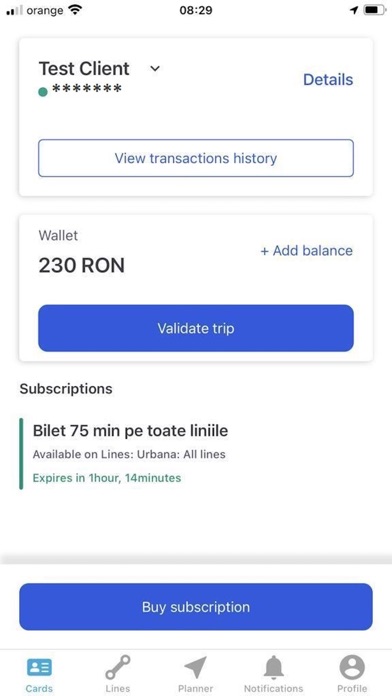
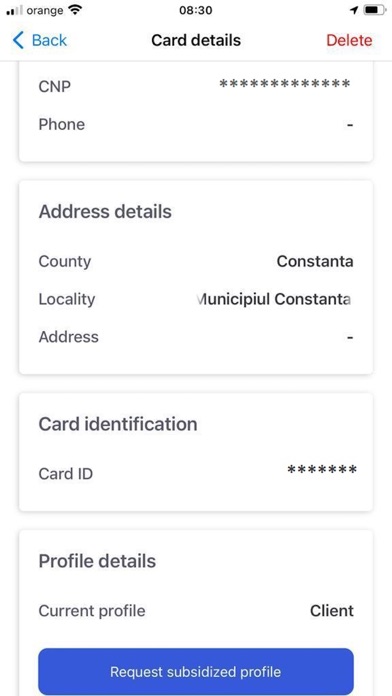
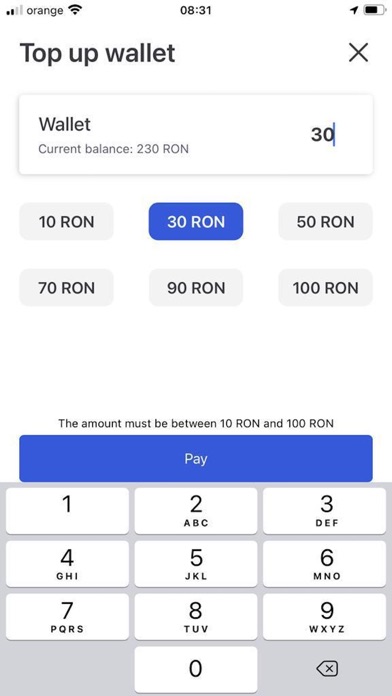
CT BUS APPLICATION CT Bus application is a travel platform offered by CTBUS S.A.. In the application all the actions necessary to facilitate the use of public transport can be performed. The application allows the purchase of travel tickets using the bank card or the electronic wallet, the calculation of the optimal route for the passenger and the visualization of lines, stations and means of transport in real time on the map. After creating an account and associating it with a transport card, the user can recharge the card with travel tickets directly in the application, using online payment by bank card or electronic wallet. The user can check the status of the card and the active travel tickets at any given time. A user can manage several transport cards on a single account and can perform actions of recharging the respective cards, whether it is the recharge of the electronic wallet, the purchase of new subscriptions or the extension of the existing ones. After performing the various purchase/validation/control actions, the user will have the possibility of viewing a detailed history of transactions. Users who benefit from subsidies in accordance with the legislation in force will be able to request the approval of a subsidized profile directly from the application by sending supporting documents. Following the approval of such a profile from the application or from the ticket point, users will be able to purchase/request, directly from the application, travel tickets with discount or free of charge. Legal entities that have a collaboration with the transport administration will be able to manage their card portfolio directly from the web portal or the mobile application. When purchasing a travel ticket, when it is approaching its expiration date or when other actions are performed on the card, the user can choose to receive push notifications or e-mails. The application provides the traveler with the means to find the optimal route between the starting point A and the arrival point B, using the locations of the vehicles on the route. The traveler can start the journey from the current location or from another location on the map and can choose their destination by looking for an address, a point of interest, a desired station or even placing a pin on the map. They can also choose a location they have previously searched for or added to favorites. The application shows how long it will take to get to the nearest station, when the vehicle will arrive at the station and how long the trip will take. It gives the traveler the possibility of saving frequently used locations on a designated menu page or when searching for those locations on the main page. Thus, the user can start a much faster and easier route in the future. The application will display in real time the vehicle that the passenger must take and will notify them when they must change the line. The user can view on the map the complete route of a line or just a direction of the route and can save the favorite lines. They will receive a message when a problem occurs with one of them if that problem could affect their trip. On the page dedicated to lines, they can search for the desired line and then view on the map, in real time, the vehicles on one direction of that line. They can select a station on the main page or on the route of a line, and thus can see all the lines that stop at that station and what the arrival times are for each line. They can see the next three times and the schedule for all the lines in that station. Ticket points of the transport administration can be found on the map. By selecting such a point the user can see its operating schedule. The application is available in Romanian and English, depending on the language set in the device used.
Latest release
What’s New
Bug fixes and improvements.
Audience growth
Ratings growth
Baseline captured. Growth appears after the crawler observes a changed rating count.
Momentum comes from crawler snapshots for the tracked storefront. “Viral growth signal” means unusually fast recent rating gains; it is an indicator, not download data.
Price tracking
Price intelligence
First snapshot captured. The trend line starts after the next crawler price observation.
- First observed Sep 1, 2026 · 2:56 PM Free
Screenshots