About this app
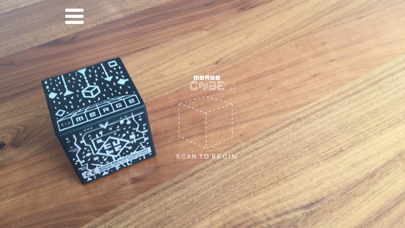
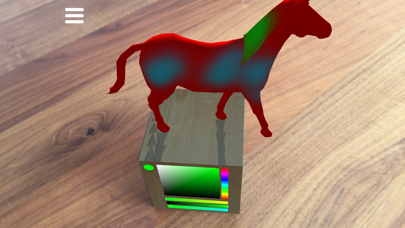
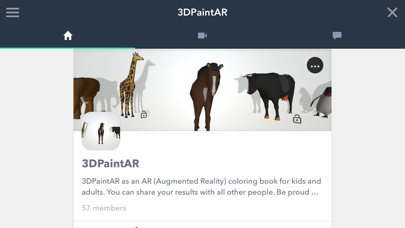
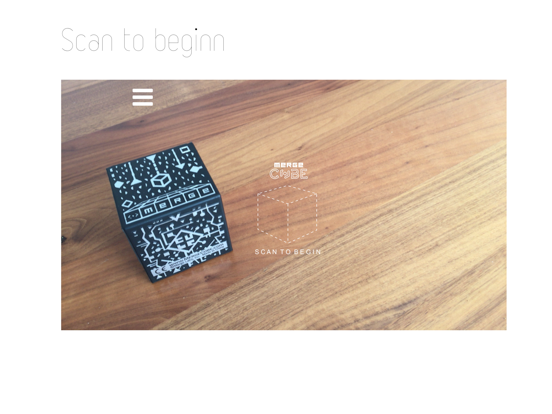
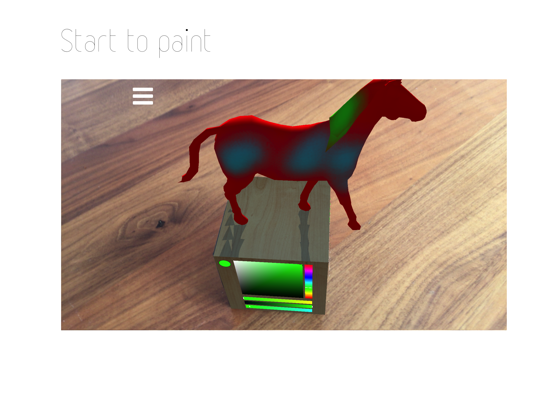
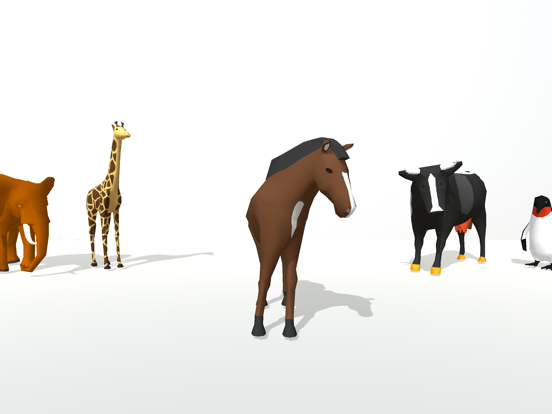
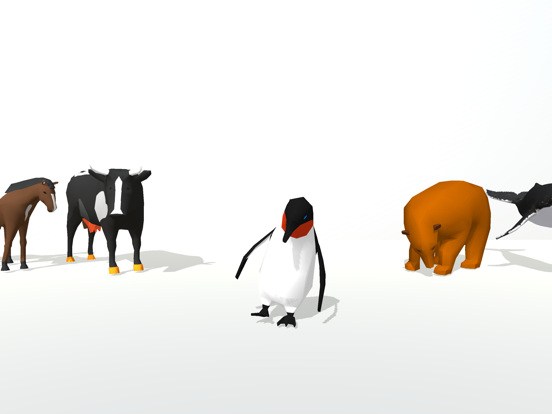
PLEASE NOTE: This app requires a Merge Cube. To find out how to get a Merge Cube and to learn more, visit www.mergevr.com/cube CubePaintAR ist a Coloring Book for kids and adults. You can choose 13 different animals and color them in real space. 1 Select the animal you want to color. 2. Put the Merge Cube on the table or elsewhere. 3. Scan the Merge Cube with your smartphone camera until you can see an animal which you have previously chosen. 4. Choose the desired color with the color palette and start to paint with your finger. 5. You can also adjust the size of the brush for more detailed painting. 6. The animals are animated. Watch them in action if you want. 7. When you are ready, record your result and share your animal with other users on the Everyplay platform.
Latest release
What’s New
This app has been updated by Apple to prepare for watchOS 27 compatibility. No new features are included. Better compatibility with iOS 11+
Audience growth
Ratings growth
Baseline captured. Growth appears after the crawler observes a changed rating count.
Momentum comes from crawler snapshots for the tracked storefront. “Viral growth signal” means unusually fast recent rating gains; it is an indicator, not download data.
Price tracking
Price intelligence
First snapshot captured. The trend line starts after the next crawler price observation.
- First observed Sep 4, 2026 · 5:47 AM Free
Screenshots