About this app
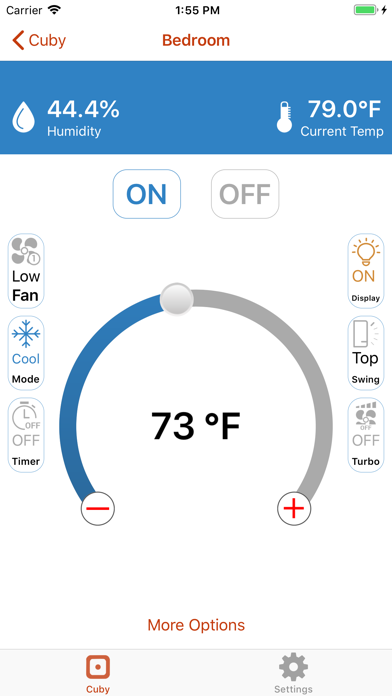
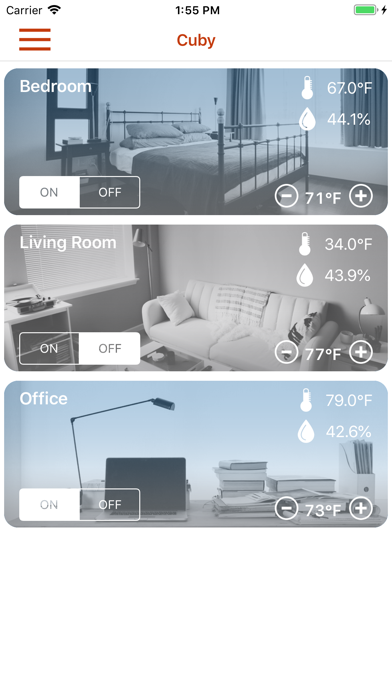
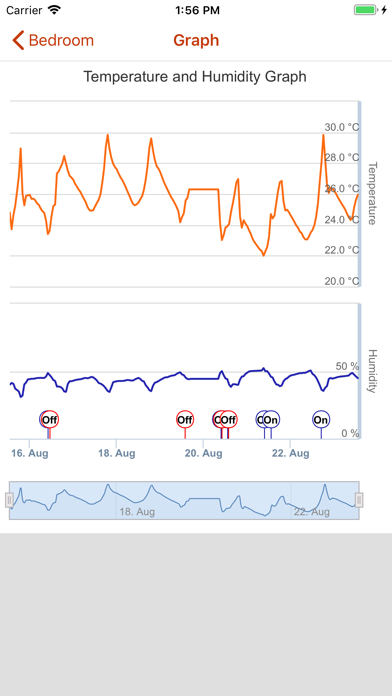
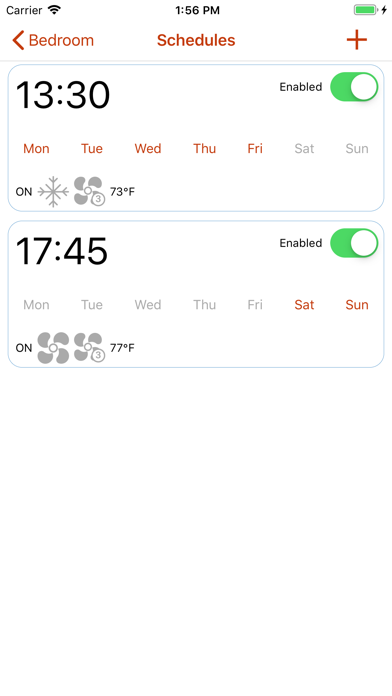
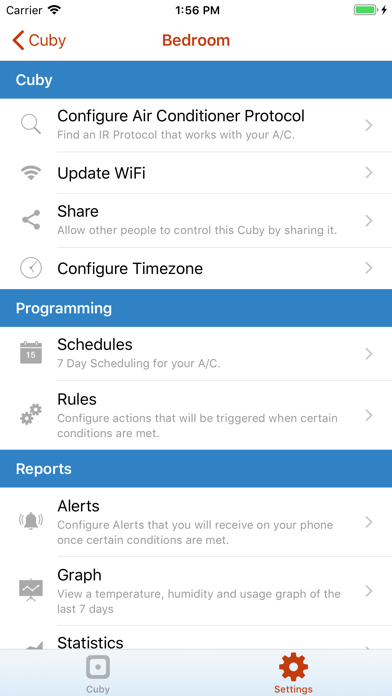
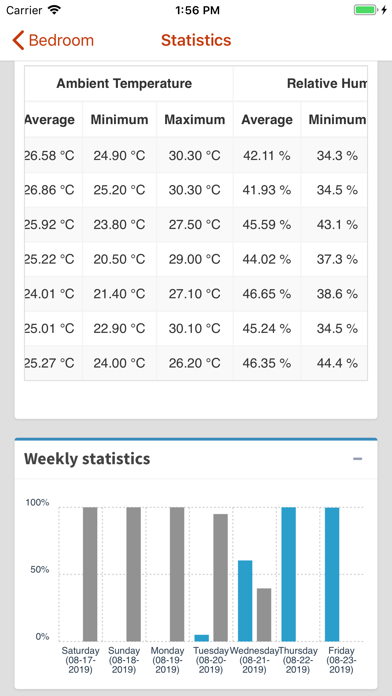
IMPORTANT: To control you A/C you first need to purchase a Cuby. You can buy one in www.cubysmart.com. Control and Program you Split Air Conditioner from anywhere in the world using your Smartphone. No Installation required, just place your Cuby somewhere in the room, add it to the App and you are set. You will now have all the functions of the original remote control in your smartphone and more. Schedules: Set time and day when you want your A/C to turn ON or OFF and at which temperature. This feature is available for all Air Conditioners since it's handled by the Cuby. Sleep: Cuby turns off you A/C after the selected time automatically. Graphs: View temperature, relative humidity and use graphs in real time. Alerts: Setup Remote notifications. Cuby can Alert you when the temperature or Relative Humidity go out of range. When there is a power loss or when the Internet connection is lost and when you leave your A/C ON by mistake. Save Energy: If you forgot to turn your A/C OFF Cuby will alert you and you will be able to turn in OFF wherever you are. Monitor remotely the temperature and relative humidity in real time. Cuby is compatible with all Split type Air Conditioners. Works with Alexa and Google Home.
Latest release
What’s New
Fixes issue when configuring sensors.
Audience growth
Ratings growth
Baseline captured. Growth appears after the crawler observes a changed rating count.
Momentum comes from crawler snapshots for the tracked storefront. “Viral growth signal” means unusually fast recent rating gains; it is an indicator, not download data.
Price tracking
Price intelligence
First snapshot captured. The trend line starts after the next crawler price observation.
- First observed Aug 24, 2026 · 1:57 AM Free
Screenshots