About this app
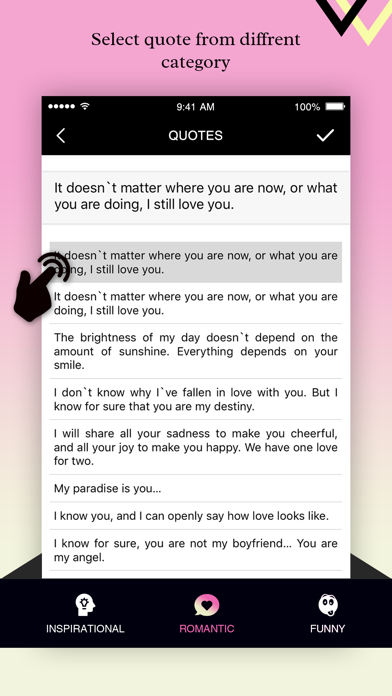
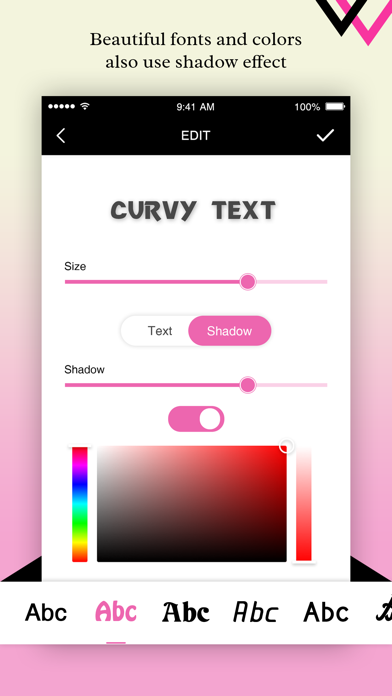
It is a simple application that allows you to add curvy & specified shapes text into pictures. Our apps also provides preloaded inspirational, funny and romantic status to apply it to the photos How to use Curvy Text Photo Editor 1. Select picture in which you want to add text 2. Draw with your hand to add your words to the photo 3. Change the text to any shape you want 4. Change the color, font, style, and more 5. Save your creation.
Audience growth
Ratings growth
Baseline captured. Growth appears after the crawler observes a changed rating count.
Momentum comes from crawler snapshots for the tracked storefront. “Viral growth signal” means unusually fast recent rating gains; it is an indicator, not download data.
Price tracking
Price intelligence
First snapshot captured. The trend line starts after the next crawler price observation.
- First observed Sep 17, 2026 · 6:51 PM Free
Screenshots