About this app
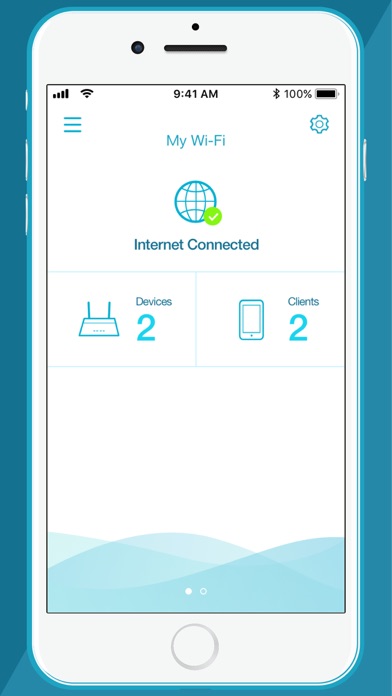
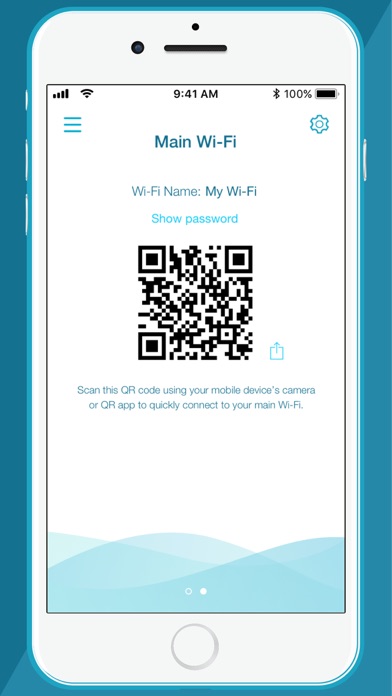
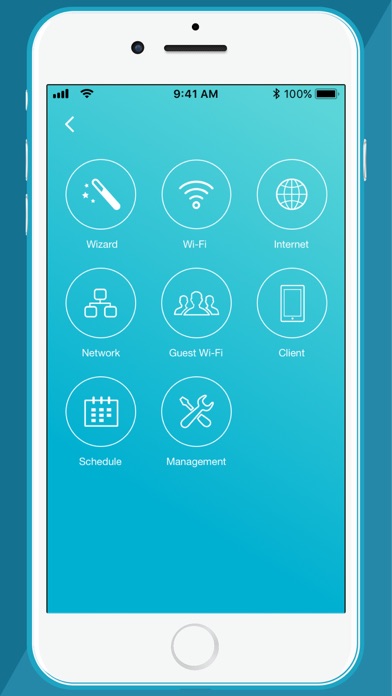
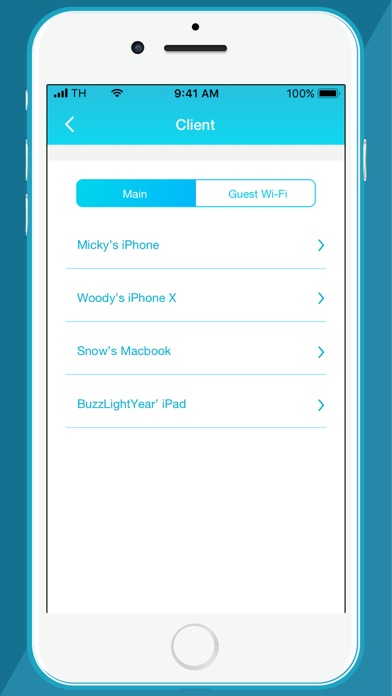
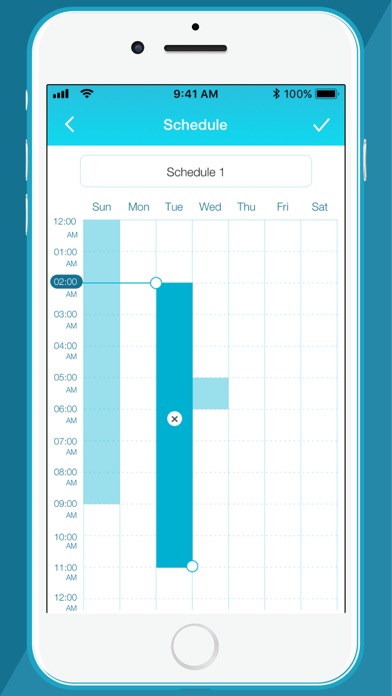
Managing your home network can get complicated. That's why we made the new D-Link Wi-Fi app more friendly and functional. Packed with a range of smart features, the D-Link Wi-Fi app gives you the power to setup and manage your D-Link wireless network effortlessly using your smartphone or tablet. Network Management, Made Smarter. WONDERING WHAT'S UP WITH YOUR WI-FI? • View your entire network at a glance • Check your connection status • Find out who/what is connected to your network instantly NETWORK MANAGEMENT IN THE PALM OF YOUR HAND • The new D-Link Wi-Fi makes it easy to setup and control your home network without having to turn on your computer • Intuitive interface lets you find what you need quickly • Find out who's on your network with your mobile device • Instantly block unauthorized devices with one tap INTERNET INTERFERING WITH FAMILY CONNECTIONS? • Make room for more family time with access Schedules • Restrict your kids' device access with Parental Controls GUESTS COMING OVER? • Enable Guest-Wi-Fi without exposing your main Wi-Fi password • Tap and share your Guest Wi-Fi instantly with QR Code or messaging apps FIRMWARE UPGRADES WON'T AFFECT YOUR DAILY USAGE • Device firmware upgrades are scheduled at less active times to let you fully enjoy streaming, online gaming, and fast file transfers. For other D-Link router products, refer to the QRS Mobile app. Notes: The D-Link Wi-Fi app is for local access only. Your smartphone or tablet must be connected to your Wi-Fi system to use this app. To access advanced features of the Wi-Fi System, you should use the web interface by going to http://covr.local./ or http://dlinkrouter.local./ from a computer or mobile device connected to the system. System Requirements: iOS 11.0 or later. If you are experiencing issues, contact mydlinksupport@dlinkcorp.com.
Latest release
What’s New
1: Minor bug fixes and enhancements.
Audience growth
Ratings growth
Baseline captured. Growth appears after the crawler observes a changed rating count.
Momentum comes from crawler snapshots for the tracked storefront. “Viral growth signal” means unusually fast recent rating gains; it is an indicator, not download data.
Price tracking
Price intelligence
First snapshot captured. The trend line starts after the next crawler price observation.
- First observed Aug 20, 2026 · 10:42 PM Free
Screenshots