About this app
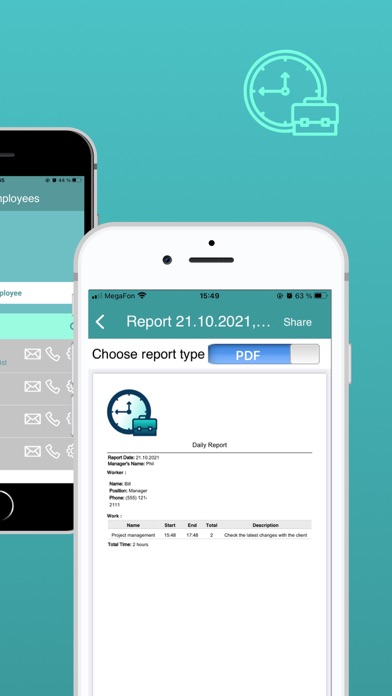
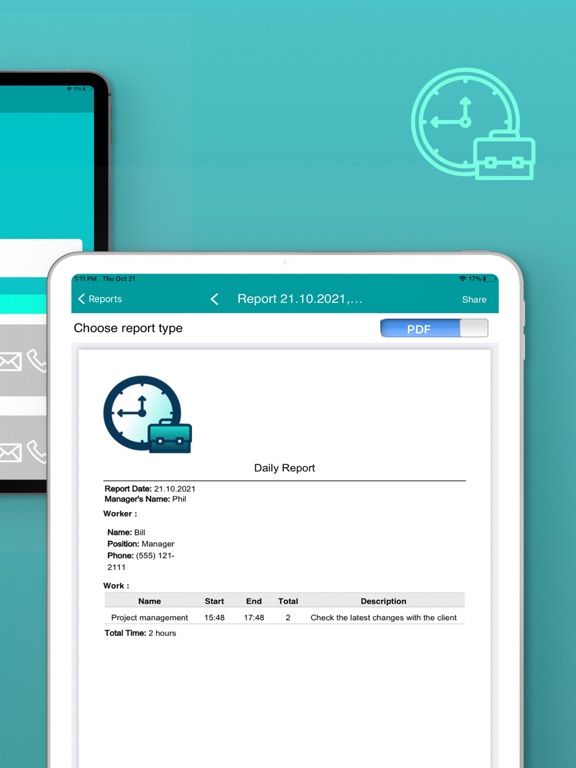
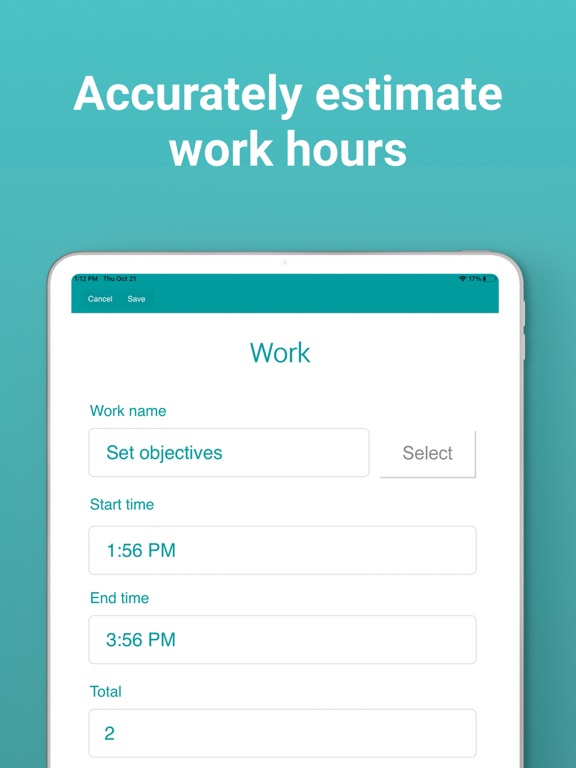
30-day free trial. Daily Activity and Time reporting is an ideal app for supervisors and managers who have to report daily on tasks accomplished and time for employees or contractors. Easily log in hours each employee has spent to complete a task. Calculate total hours and email a report to the office. Daily Activity and Time reporting app is really easy to use and allows collecting information without Internet access. The forms will be sent over after the device get connected to the Internet back again. To work even faster managers/supervisors can create a database of employees and works to immediately select them from the list and pre-fill the report form. The summary app features include: - create daily reports in minutes - type in manager's name, date, pick employees and works from the list - save reports on your device - sync completed reports across multiple devices - upload created Excel file reports to cloud drives or print them - work online and offline With the Daily Activity and Time reporting app from Snappii you can: - eliminate paperwork - accelerate your workflow - accurately estimate work hours - save time and reduce expenses By downloading, you agree to the Terms of Use https://www.snappii.com/terms-of-service and Privacy Policy at https://www.snappii.com/policy 30-day free trial. In addition to using free Daily Activity and Time reporting version you can get unlimited number of form submissions by subscribing via an optional In-App Purchase. Subscribe from your device and access these services via mobile app.
Latest release
What’s New
Bug fixing. Send your feedback to support@snappii.com
Audience growth
Ratings growth
Baseline captured. Growth appears after the crawler observes a changed rating count.
Momentum comes from crawler snapshots for the tracked storefront. “Viral growth signal” means unusually fast recent rating gains; it is an indicator, not download data.
Price tracking
Price intelligence
First snapshot captured. The trend line starts after the next crawler price observation.
- First observed Aug 10, 2026 · 1:44 PM Free
Screenshots