About this app
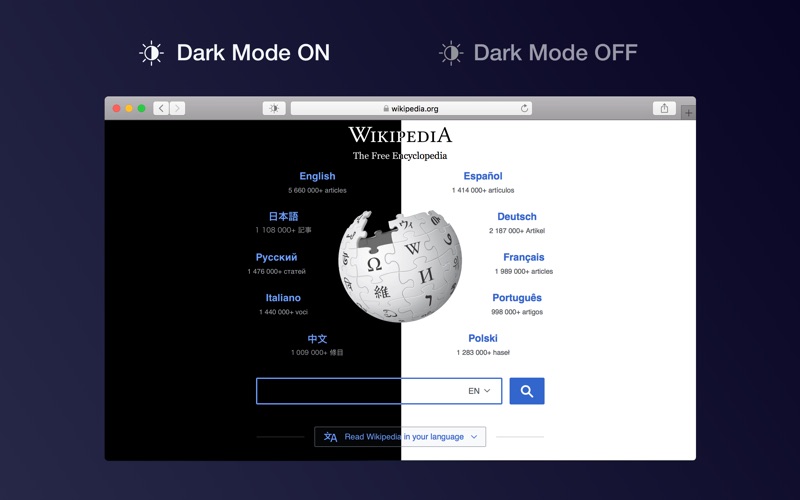
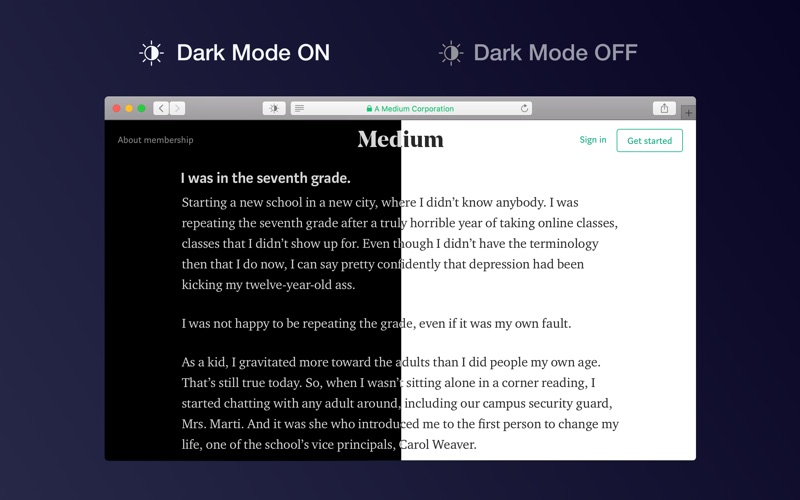
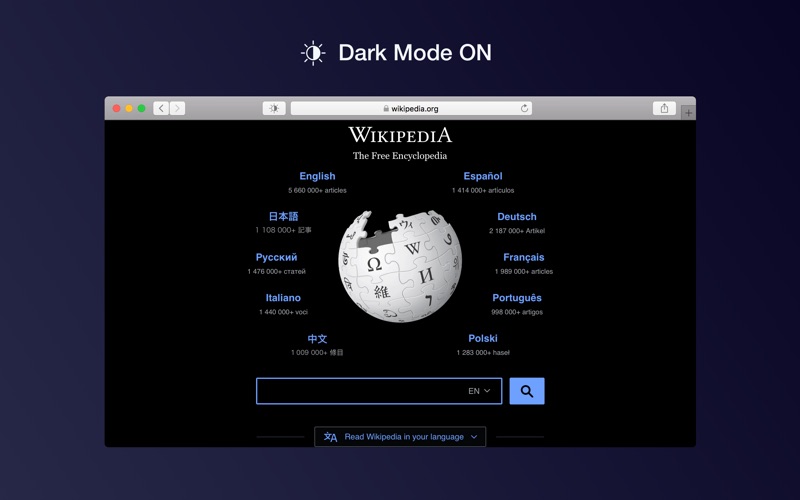
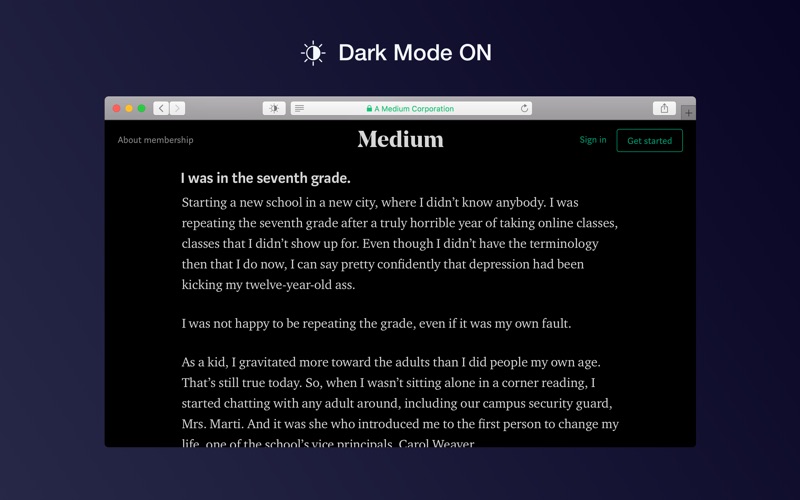
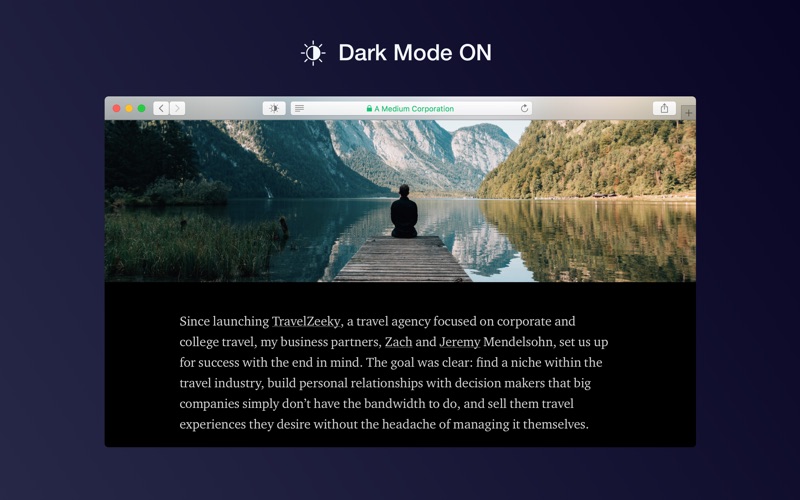
Dark Mode makes your browser more comfortable, enjoyable and cool by changing the colour scheme to make web pages easier to read. Works especially well for people working during the night, in low light environments or when you want to match your browser with the new macOS dark mode look. HOW TO USE IT • Once you activate the extension all websites will display a darker theme. You can start the extension manually, you can schedule it or turn it on automatically (when macOS dark mode is active) • Just press the toolbar button and you can change to a softer theme, an e-ink (paper) theme or cover the page with a translucent curtain • You can apply dark mode for some sites only and deactivate the theme for any site FEATURES • A simple and powerful Safari extension • Choose between 5 themes: Dark, Mono Dark, Soft Dark, Dark Curtain and Paper (E-Ink) • Multiple ways to activate the extension: manually, schedule it for your preferred night hours or when macOS dark mode is on • You can ignore any site or you can apply Dark Mode for some websites only • Use hotkeys to toggle Dark Mode: - Command + Option + K: Temporary toggle (until page refresh) - Command + Option + P: Permanently toggle SUPPORT We read your support emails every day, day by day. Write with confidence any question, feedback or complaint and you will receive an answer in a very short period of time.
Latest release
What’s New
• The app is now ready for macOS 26
Audience growth
Ratings growth
Baseline captured. Growth appears after the crawler observes a changed rating count.
Momentum comes from crawler snapshots for the tracked storefront. “Viral growth signal” means unusually fast recent rating gains; it is an indicator, not download data.
Price tracking
Price intelligence
First snapshot captured. The trend line starts after the next crawler price observation.
- First observed Aug 7, 2026 · 11:25 PM $2.99
Screenshots