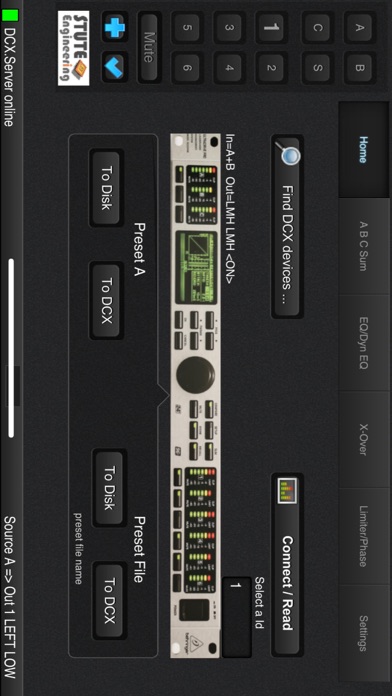
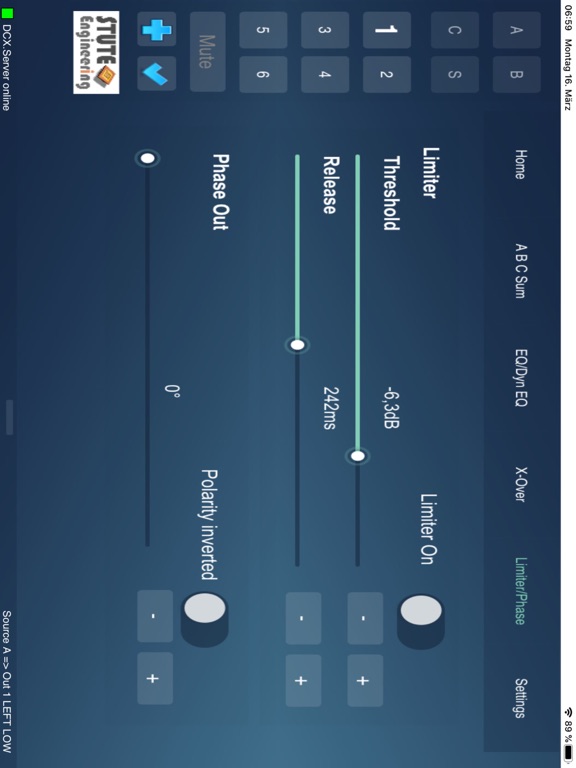
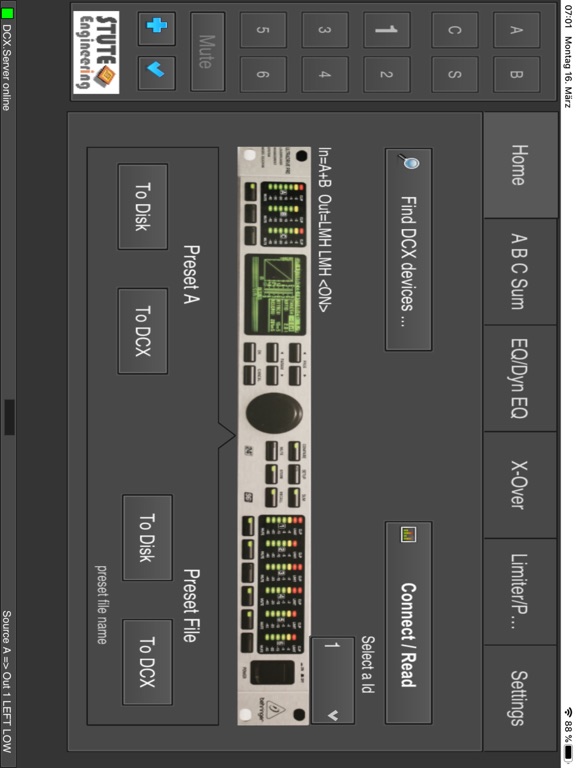
About this app
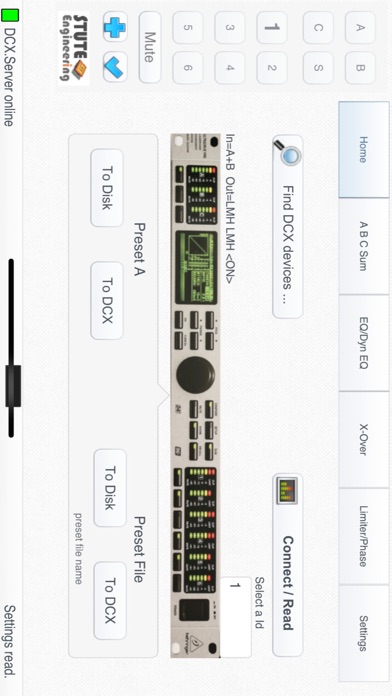
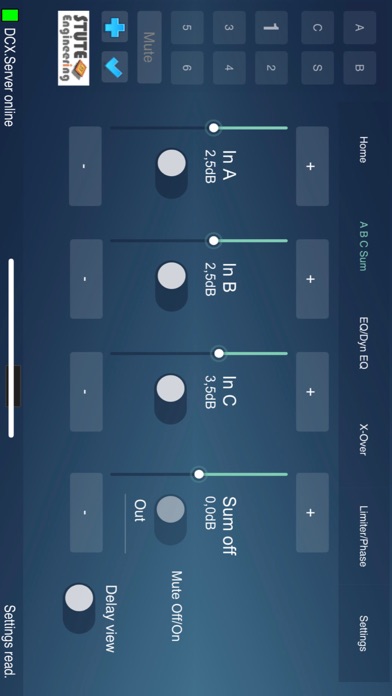
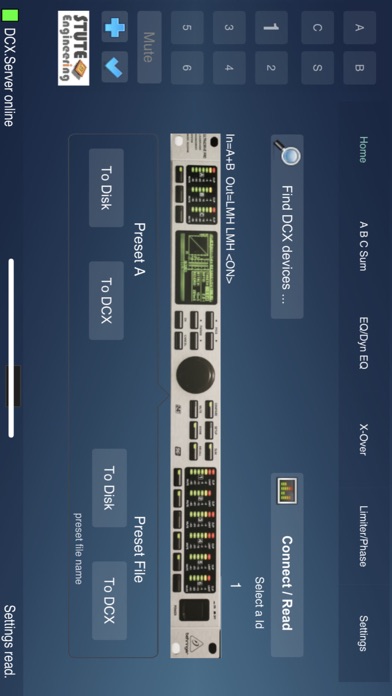
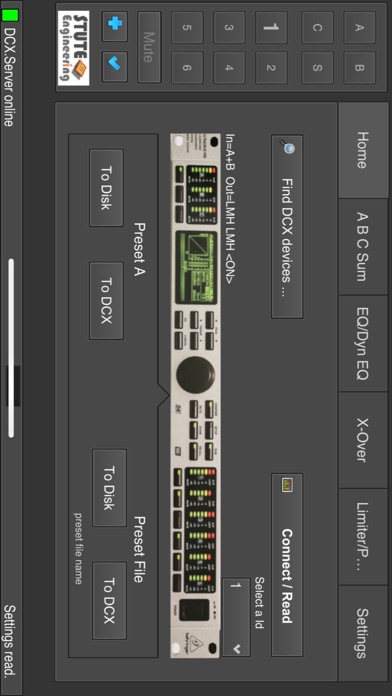
Wi-Fi remote control system for DCX2496 device. What you need to control: • This DCX.Client app • The extra PC software DCX.Server 2 (MS-Windows / macOS) with a USB-RS232 interface Tip: For the first experiences with DCX.Client download the free test version DCX.Server 2 from our homepage. Supported DCX2496 functions • Input A/B/C/Sum: Gain, Mute, Delay, EQ 1..9, Dynamic EQ, Sum In A/B/C • Output 1..6: Gain, Mute, Delay (long & short), EQ 1..9, Dynamic EQ, X-Over incl. X-over Link, Phase, Polarity, Limiter • Adjust Output configuration (e.g. LMH LMH) • Configure In Stereo Link (e.g. A+B) • Set "Sum" signal sources • Select input sources for the outputs 1..6 Features • Unlimited app version (no demo/trail version) • File presets to down-/upload your sound setup for different music halls • Setup transfer from device A to B • Undo-Redo of the last action • Mute/Un-mute all outputs with a single button • Control up to 16 DCX2496 devices with a single app (RS232/RS485 cluster) • Search for the device Id of the connected DCX2496 devices • Password protection to avoid inadvertent re-adjustment • PDF Manual in English and German (online) Note: DCX.Client is also available for macOS devices.
Latest release
What’s New
Adjustment of Age Rating
Audience growth
Ratings growth
Baseline captured. Growth appears after the crawler observes a changed rating count.
Momentum comes from crawler snapshots for the tracked storefront. “Viral growth signal” means unusually fast recent rating gains; it is an indicator, not download data.
Price tracking
Price intelligence
First snapshot captured. The trend line starts after the next crawler price observation.
- First observed Aug 20, 2026 · 3:59 AM Free
Screenshots