About this app
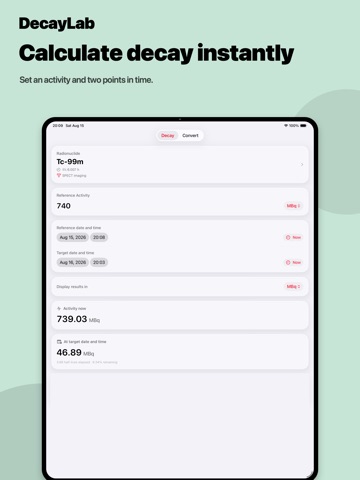
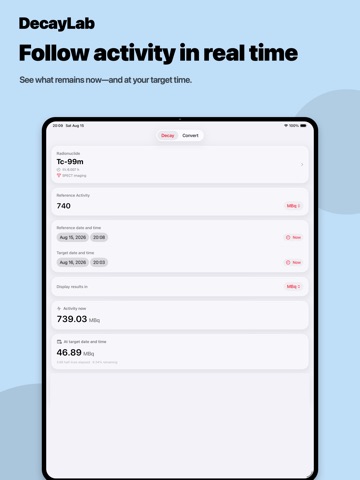
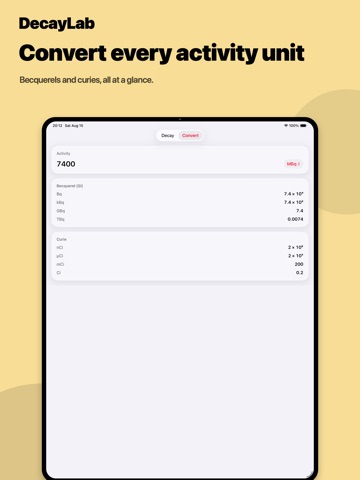
DecayLab makes radionuclide decay calculations quick and straightforward. Designed for nuclear medicine professionals, researchers, educators, and students, it provides a clean, focused workflow that works entirely offline. Key features: • Calculate radioactive decay for a wide range of radionuclides • View activity at different reference and calculation times • Apply decay corrections quickly and consistently • Work with Bq, kBq, MBq, GBq, µCi, mCi, and Ci units • Access built-in radionuclide half-life data • Use all calculation features without an internet connection DecayLab is useful for: • Nuclear medicine technologists • Medical physicists • Radiation safety professionals • Researchers and educators • Students in nuclear medicine and related fields Whether you’re checking an activity value, preparing calculations for a workflow, or studying radioactive decay, DecayLab keeps the process clear and efficient. Important: DecayLab is a calculation and educational tool. Results should be independently verified before being used in clinical, diagnostic, therapeutic, or safety-critical decisions.
Latest release
What’s New
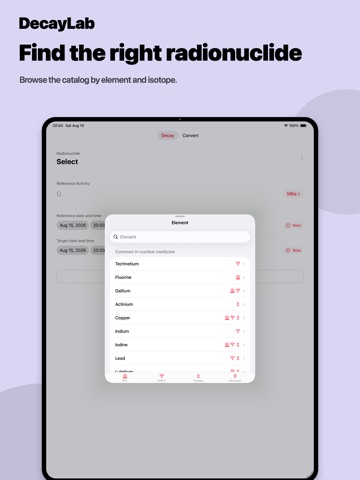
Radionuclides are now labelled by what they are used for. • PET, SPECT, therapy and generator icons throughout, on the element list, the nuclide list, the energy states, and the calculator itself • Elements used in nuclear medicine are grouped first, with everything else A to Z • Expanded coverage of clinically used radionuclides, each labelled with the energy state actually used in the clinic • Yttrium added to the common elements Fixes • Corrected the energy state selected by default. Several nuclides, including Pb-203, Tl-201, In-111, Y-90 and At-211, opened on a state that is not the clinical one, giving the wrong half-life. If you noted figures for these in an earlier version, please re-check them. • The energy-state screen could open with its first row unresponsive
Audience growth
Ratings growth
Baseline captured. Growth appears after the crawler observes a changed rating count.
Momentum comes from crawler snapshots for the tracked storefront. “Viral growth signal” means unusually fast recent rating gains; it is an indicator, not download data.
Price tracking
Price intelligence
First snapshot captured. The trend line starts after the next crawler price observation.
- First observed Sep 6, 2026 · 12:26 PM Free
Screenshots