About this app
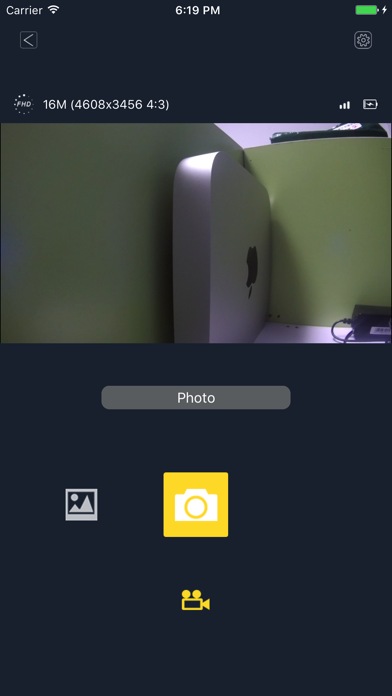
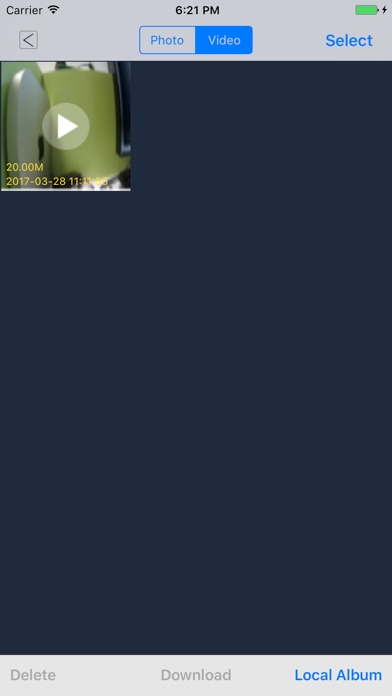
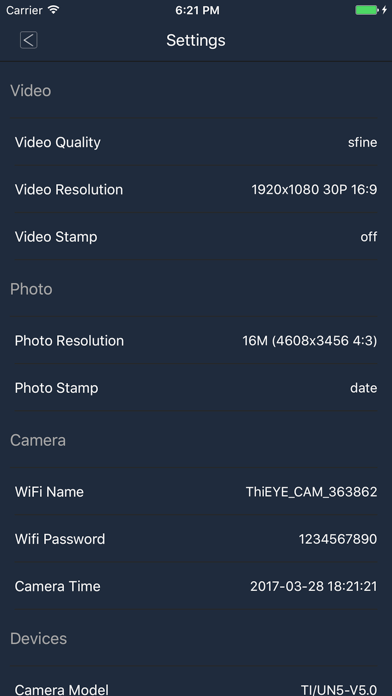
Short description: Dechitec App,Easily control your camera Description: You can connect your action camera to an iOS smart phone with Dechitec App. After the connection has been established, you can preview the camera video stream in real-time, remotely start and stop recording, take pictures, view thumbnails, and download videos or pictures. Connection steps: 1. Enable camera WiFi 2. Connect the mobile device to the camera WiFi; the password information is in the manual. 3. Open the Dechitec App Features: 1. Preview the video stream in real-time. 2. Record a video or take a picture also in the stream preview mode. 3. Burst mode shooting. 4. Self timer shooting. 5. Video resolution settings. 6. Image size settings. 7. White-balance settings. 8. Format the camera SD card. 9. Download or delete of photo and video files 10. Photos and videos preview. 11. Automatic time correction when the connection has been established. 12. Video file previews with audio tracks. 13. Automatic photo and video rotation. 14. Time-lapse recordings.
Latest release
What’s New
This app has been updated by Apple to prepare for watchOS 27 compatibility. No new features are included. update the keywords of the app;
Audience growth
Ratings growth
Baseline captured. Growth appears after the crawler observes a changed rating count.
Momentum comes from crawler snapshots for the tracked storefront. “Viral growth signal” means unusually fast recent rating gains; it is an indicator, not download data.
Price tracking
Price intelligence
First snapshot captured. The trend line starts after the next crawler price observation.
- First observed Sep 6, 2026 · 12:56 AM Free
Screenshots