About this app
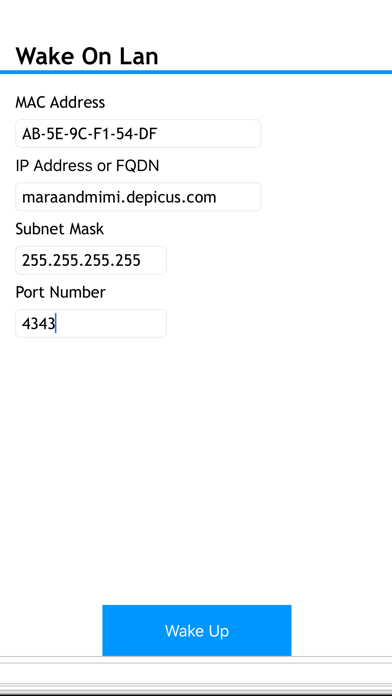
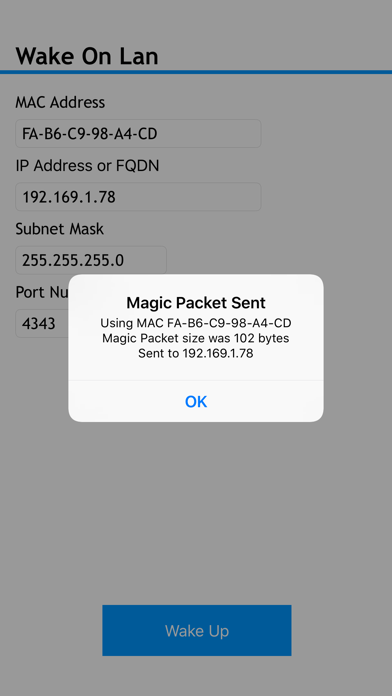
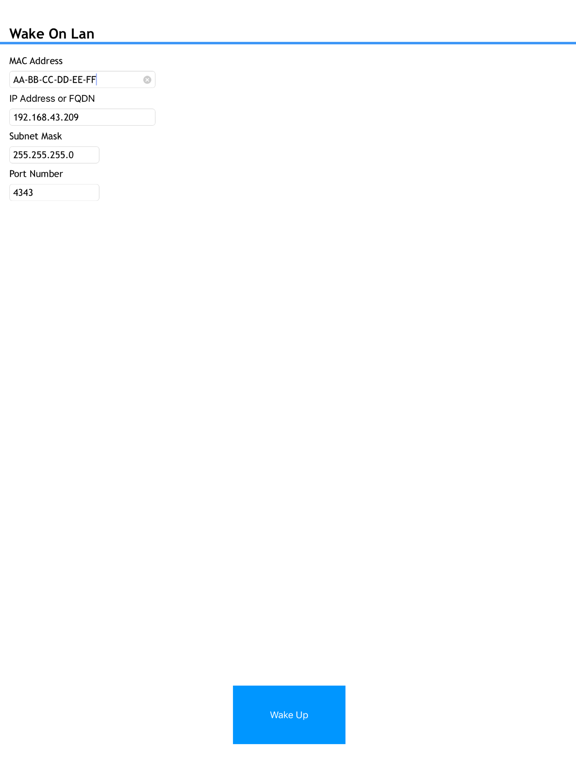
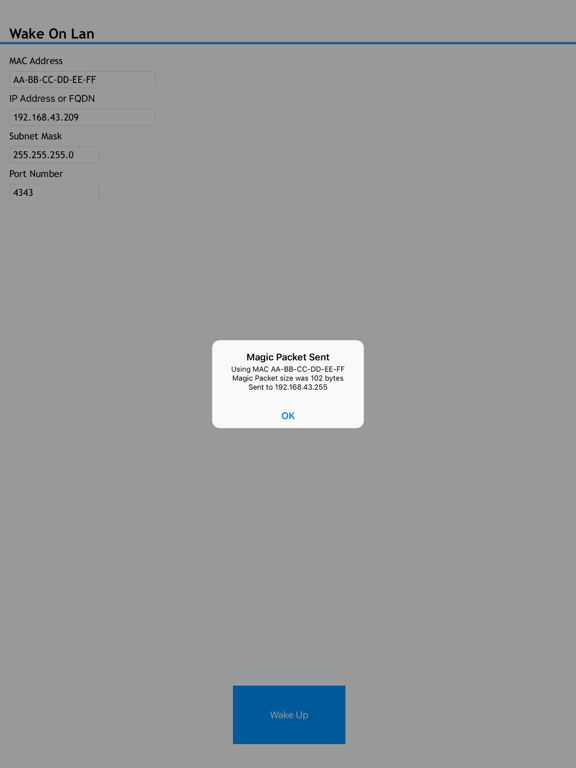
Depicus Wake On Lan allows you to remotely wake a computer or other device that comply with the Wake On Lan protocol either on a local network or over the internet. Full information about Wake On Lan can be found at https://www.depicus.com/wake-on-lan/welcome NB: Wake On Lan and Wake On Wan will not work to wake up a computer using only wifi although you can use this application to wake up machines if you are connected to wifi or 3G/4G. Also note that some Mobile Operators block UDP ports lower than 1024 over their networks, try using a higher port number e.g. 4343 You can always ask questions via twitter @depicus, hope you enjoy this app.
Latest release
What’s New
This update from Apple will improve the functionality of this app. No new features are included. Totally re-written for 64bit in Swift. This version is for those who have moved to iOS 11 for which the current app does not work. Some functionality parity with the old version is currently not present but will return in future updates.
Audience growth
Ratings growth
Baseline captured. Growth appears after the crawler observes a changed rating count.
Momentum comes from crawler snapshots for the tracked storefront. “Viral growth signal” means unusually fast recent rating gains; it is an indicator, not download data.
Price tracking
Price intelligence
First snapshot captured. The trend line starts after the next crawler price observation.
- First observed Aug 14, 2026 · 1:13 AM $1.99
Screenshots