About this app
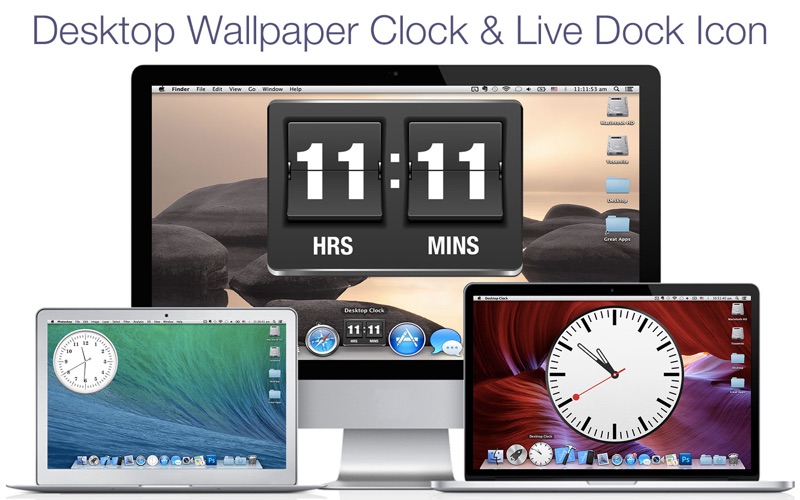
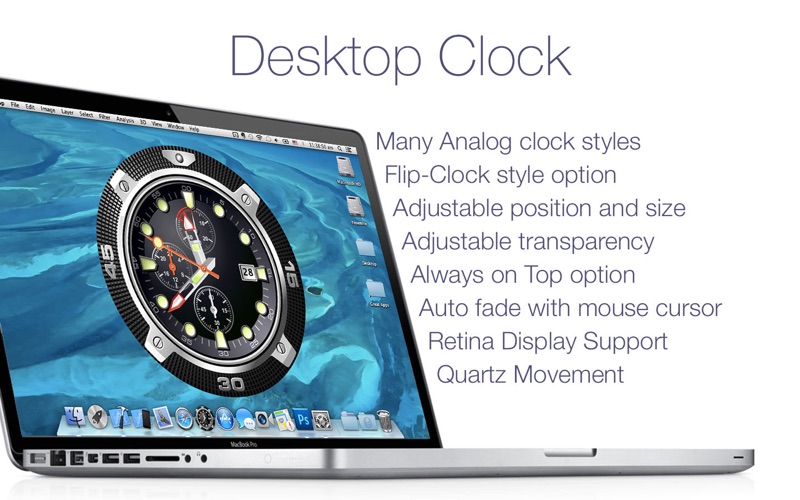
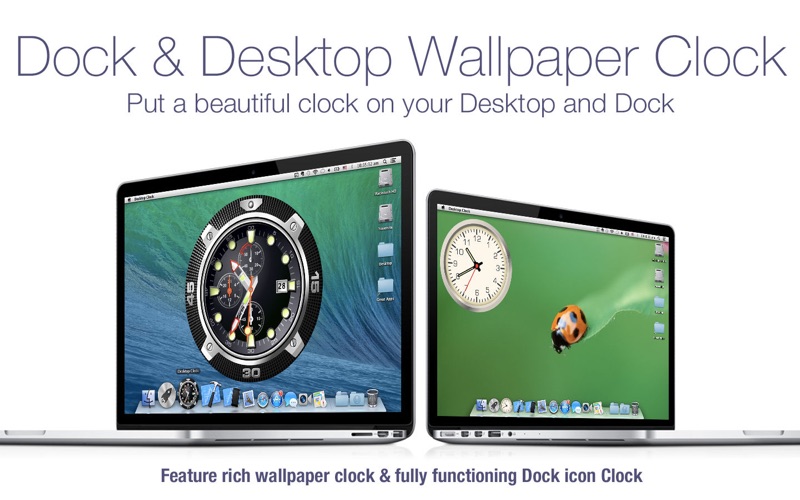
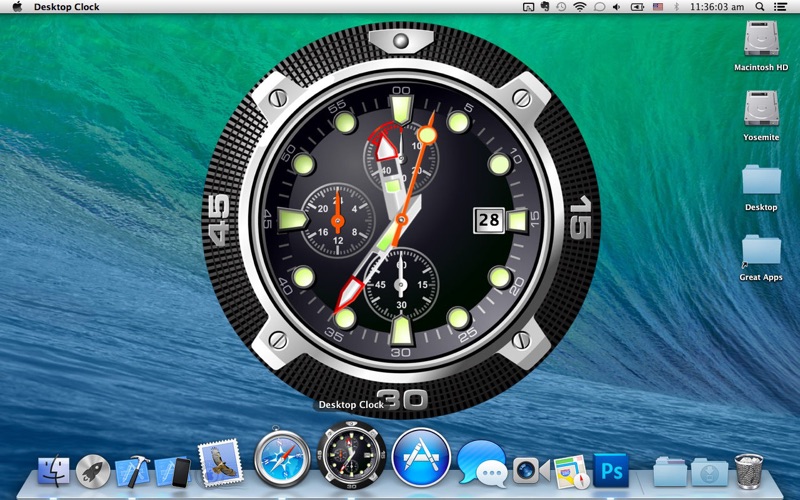
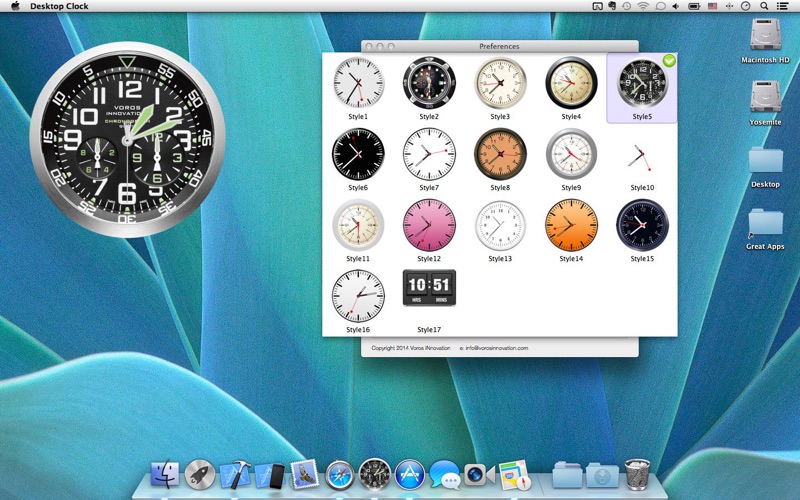
Bring elegance and functionality to your Mac’s desktop with the "Desktop Clock" app, offering dozens of stunning clock designs to suit any style. Experience timekeeping like never before, right on your desktop and Dock. The "Desktop Clock" app transforms your Mac into a stylish timepiece, blending beauty with practicality. Choose from a variety of clock designs, whether you love the classic look of analog, the retro vibe of flip-clocks, or the smooth precision of animated quartz movement. With customizable options, you can make the clock truly your own, perfectly tailored to fit your desktop setup. App Features: - Dozens of Clock Designs: Explore a wide range of clock styles, from analog to flip-clocks, and more. - Customizable Position & Size: Easily adjust the clock’s placement and size to suit your needs. - Transparency Control: Blend the clock seamlessly with your desktop by adjusting its transparency. - Always on Top: Keep the clock visible over all windows with the "Always on top" feature. - Hot Corners: Quickly bring the clock to the front using customizable Hot Corners. - Supports Multiple Desktops: Enjoy your clock across all your desktop spaces without interruption. - Minimal System Impact: The app is designed to run efficiently, using very little system resources. We are dedicated to providing you with a high-quality experience. Your feedback helps us improve, and we’re committed to responding to all inquiries quickly. Download the "Desktop Clock" app today and elevate your Mac's timekeeping experience with style and precision!
Latest release
What’s New
We’re thrilled to bring you an update that enhances your experience with exciting new features, performance improvements, and important bug fixes! New Features: Explore fresh additions designed to make your app experience even better. Enhanced Performance: Enjoy a faster, smoother experience with optimizations across the board. Bug Fixes: We’ve addressed various issues to improve stability and reliability. Refined UI: Experience a cleaner, more intuitive interface with subtle yet impactful design tweaks. Thank you for using our app! We’re committed to continuous improvement, and your feedback helps us get better with every update. Be sure to download the latest version and discover what’s new!
Audience growth
Ratings growth
Baseline captured. Growth appears after the crawler observes a changed rating count.
Momentum comes from crawler snapshots for the tracked storefront. “Viral growth signal” means unusually fast recent rating gains; it is an indicator, not download data.
Price tracking
Price intelligence
First snapshot captured. The trend line starts after the next crawler price observation.
- First observed Aug 10, 2026 · 6:18 AM Free
Screenshots