About this app
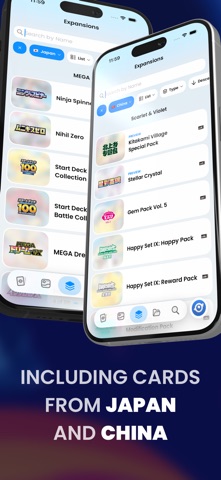
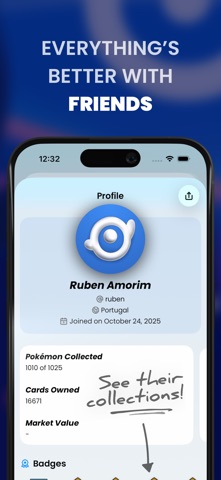
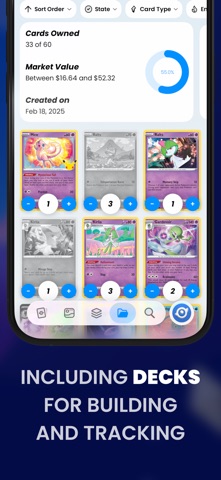
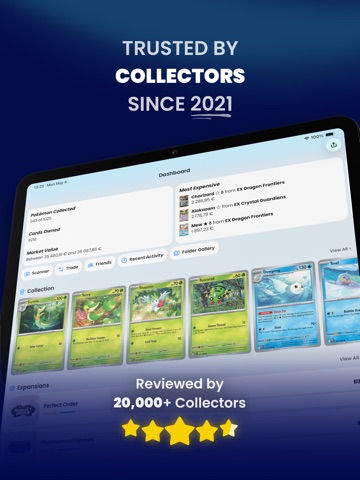
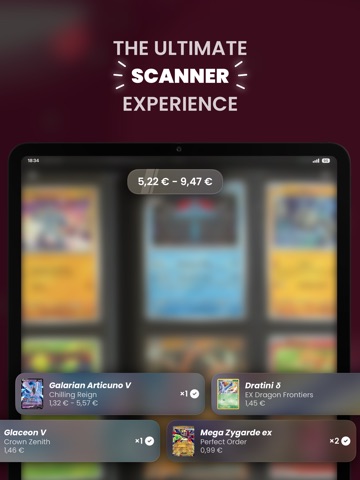
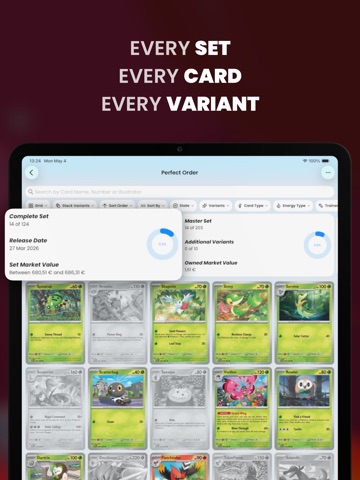
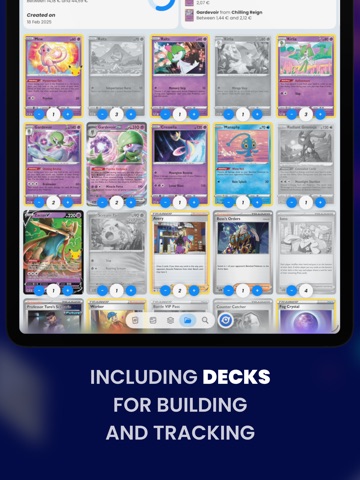
Dex is the ultimate unofficial app for Pokémon TCG collectors. Trusted by collectors since 2021, Dex lets you scan cards, track your collection, check prices, and explore every set, all in one place. • Track Your Collection Easily manage the cards you own and see what’s missing. • Powerful Card Scanner Add cards instantly using your camera — fast and accurate. • Complete Card Database Browse every English, Japanese, and Simplified Chinese set. • Collection Stats See detailed insights across sets, variants, and types. • Card Values & Market Prices Estimate your collection’s worth using up-to-date price info. • Folders & Organization Create custom folders for trades, favorites, duplicates — you decide. • Build Decks Design decks with powerful tools like hand simulators and draw odds. • Friend System Share your collection and compare cards with friends. • Advanced Search & Filters Find cards by name, artist, type, rarity, and more. • Personalization Choose between light & dark themes and add custom widgets. Whether you’re a collector, or just getting started — Dex helps you scan, sort, and showcase your physical Pokémon TCG collection like never before. Download Dex now and upgrade your collecting experience! • • • Terms of Use (EULA): https://www.apple.com/legal/internet-services/itunes/dev/stdeula/ • • • Questions? Feedback? Reach out on Twitter @DexTCG. About Dex+: If you subscribe to any Dex+ plan, payment will be charged to your iTunes account, and your account will be charged for renewal within 24-hours prior to the end of the current period. You can choose to be billed monthly or yearly. You can turn off auto-renew in your Apple ID Account Settings any time after purchase. • • • Disclaimer: The text and imagery related to the Pokémon Trading Card Game, including card images, are copyrighted materials owned by The Pokémon Company. Please note that Dex is an independent application and is neither produced, endorsed, supported, nor associated with The Pokémon Company.
Latest release
What’s New
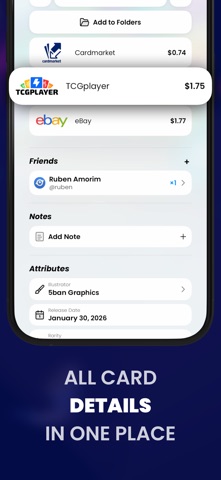
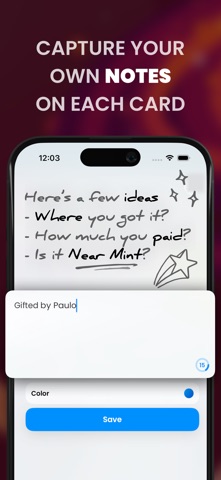
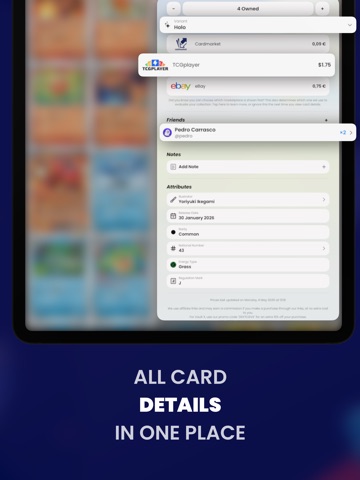
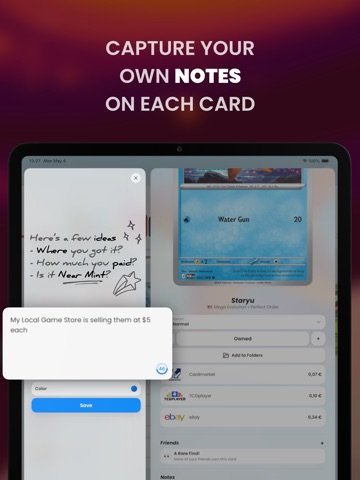
The one we promised is finally here. • Your Binder, Your Rules A few updates ago we promised a Binder folder type you build yourself. It’s here. Create a Binder folder and place each card in exactly the pocket you want: pick the page size, leave pockets empty on purpose, and arrange every spread the way it sits in your real binder. • Card Details, Remastered Card details got a serious glow-up, with one goal in mind: making each section a bit more compact to clear the way for some major features coming soon. Market prices now scroll horizontally as cards, so comparing marketplaces is a swipe instead of a scroll. The friends section follows the same style, showing who owns the card in a scrollable row. Everything important now fits in the first screenful, the background art got a subtle new blur treatment, and swiping between cards now lands on the exact variant of the row you tapped. ... and a few more things! • Smart folders, the Folders tab and the Dashboard are now dramatically faster with large collections. • The CSV export is customizable before sharing, and gained card notes, number and illustrator columns, with rows sorted by card number. • Smart folder rules for Card Type and Trainer Type now support picking multiple values. • Multi-select folder actions now respect the exact variant you picked. • The stack/split toggle is back on the trade screens. • Card names now update properly when you change your device language. • Various design tweaks, performance boosts, and bug fixes across the app.
Audience growth
Ratings growth
Baseline captured. Growth appears after the crawler observes a changed rating count.
Momentum comes from crawler snapshots for the tracked storefront. “Viral growth signal” means unusually fast recent rating gains; it is an indicator, not download data.
Price tracking
Price intelligence
First snapshot captured. The trend line starts after the next crawler price observation.
- First observed Sep 8, 2026 · 8:42 PM Free
Screenshots