About this app
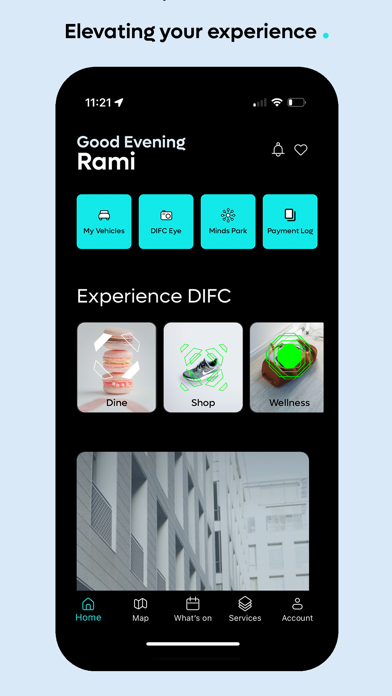
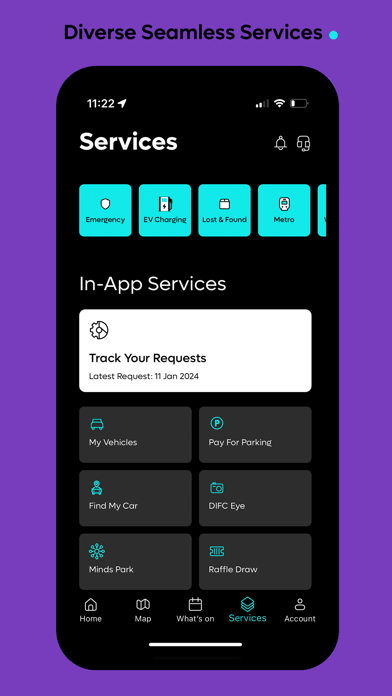
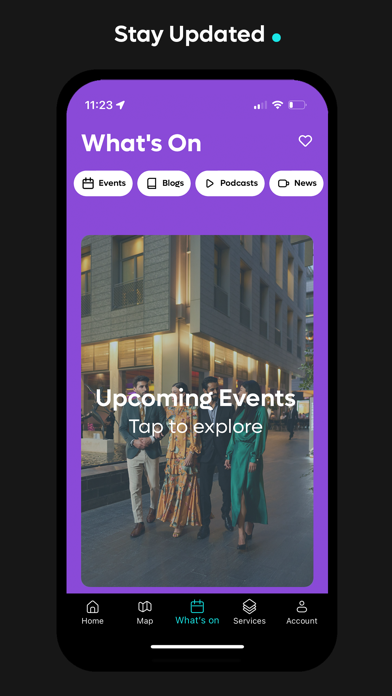
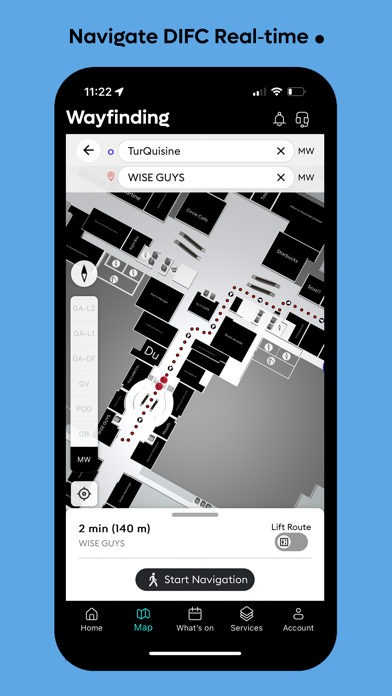
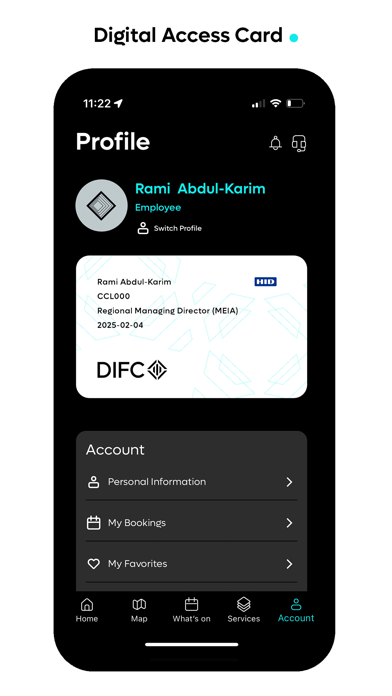
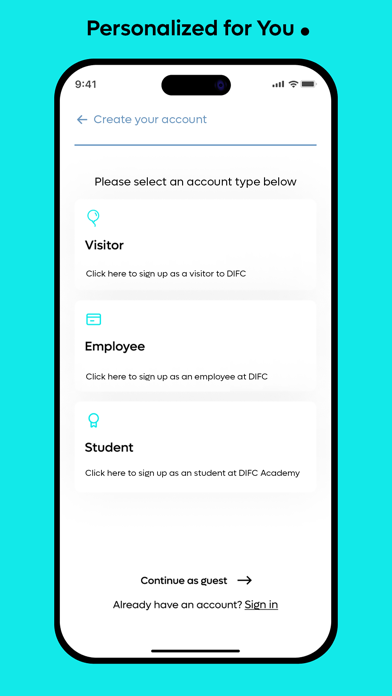
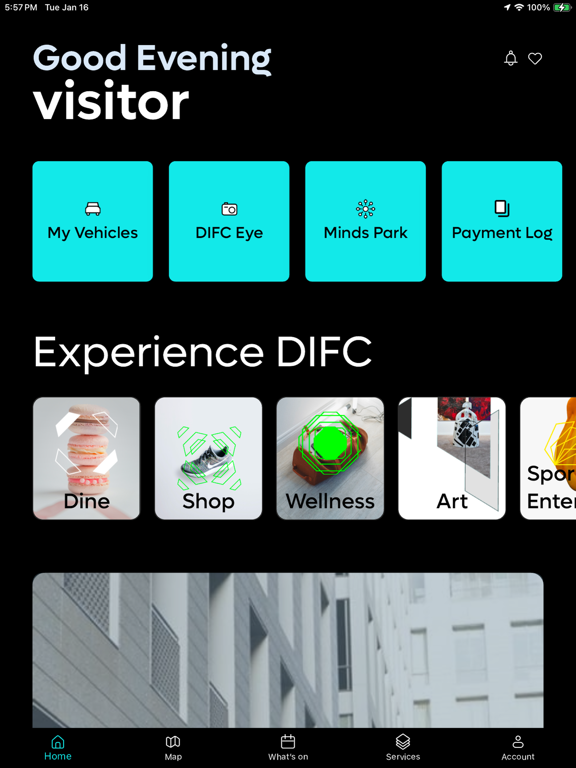
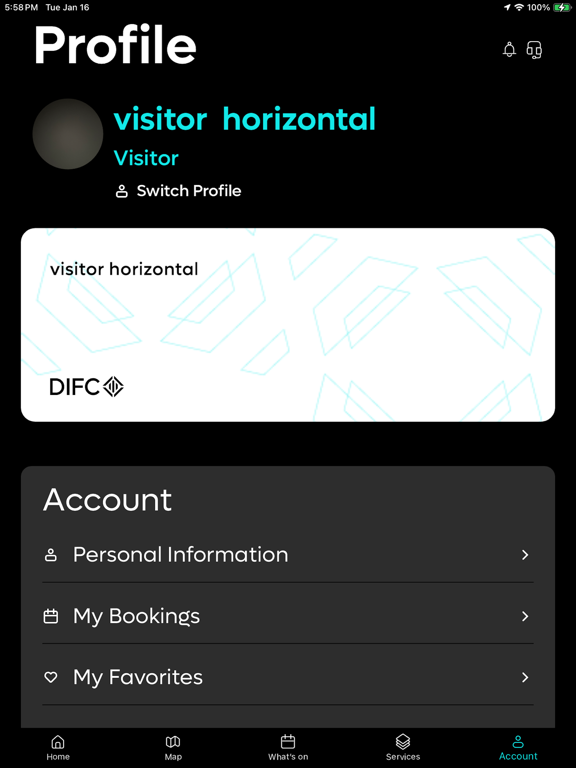
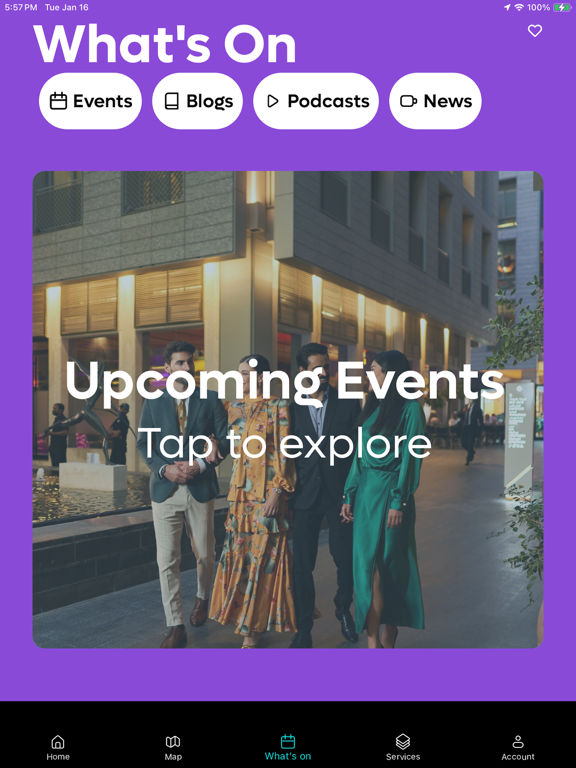
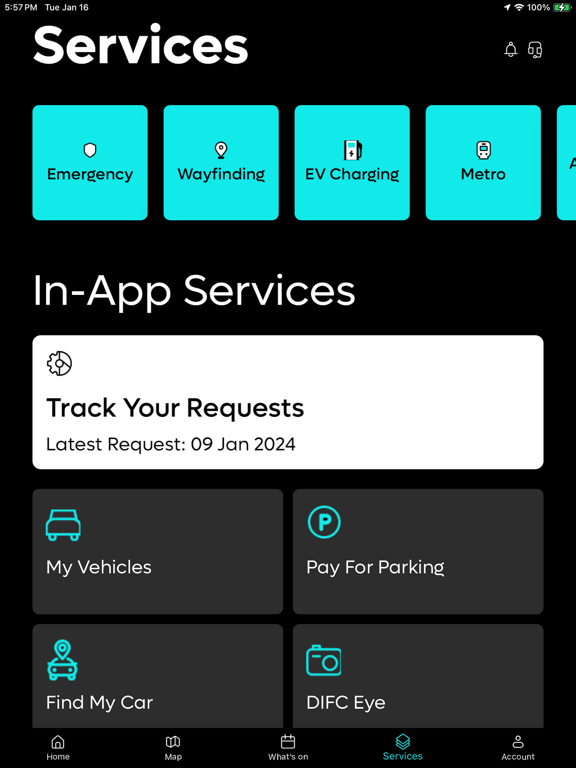
Welcome to the DIFC Official App – your gateway to an enriched DIFC experience! Immerse yourself in a realm of seamless services meticulously crafted to elevate both your visit and work experience within the district. Here are some of the exciting features awaiting you: Personalized Profiles: Tailor your app experience from the get-go. During onboarding, select your profile, and watch as the DIFC app transforms with relevant services and features just for you. Pay for Parking: Simplify your parking experience with our Pay for Parking service. Effortlessly settle parking tickets within the app for a seamless and convenient transaction. Vehicle Profiles: Manage your vehicles effortlessly with Vehicle Profiles. Create and oversee car-related in-app services within personalized profiles for streamlined convenience. Find My Car: Never lose your parked car again! Locate your vehicle effortlessly with the "Find My Car" service, ensuring stress-free retrieval in busy parking areas. DIFC Eye: Address maintenance concerns efficiently with DIFC Eye. Report issues promptly through the app for a secure, well-maintained environment. Digital ID: Digitize your networking game with the DIFC app's Digital ID. Effortlessly share your business card for seamless connections and enhanced networking. Real-time Wayfinding: Embark on a seamless and stress-free journey through DIFC with our advanced real-time navigation wayfinding system. Explore the district effortlessly with precise directions. What's On: Stay in the know with the "What's On" section. Explore updates on blogs, podcasts, news, and exciting events within DIFC, ensuring you never miss a beat. Download the DIFC Official App now and unlock a realm of personalized and convenient experiences!
Latest release
What’s New
We’re continuously enhancing DIFC+ to deliver a smoother, smarter experience. What’s New Venues: Book and manage venue spaces effortlessly for your meetings, events, and business needs—all from one place. Co-Working: Enjoy an improved Co-Working experience with enhanced performance.
Audience growth
Ratings growth
Baseline captured. Growth appears after the crawler observes a changed rating count.
Momentum comes from crawler snapshots for the tracked storefront. “Viral growth signal” means unusually fast recent rating gains; it is an indicator, not download data.
Price tracking
Price intelligence
First snapshot captured. The trend line starts after the next crawler price observation.
- First observed Sep 1, 2026 · 3:12 PM Free
Screenshots