About this app
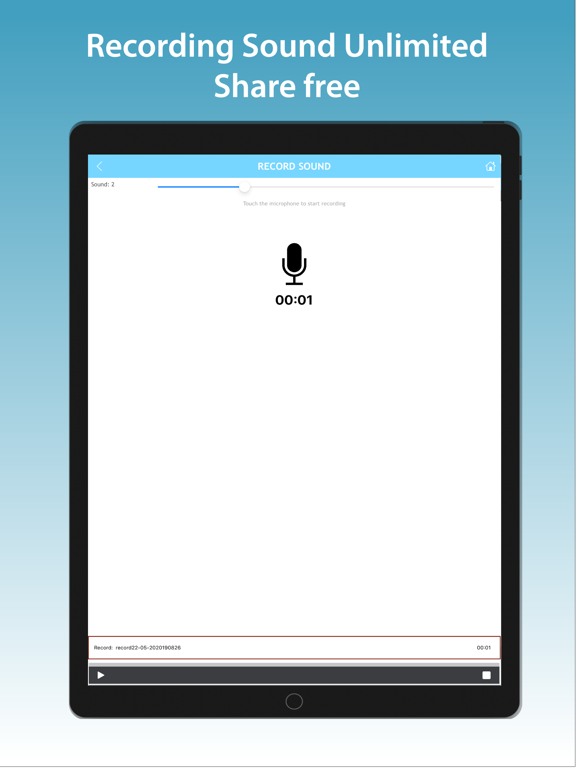
Bring your voice to life with DinleSenden. Record your voice with background music and create expressive audio for speeches, poetry, storytelling, personal messages, and more. Choose from ready-to-use background music or add your own tracks from Files. Adjust your voice and music volumes separately to create the perfect balance for every recording. CREATE WITH BACKGROUND MUSIC Add atmosphere and emotion to your voice with carefully selected background tracks. Preview the available music and choose the one that best fits your words. ADD YOUR OWN MUSIC Want to use a personal track? Import your own background music directly from Files. DinleSenden supports MP3, M4A, and WAV files. ENHANCE YOUR SPEAKING VOICE Use voice enhancement to make your speech sound clearer and more effective. This is ideal for spoken-word recordings, poetry, presentations, storytelling, and meaningful messages. CONTROL YOUR SOUND Adjust your voice and background music independently. Make your voice stand out or let the music become a stronger part of the experience. SAVE, LISTEN, AND SHARE Keep your recordings in one place, listen to them whenever you want, and share your creations with friends, family, or your audience. With DinleSenden, you can: • Record your voice with background music • Enhance your speaking voice • Choose from ready-to-use music • Import your own MP3, M4A, or WAV files • Adjust voice and music volume separately • Save and replay your recordings • Share your recordings easily • Use light or dark mode Whether you are recording a poem, practicing a speech, telling a story, or creating a heartfelt message, DinleSenden helps your voice make a stronger impact. Your voice. Your music. Your story.
Latest release
What’s New
Fixed the placement of the bottom banner ad.
Audience growth
Ratings growth
Baseline captured. Growth appears after the crawler observes a changed rating count.
Momentum comes from crawler snapshots for the tracked storefront. “Viral growth signal” means unusually fast recent rating gains; it is an indicator, not download data.
Price tracking
Price intelligence
First snapshot captured. The trend line starts after the next crawler price observation.
- First observed Aug 27, 2026 · 9:20 AM Free
Screenshots