About this app
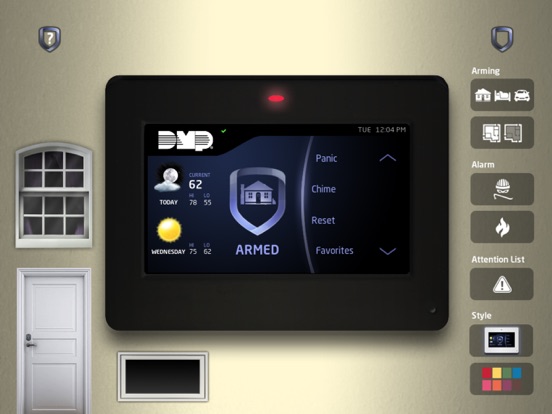
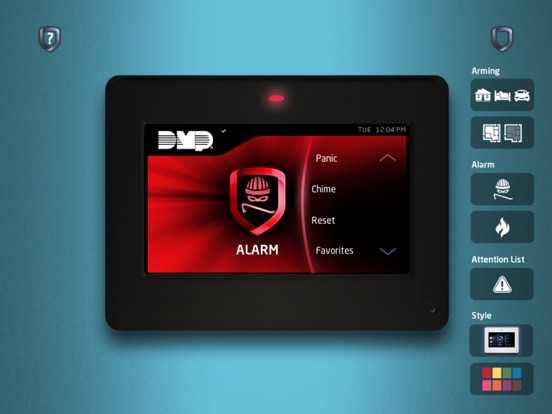
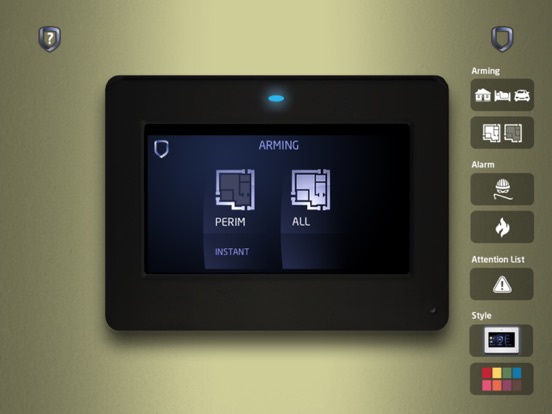
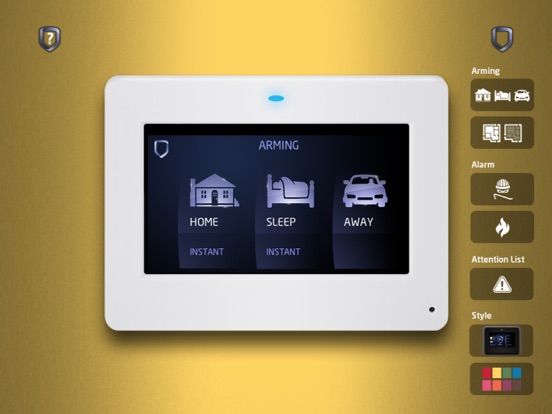
Give your customers a first-hand look at all the key features and benefits of the DMP Touchscreen Keypad with the DMP Touchscreen App on your iPad. It’s a powerful sales tool that lets you quickly and easily walk them through how great it will be to add a touchscreen keypad to their system. The app lets you simulate all the most-often used features: • Arm Home/Sleep/Away • Exit/Enter • All perimeter • Fire & panic alarms • Carousel navigation • Z-Wave functions (thermostats, doors, and lights) • Cancel/Verify • Chime • Weather • Keypad color options As they use the app, they’ll get a real feel for how simple, useful, and elegant the keypad will be in their home, helping you make more sales. Download the DMP Touchscreen App now to put a realistic simulation of the Touchscreen Keypad on your iPad to show your customers why it’s something they can’t live without!
Latest release
What’s New
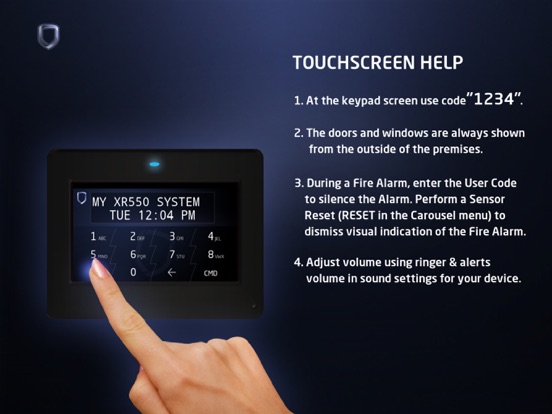
The sound is now managed through the media volume instead of the ringer & alerts volume. Simply use the volume control on the side of your device to adjust the sound. The Help menu has been updated to include information on screen zoom, which should help resolve any screen cropping issues. We’ve also addressed a couple of issues: the thermostats Off button will now properly deselect after pressing Auto, and the alarm sound will no longer continue for a short time after entering the disarm code.
Audience growth
Ratings growth
Baseline captured. Growth appears after the crawler observes a changed rating count.
Momentum comes from crawler snapshots for the tracked storefront. “Viral growth signal” means unusually fast recent rating gains; it is an indicator, not download data.
Price tracking
Price intelligence
First snapshot captured. The trend line starts after the next crawler price observation.
- First observed Aug 31, 2026 · 12:03 AM Free
Screenshots