About this app
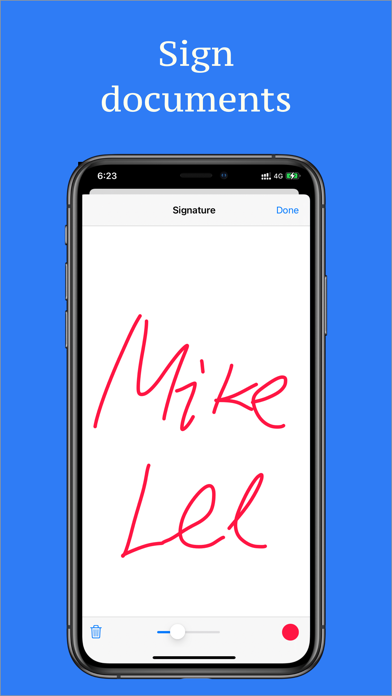
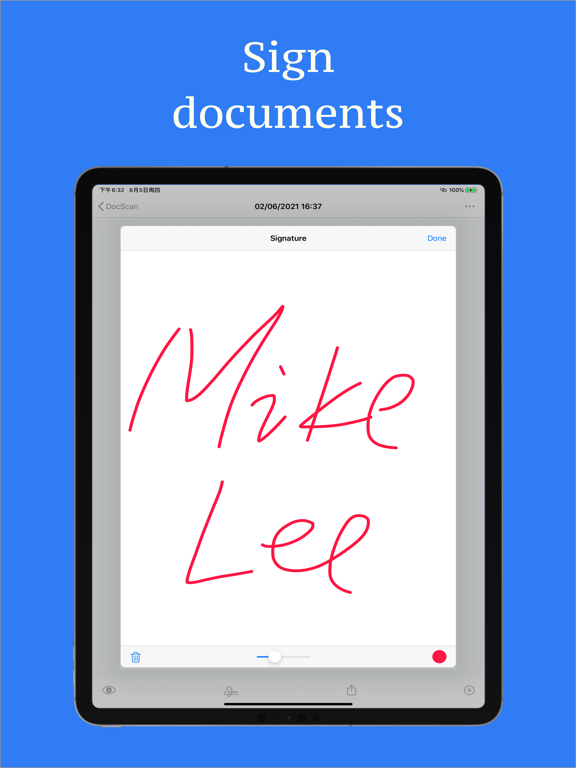
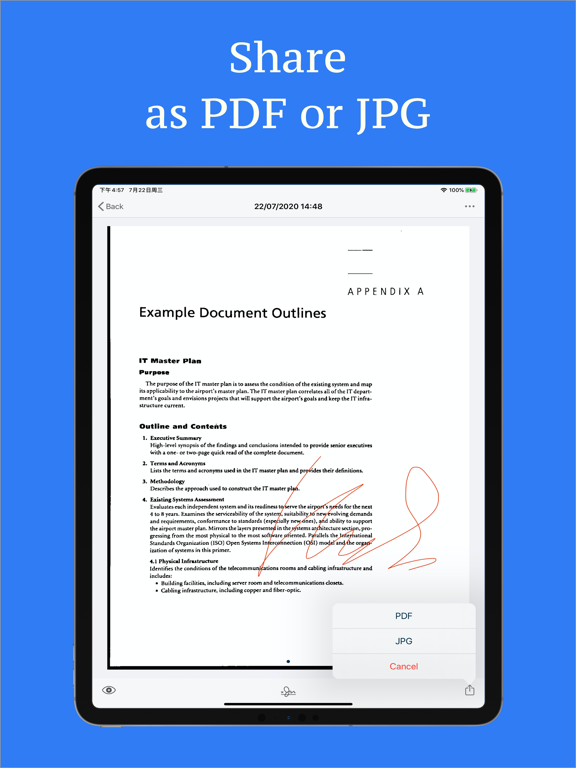
Turn any paper into a clean, searchable PDF or JPG in seconds — no bulky scanner needed, just your phone's camera. Point your camera at a document and Doc Scan automatically detects it and captures the shot. Crop your scan and choose from color, grayscale, black & white, or photo mode to get the cleanest result every time. Once your scan is ready, use built-in OCR to extract accurate text from receipts, bills, passports, contracts, and any other document. Add your own signature to sign documents on the spot — no printing required. Export and share your finished scans as PDFs or JPGs, completely free. Every document is automatically backed up to iCloud, so nothing is lost even if you delete the app, and everything syncs across all your Apple devices. Why people choose Doc Scan: • Scan receipts, bills, passports, contracts, and any paper document • Auto document detection with one-tap cropping • Color, grayscale, black & white, and photo filters • Accurate text recognition (OCR) • Add a signature to sign documents digitally • Export and share as PDF or JPG, free • Automatic iCloud backup and sync across all your devices • App lock to keep your documents private Stop carrying paper. Download Doc Scan and start scanning in seconds.
Latest release
What’s New
New PDF tools: add page numbers, watermarks, password protection, and preview files before sharing. Save signatures to your library and apply one signature to every page.
Audience growth
Ratings growth
Baseline captured. Growth appears after the crawler observes a changed rating count.
Momentum comes from crawler snapshots for the tracked storefront. “Viral growth signal” means unusually fast recent rating gains; it is an indicator, not download data.
Price tracking
Price intelligence
First snapshot captured. The trend line starts after the next crawler price observation.
- First observed Aug 16, 2026 · 1:58 PM Free
Screenshots