About this app
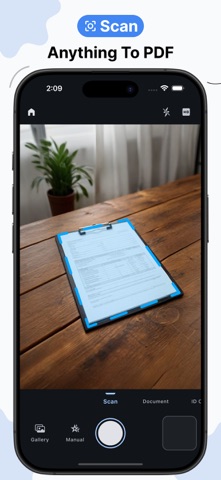
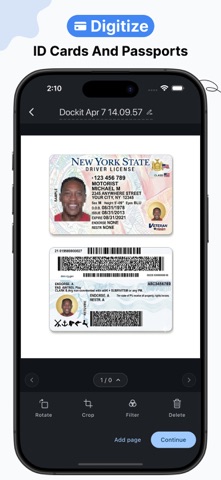
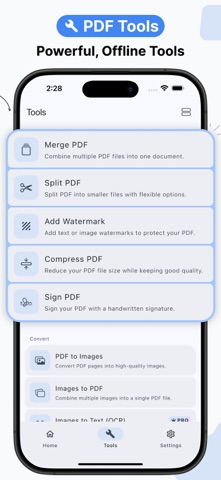
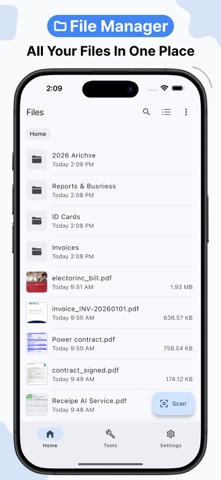
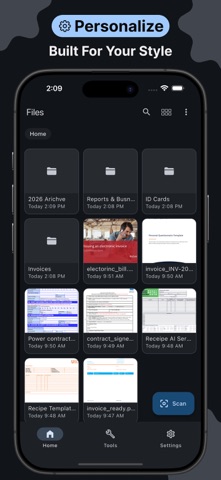
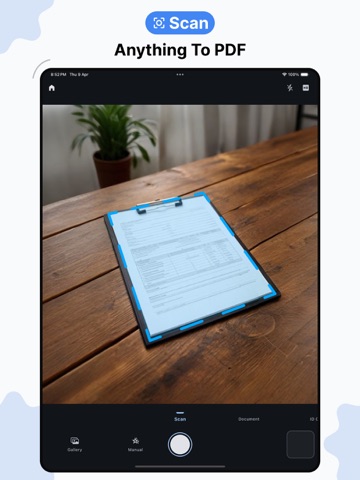
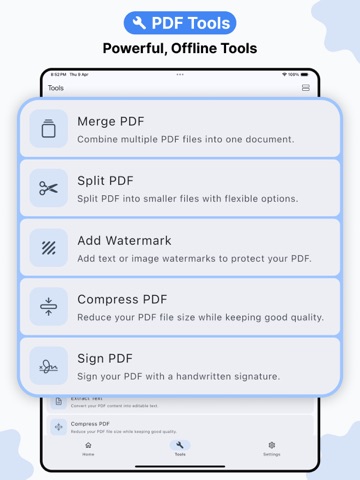
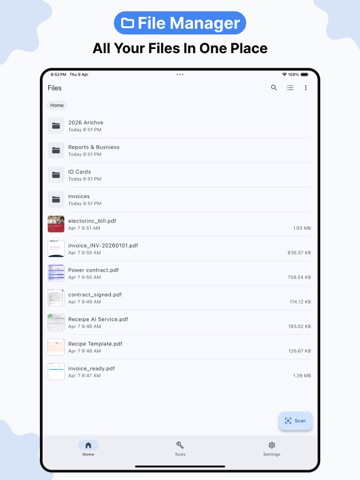
Dockit is a smart document scanner and full PDF toolkit — AI-powered filters, a complete set of PDF tools, and everything works fully offline. Scan documents with your camera and get clean, professional results instantly. Smart filters run entirely on-device to auto-detect edges, correct perspective, remove shadows, and produce crisp scans whether you're capturing a receipt, a contract, an ID card, or a passport. DOCUMENT SCANNER Scan in four modes built for different needs — General for any document, Document for standard paper sizes like A4 and Letter, ID Card for capturing both sides of an identity card, and Passport for travel documents. Every scan is processed locally with no data sent anywhere. ORGANIZE YOUR PDFs Merge multiple PDFs into one, or split a file your way — by page range, by file size, or at fixed intervals. Reorder, rotate, delete, or extract pages with a few taps. CONVERT & EXTRACT Turn PDFs into images or build a PDF from your photos in seconds. Extract text from any PDF or use OCR to pull text out of scanned images — all offline. SECURITY & SIGNING Sign documents digitally, add custom watermarks, protect files with a password, or remove protection from any PDF. Your documents, fully under your control. COMPRESS & OPTIMIZE Reduce PDF file sizes significantly without losing quality — useful for sharing, emailing, or simply freeing up storage. PRIVACY BY DESIGN Dockit works entirely offline. Nothing is uploaded and no data is collected. What's on your device stays on your device. SUBSCRIPTION & PREMIUM FEATURES Dockit offers a free version with core scanning features. Advanced tools require a subscription. Premium features include: • OCR (text recognition) • PDF compression • Digital signatures • Password protection for PDFs • ID card and passport scanning • Extended scan limits Subscription details are shown in-app before purchase. Terms of Use: https://www.apple.com/legal/internet-services/itunes/dev/stdeula/
Latest release
What’s New
- Added the ability to import signatures directly from images. - Now extracting text tool works on image-based PDF files (OCR). - Added a new 7-day free trial. - Fixed long app open times, so the app now launches much faster. - Improved UI and overall user experience. - Fixed core PDF tools bugs. - Fixed various minor bugs and improved overall app stability.
Audience growth
Ratings growth
Baseline captured. Growth appears after the crawler observes a changed rating count.
Momentum comes from crawler snapshots for the tracked storefront. “Viral growth signal” means unusually fast recent rating gains; it is an indicator, not download data.
Price tracking
Price intelligence
- First observed Aug 22, 2026 · 1:36 AM Free
Screenshots