About this app
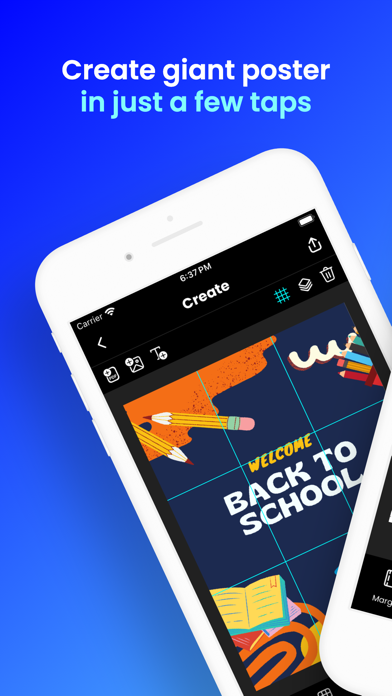
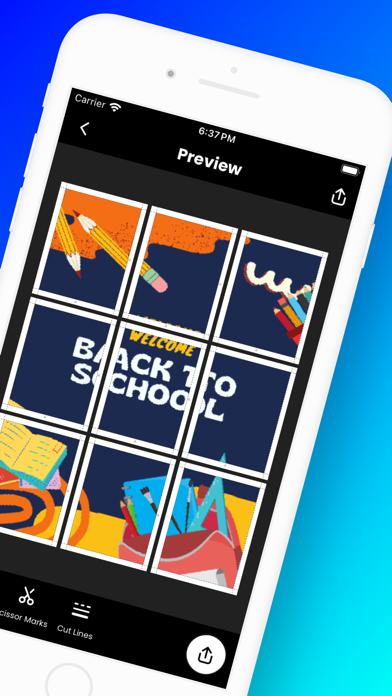
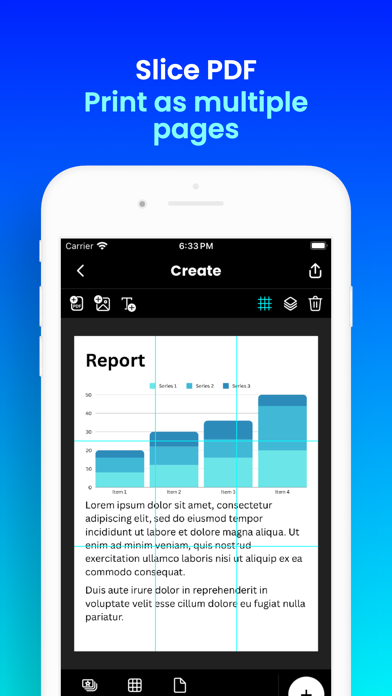
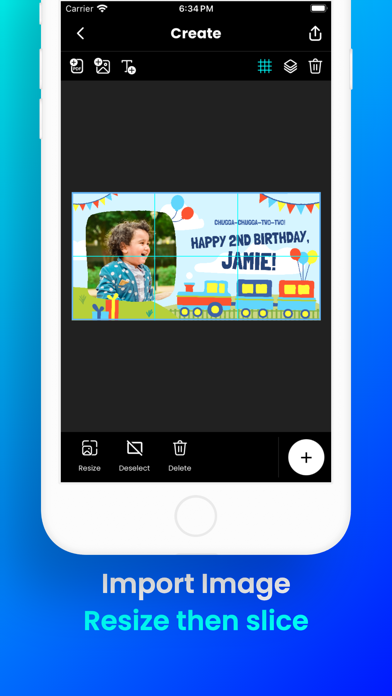
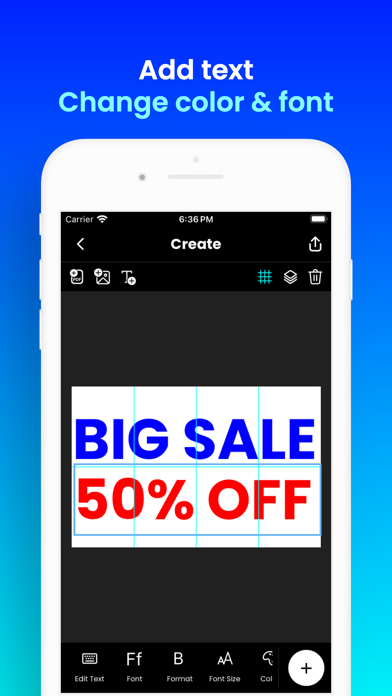
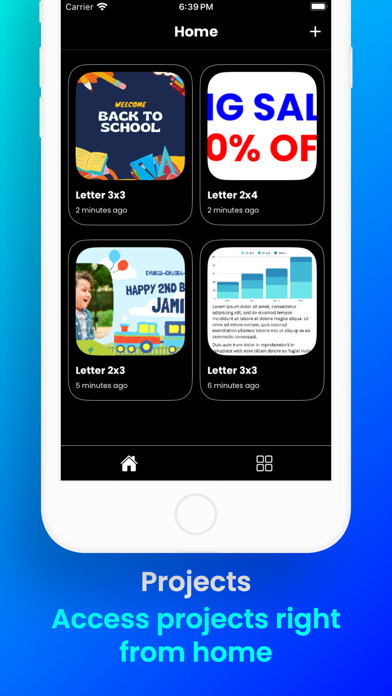
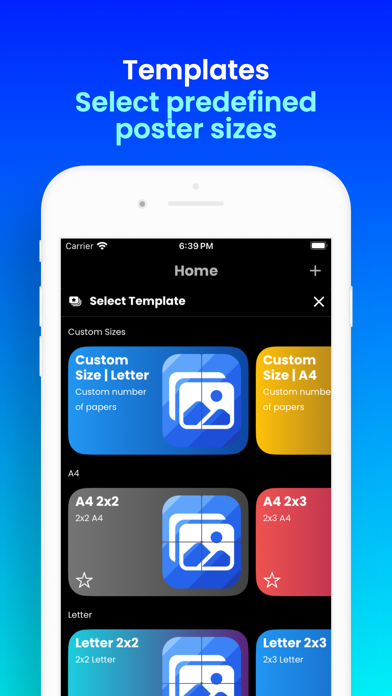
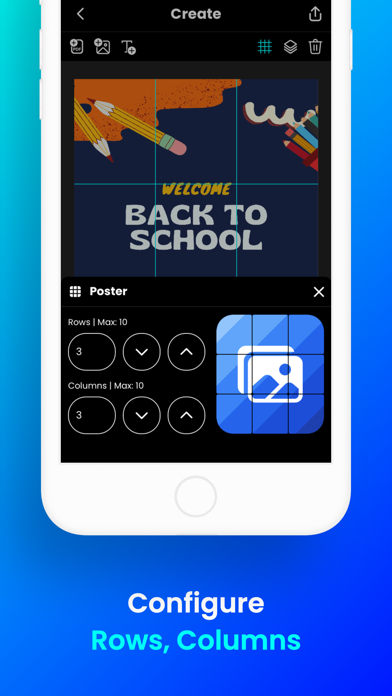
No giant printer? No problem! Want to create massive posters, banners, or wall art with your home printer? Docuslice lets you turn any image, PDF, or SVG into a stunning, multi-page masterpiece using your regular printer! Tiled printing is easier than ever — simply print across multiple pages and assemble them into one giant poster. Here’s how it works: - Choose your layout: - Grid Mode – set poster size using rows and columns (fixed number of papers). - Size Mode – set exact width and height for your poster. - Import any image, PDF, or SVG. - Customize it to perfection: Resize and add text with ease. - Docuslice magically slices your design into printable tiles. - Export your way — three options to choose from: - PDF (Standard) – a rasterized PDF, perfect for photo-heavy posters. - PDF (Vector) – razor-sharp at any size, ideal for text, logos, and line art. - Images – saved straight to your photo gallery. - Print directly to your home printer or send to print shops if you don’t have one. New: Vector PDF Export keeps text, shapes, SVG art, and imported PDF pages as true vectors — crisp at any size, with no pixelation no matter how big you print. Perfect for: - Eye-catching event posters (birthdays, holidays, etc.) - Educational charts, decorations, and classroom posters - Unique wall art for your home or office - Campaign, activism, and protest posters - Large banners, signage, and shop displays - Blueprints, floor plans, and CAD drawings - Engineering and architectural diagrams - Logos, branding, and wordmarks - Maps and infographics - Line art, coloring pages, and stencils - Stained glass patterns - Cut files for vinyl and signage - Sewing, quilting, and craft patterns - Sheet music and lyric posters Docuslice is: - FREE to download and use - Incredibly easy to learn - Compatible with images, PDFs, and SVGs - Exportable as standard PDF, vector PDF, or images - Lets you print large image on multiple pages — at any size - Cost-efficient – no need for large format printers - Eco-friendly – save resources by using your home printer Ready to unleash your creativity and print giant posters with ease? Download Docuslice today!
Latest release
What’s New
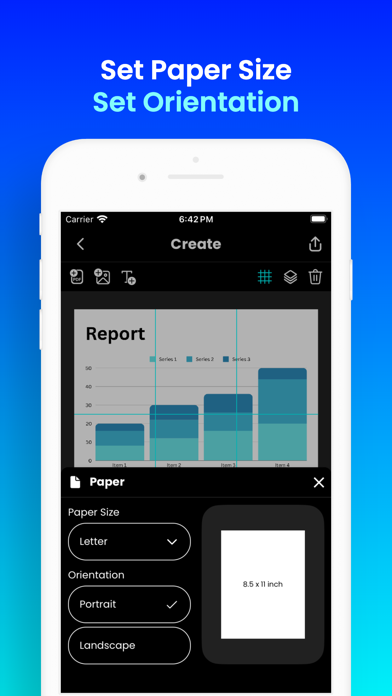
- SVG Import: Bring in scalable vector graphics — perfect for logos, icons, and crisp line art. - PDF Vector Export: Export true vector PDFs that stay razor-sharp at any print size. - Landscape Mode: Edit and print in landscape orientation. - Size Mode: Set your poster’s exact width and height. - Performance Improvements: Bug fixes and stability enhancements for a smoother experience.
Audience growth
Ratings growth
Baseline captured. Growth appears after the crawler observes a changed rating count.
Momentum comes from crawler snapshots for the tracked storefront. “Viral growth signal” means unusually fast recent rating gains; it is an indicator, not download data.
Price tracking
Price intelligence
- First observed Aug 11, 2026 · 12:35 AM Free
Screenshots