About this app
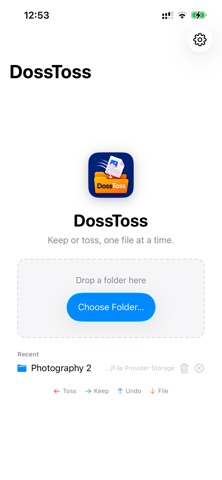
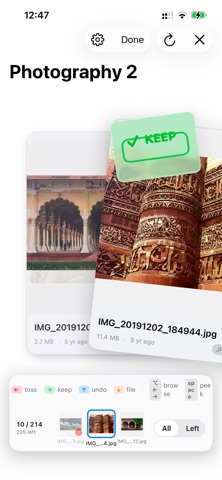
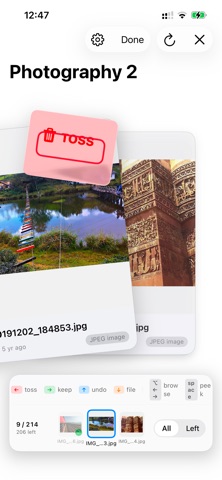
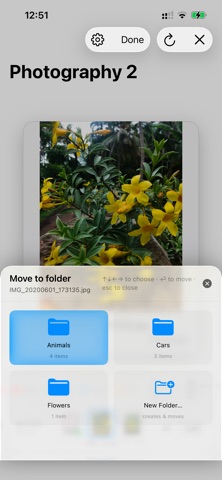
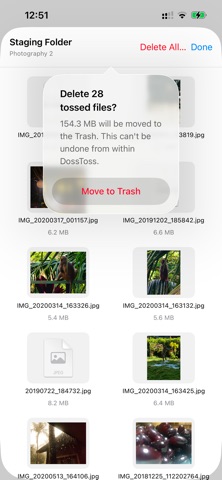
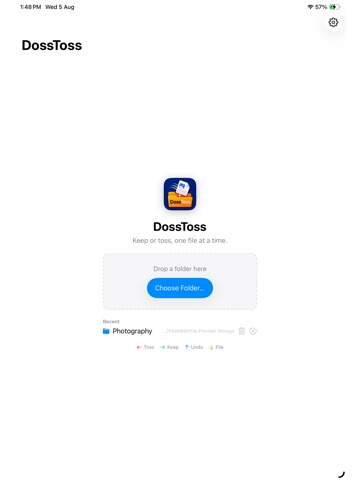
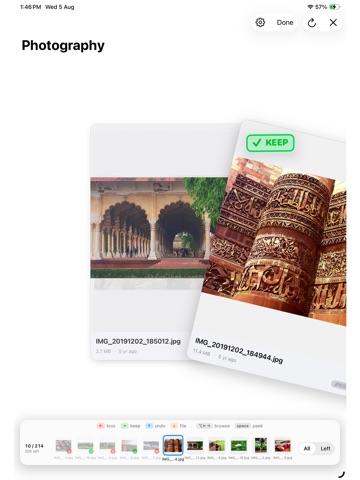
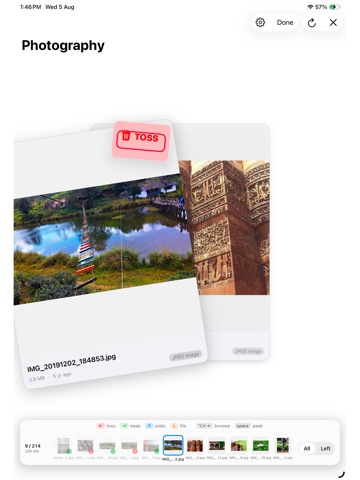
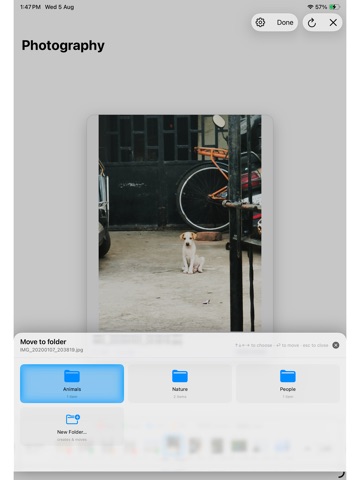
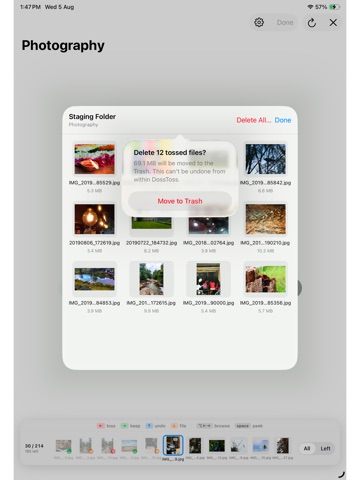
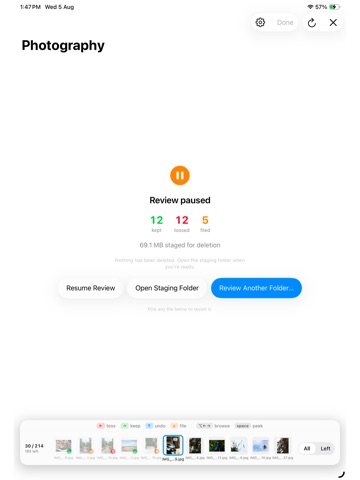
Open any folder and DossToss shows you one file at a time as a card stack you flick through with a swipe or an arrow key: • Swipe left (←) to Toss • Swipe right (→) to Keep • Swipe up (↑) to Undo • Swipe down (↓) to File it into a subfolder Nothing is ever deleted outright. Tossing a file moves it into a hidden staging folder inside that same directory. DossToss creates it automatically the first time you need it, and removes it again once it's empty. Change your mind later? Open the built-in staging browser to preview anything you've tossed and restore it with one click, or clear it out for good when you're ready (moved to the Trash, never erased on the spot). Stop and resume whenever you like. Press Done to see a summary partway through a folder. The filmstrip along the bottom stays live, so picking up where you left off is just a click away. Folders you've already reviewed stay reviewable too: reopen one and everything you've decided is right there, dimmed in the filmstrip, ready to reconsider. Built for speed: – A live filmstrip of every file in the folder, so you always know what's next and can jump anywhere – Instant Quick Look previews for anything you're not sure about – Full keyboard control, with the same shortcuts shown on screen – A folder-destination grid for filing things away, with one-motion "New Folder" creation – Native, sandboxed, and built entirely with SwiftUI's Liquid Glass design DossToss never reads, uploads, or shares anything about your files. It only touches the folder you choose to open through the Files app: iCloud Drive, On My iPhone/iPad, or any connected cloud provider, and only for as long as you're using it.
Audience growth
Ratings growth
Baseline captured. Growth appears after the crawler observes a changed rating count.
Momentum comes from crawler snapshots for the tracked storefront. “Viral growth signal” means unusually fast recent rating gains; it is an indicator, not download data.
Price tracking
Price intelligence
First snapshot captured. The trend line starts after the next crawler price observation.
- First observed Aug 20, 2026 · 10:56 PM $2.99
Screenshots