About this app
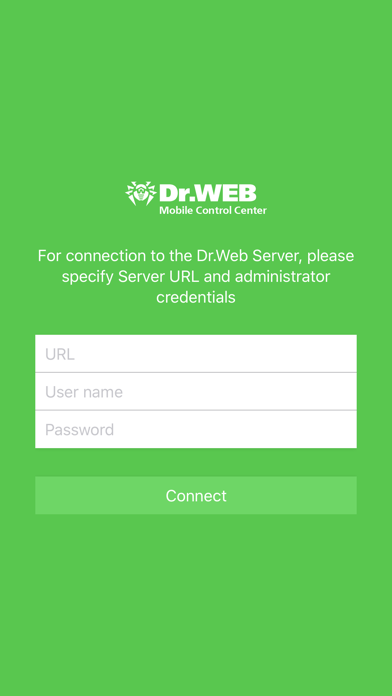
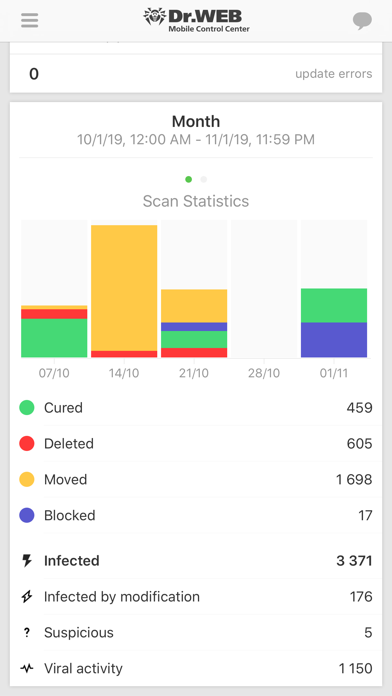
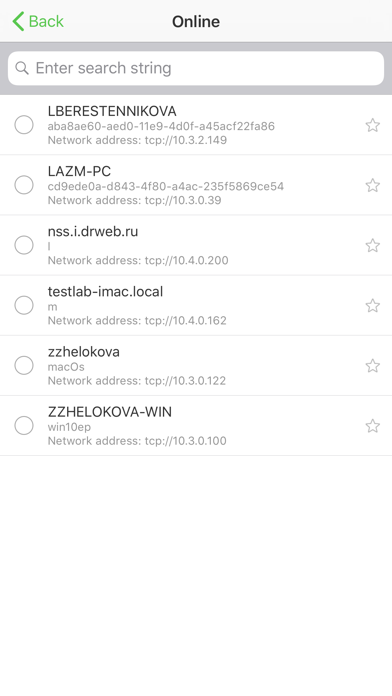
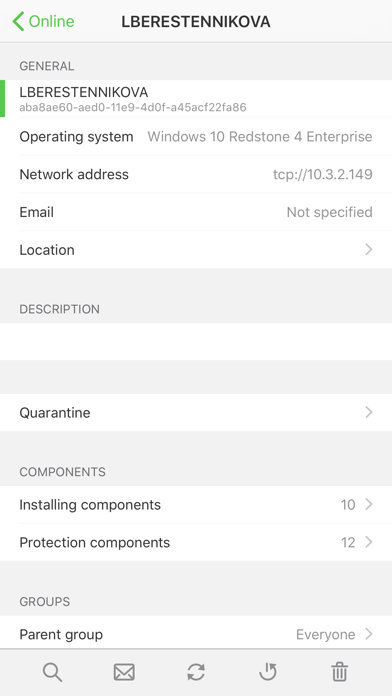
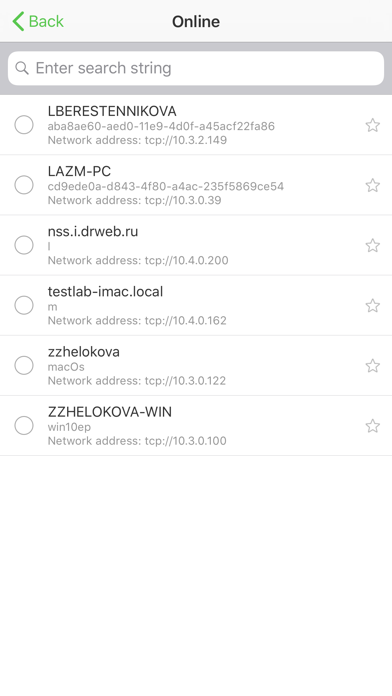
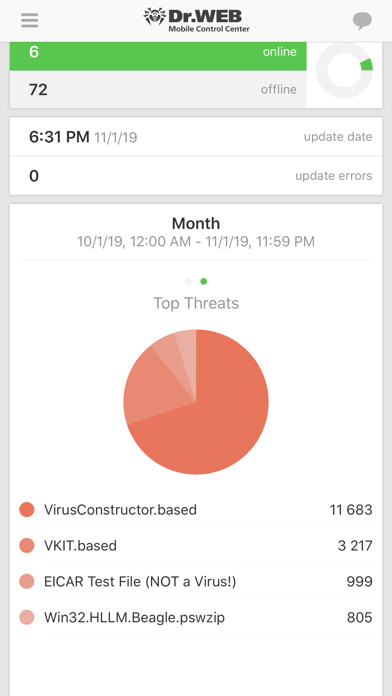
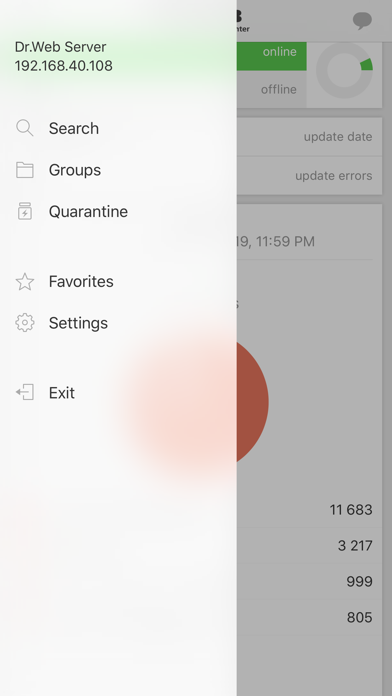
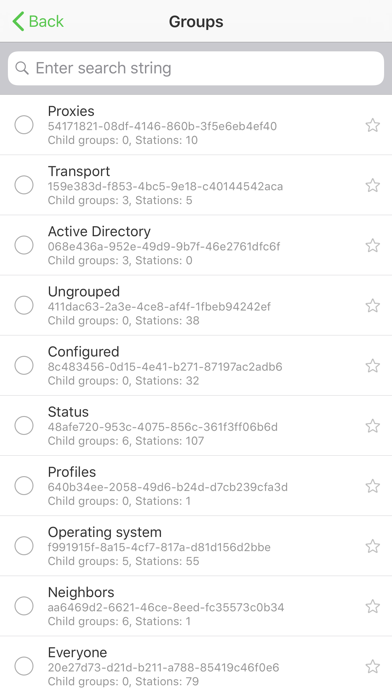
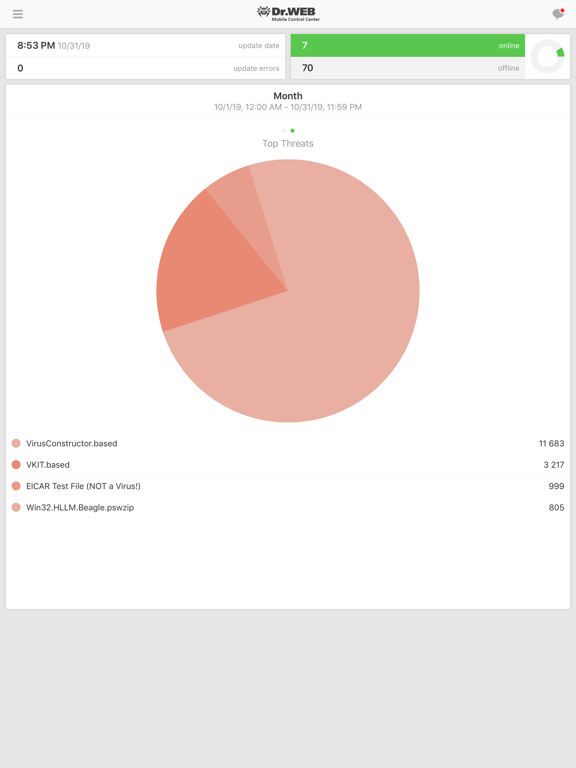
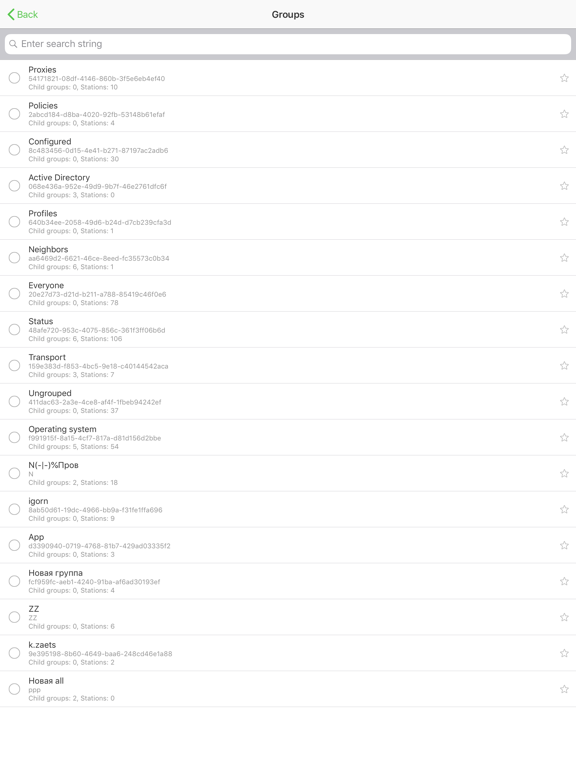
Dr.Web Mobile Control Center is an easy tool for administrating the anti-virus network based on Dr.Web Enterprise Security Suite or Dr.Web AV-Desk. It is designed for installation and operation on mobile devices. Dr.Web Mobile Control Center connects to Dr.Web Server according to the anti-virus network administrator credentials including via an encrypted protocol. General functions 1. Manage Dr.Web Server repository: • view the products state in the repository; • launch repository update from Dr.Web Global Update System. 2. Manage stations on which an update of anti-virus software is failed: • display failed stations; • update components on failed stations. 3. Display statistics information on anti-virus network state: • number of stations registered at Dr.Web Server and their current state (online/offline); • viral statistics for protected stations. 4. Manage new stations waiting for connection to Dr.Web Server: • approve access; • reject stations. 5. Manage anti-virus components installed on anti-virus network stations: • launch the fast or full scan either for selected stations or for all stations of selected groups; • setup Dr.Web Scanner reaction on malware detection; • view and manage files in the Quarantine either for selected stations or for all stations in the selected group. 6. Manage stations and groups: • view properties; • view and manage components composition of anti-virus package; • delete; • send custom messages to stations; • reboot stations under Windows OS; • add to favorites list for the quick assess. 7. Search for stations and groups in an anti-virus network by different parameters: name, address, ID. 8. View and manage messages on major events in an anti-virus network via the interactive Push notifications: • display all notifications at Dr.Web Server; • set reactions on notification events; • search notification by specified filter parameters; • delete notifications; • exclude notifications from automatic deletion. Dr.Web Enterprise Security Suite home page: http://products.drweb.com/enterprise_security_suite/control_center Dr.Web AV-Desk home page: http://av-desk.com/
Latest release
What’s New
The update ensures the application is compatible with Dr.Web AV-Desk 13.0 and delivers upgrades and fixes for known issues.
Audience growth
Ratings growth
Baseline captured. Growth appears after the crawler observes a changed rating count.
Momentum comes from crawler snapshots for the tracked storefront. “Viral growth signal” means unusually fast recent rating gains; it is an indicator, not download data.
Price tracking
Price intelligence
First snapshot captured. The trend line starts after the next crawler price observation.
- First observed Aug 24, 2026 · 1:39 AM Free
Screenshots