About this app
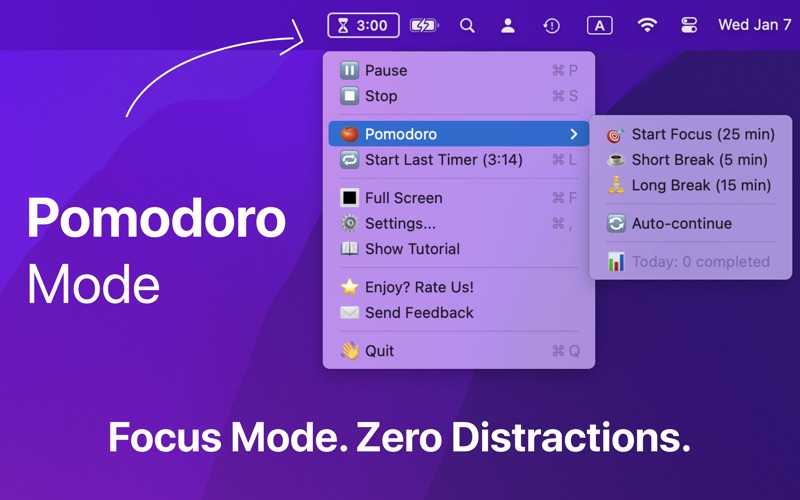
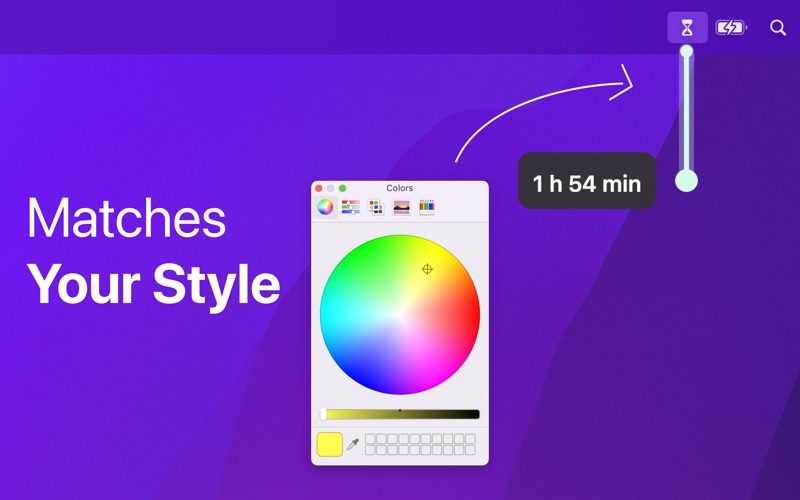
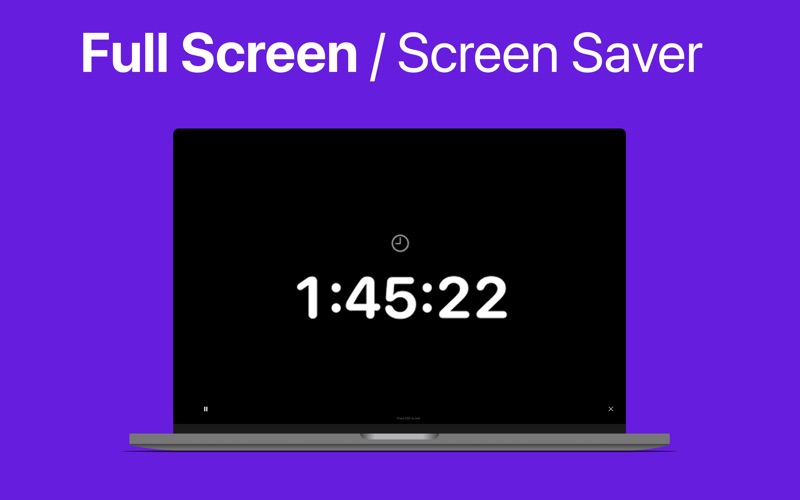
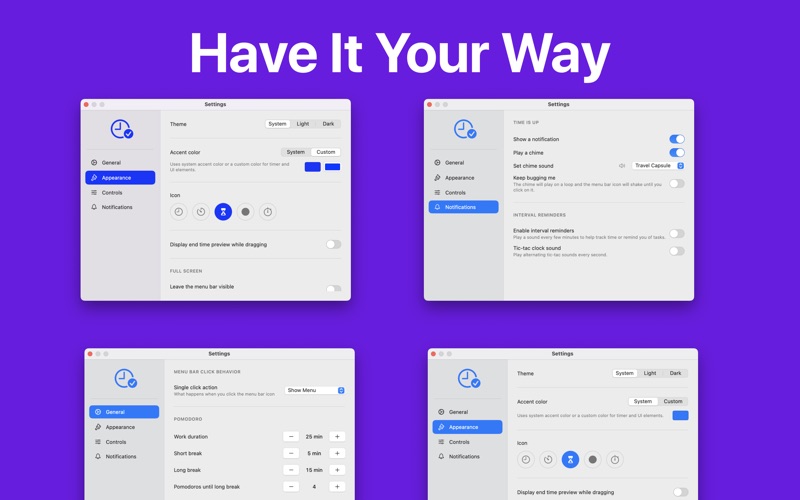
A new way to set timers on your Mac. Just drag down from the menu bar - no clicks, no typing. The further you drag, the longer the timer. Release to start. INSTANT TIMER SETUP Drag down from your menu bar icon. The further you drag, the longer the timer. Release to start. Done in under 2 seconds. PRECISION CONTROLS - OPTION key: seconds (perfect for cooking) - SHIFT key: 5 minutes per pixel (quick long timers) - CONTROL key: snap to 5-min increments POMODORO TECHNIQUE BUILT-IN Stay focused with the popular productivity method: - 25-min focus sessions - 5-min short breaks - 15-min long breaks - Auto-continue mode - Daily session tracking FULL SCREEN FOCUS MODE Block distractions with an immersive timer display. Adjustable transparency keeps your work visible while maintaining time awareness. GREAT FOR - Remote workers & freelancers - Students & exam prep - Managing time with ADHD - Cooking & meal prep - Workouts & HIIT training - Meditation & breathing exercises - Writers & creative sprints DESIGNED FOR SIMPLICITY - Lives in menu bar, never in the way - No dock icon clutter - Instant access with one drag - Beautiful, minimal design - Native macOS experience CUSTOMIZE EVERYTHING - Accent colors (system or custom) - Menu bar icon styles - Light, Dark, or System theme - Click behavior options - End time preview NOTIFICATIONS Get notified when your timer ends, even in full screen apps. Never miss a break or overcook dinner again. BUILT FOR MAC Native macOS app. Fast, lightweight, battery-friendly. Download now and experience a new way to manage your time
Audience growth
Ratings growth
Baseline captured. Growth appears after the crawler observes a changed rating count.
Momentum comes from crawler snapshots for the tracked storefront. “Viral growth signal” means unusually fast recent rating gains; it is an indicator, not download data.
Price tracking
Price intelligence
First snapshot captured. The trend line starts after the next crawler price observation.
- First observed Aug 8, 2026 · 1:58 PM Free
Screenshots