About this app
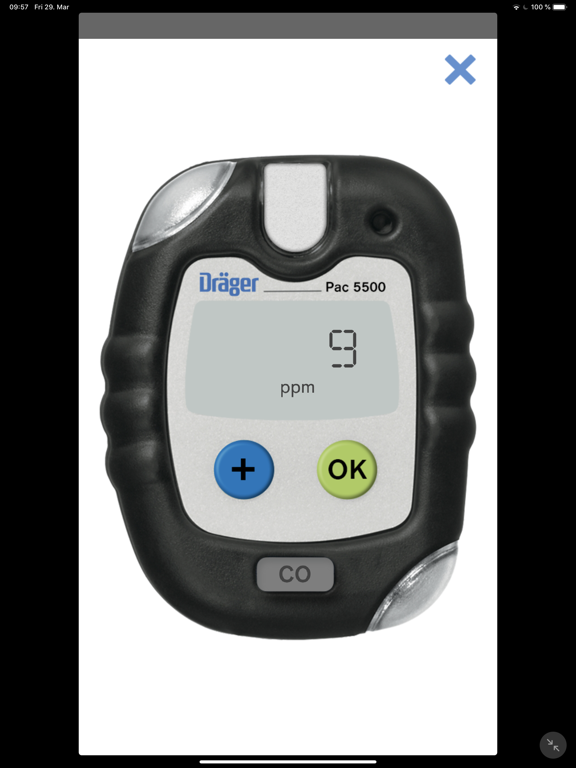
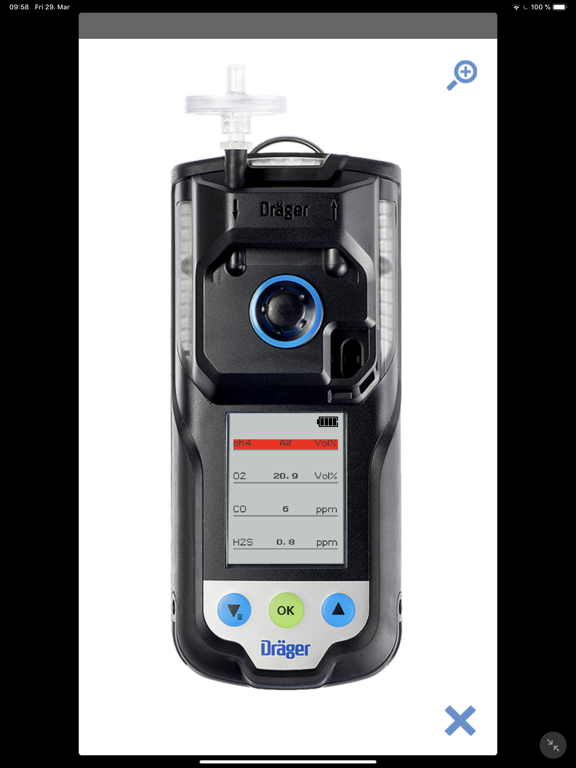
Application instructions for the Dräger Gas Detection Training App The Dräger Gas Detection Training App simulates various gas measuring devices in a trainer/trainee situation. The devices must be on the same WLAN (e.g. "hotspot" of a smartphone) to conduct training. Use with one mobile device: If you only have one mobile device available, use demo mode to simulate gas alarms from gas measuring devices on a mobile device. Use with multiple mobile devices: To start trainer or student mode, you first need to enter a username. You should be logged on to one of the devices as a trainer. The other devices should be started in student mode. After the trainer has logged on, a selection of various gas detectors is displayed. The training begins once a device has been selected. From this point on the students can log on with the trainer. The trainer can then send gas values to the student devices for the various gas detector sensors by selecting the current gas value. There is then the option of changing the value or using one of three preset values. Two of these values correspond to an alarm situation (A1, A2). These values are sent directly to the student devices. The students view the gas detector on the display once they have started the training. They are shown a simulation of the gas detector alarm status on their mobile device with sound and vibration. The visual display (LEDs and display) of the gas detector is shown on the device display. The trainer can also trigger device alarms (warning, fault and battery alarm) by tapping the values field of the “Device error”. The student can clear alarms on the display if permitted. Within the app it is possible to create customized instrument settings (sensors, alarm levels and alarm acknowledgement) and customized scenarios for defined instruments for training.
Latest release
What’s New
- New devices: X-am 2800 and X-am 5800 - Bugfixes and improvements
Audience growth
Ratings growth
Baseline captured. Growth appears after the crawler observes a changed rating count.
Momentum comes from crawler snapshots for the tracked storefront. “Viral growth signal” means unusually fast recent rating gains; it is an indicator, not download data.
Price tracking
Price intelligence
First snapshot captured. The trend line starts after the next crawler price observation.
- First observed Aug 19, 2026 · 1:42 PM Free
Screenshots