About this app
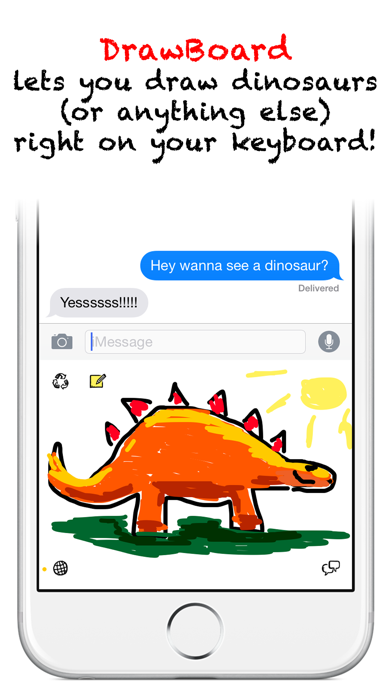
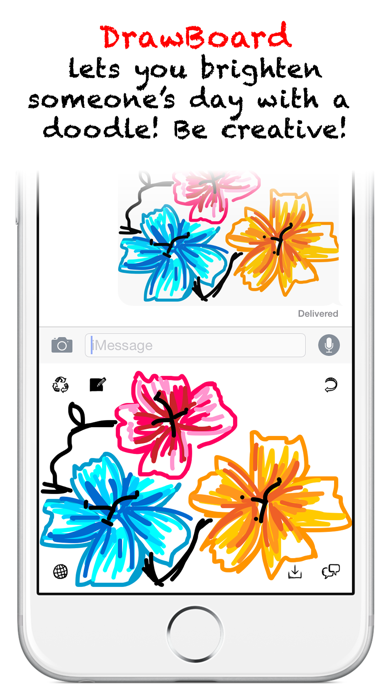
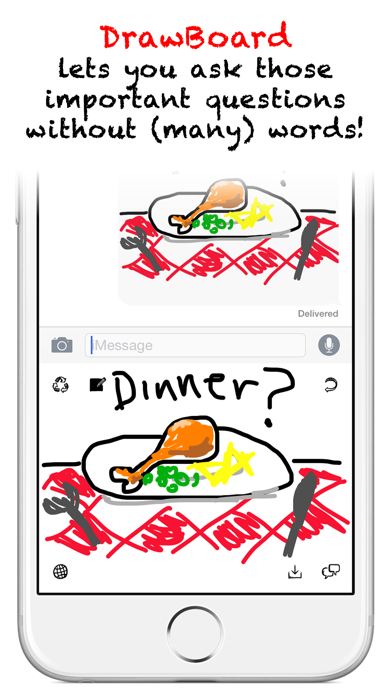
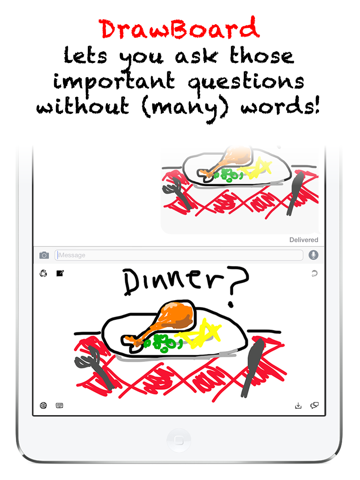
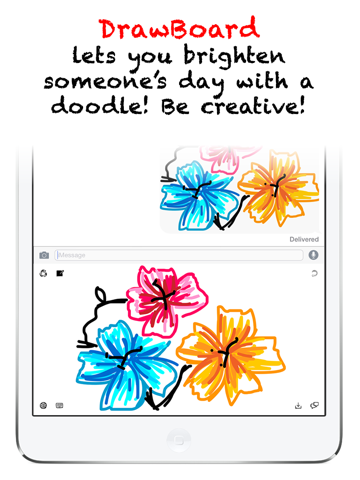
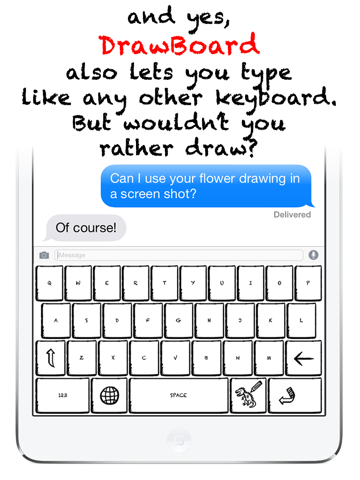
*** 100% FREE FOR A LIMITED TIME! *** DrawBoard is a keyboard made for doodling! DrawBoard lets you draw right on your keyboard, and then easily share your drawings with your friends, all without leaving whatever app you're in! With DrawBoard, a picture says a thousand words... or nothing at all! Brighten someone's day with a doodle to make them smile! Do a quick sketch while you're waiting for a reply! Or get your point across in a colourful way! Be creative! Once you've created a masterpiece, tap the button in the bottom right of DrawBoard to save and/or copy your drawing to the clipboard. Then simply paste your drawing into any message and viola! You're doodle is ready to put a smile on the face of your friends! Try it! To Install DrawBoard, go to Settings > General > Keyboard > Keyboards > Add New Keyboard > and then select DrawBoard! DrawBoard requires you to Allow Full Access in the keyboard settings so you can save and share your images. To use all of DrawBoard's features, go to Settings > General > Keyboard > Keyboards > DrawBoard > and then switch on Allow Full Access. Now get ready to draw right on your keyboard!! DrawBoard requires iOS8.
Latest release
What’s New
This app has been updated by Apple to prepare for watchOS 27 compatibility. No new features are included. Keep your feedback coming! Let's make this the best drawing keyboard ever! v1.0.2 changes: - Added auto capitalisation and double tap space bar to add a full stop and space. Keep DrawBoard-ing!
Audience growth
Ratings growth
Baseline captured. Growth appears after the crawler observes a changed rating count.
Momentum comes from crawler snapshots for the tracked storefront. “Viral growth signal” means unusually fast recent rating gains; it is an indicator, not download data.
Price tracking
Price intelligence
- First observed Aug 7, 2026 · 9:58 PM Free
Screenshots