About this app
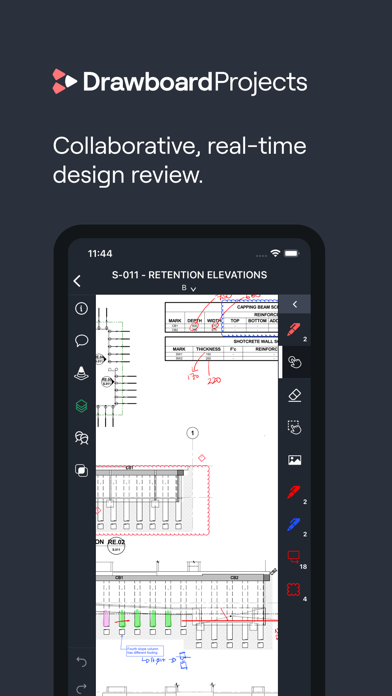
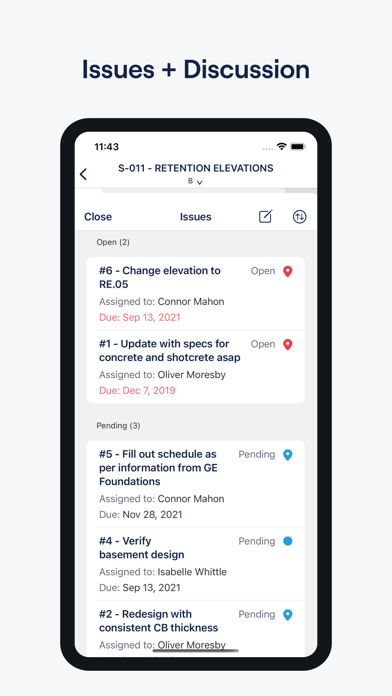
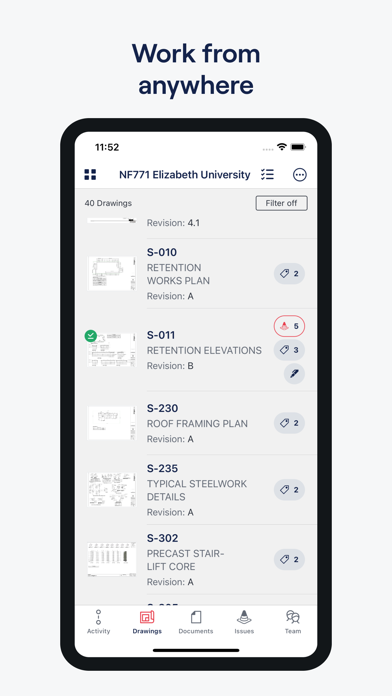
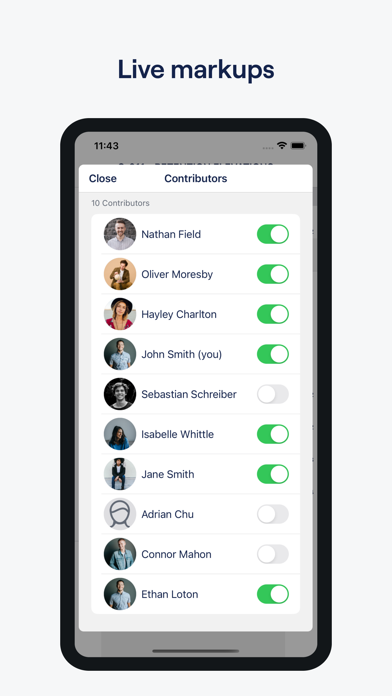
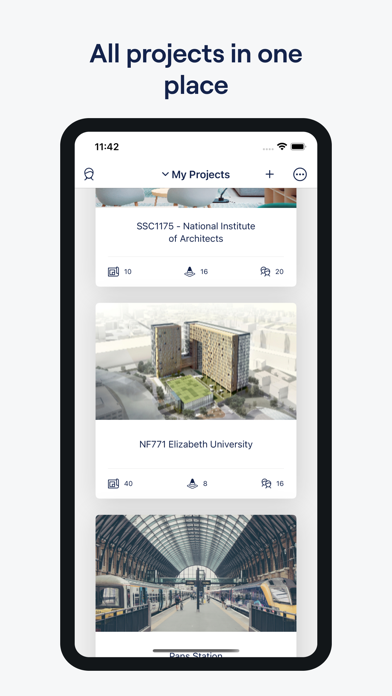
Your collaborative and real-time workspace for design review. Drawboard Projects helps architecture, engineering and construction teams globally save valuable project time by streamlining workflows in the design review lifecycle. - Mark up on the move: Forget pen and paper with fast and accurate markups - Cloud collaboration: Collaborate with your team in one location and from any location, with markups synced within seconds. - Best-in-class ink: With Apple Pencil compatibility, write your notes and feel the tactility of a pen pressed to paper with pressure-sensitive ink - Instant co-ordination: Manage and mitigate issues with real-time drawing coordination - Fits your flow: App integrations to connect and improve your existing design workflow. - Discuss changes: Keep all discussions right on the drawing so that everyone can see the context behind the decisions that were made. A Projects account is required to use this application.
Latest release
What’s New
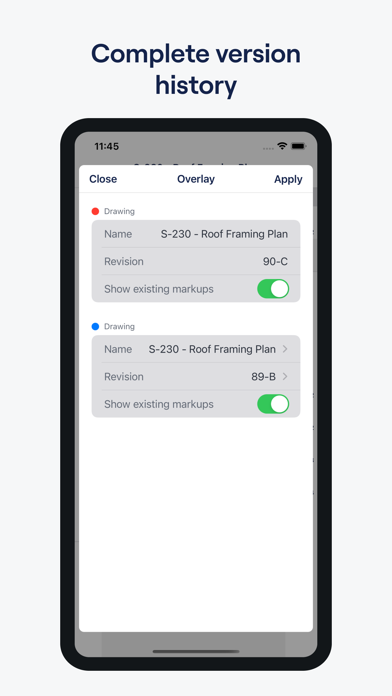
New features: • Mark up photos directly from an Issue or Task, without going to the Photos tab • Step through issues one by one with new Previous and Next buttons in the issue details sheet • See at a glance which issues and tasks have photos attached, and filter your list by attachments and links • Section headers now show how many items they hold, and how many of those match your current search or filter • Open the layers and issues on earlier revisions of a drawing Improvements: • Page scales you set in Projects are now read correctly by other PDF apps • Measurements in feet and inches now display properly when your drawings are opened elsewhere • Imperial areas and volumes now always use square and cubic feet, so units stay consistent across a page • Smoother, faster zooming and panning on large drawings • Panning near the edge of a zoomed-in drawing no longer switches you to the next drawing by accident • When a tool isn't available, tapping it now explains why Bug fixes: • Fixed a crash that could occur when zooming a long way into a drawing • Fixed colours appearing incorrectly in night mode and the other colour modes • Fixed tools becoming unusable after switching to a revision added on the web • Fixed missing resize handles on rectangles, polygons and area measurements • Fixed a callout's outline not updating when you changed its text colour • Fixed uploads failing for files with a quotation mark in the name • Fixed duplicate entries appearing in the Recent scales list
Audience growth
Ratings growth
Baseline captured. Growth appears after the crawler observes a changed rating count.
Momentum comes from crawler snapshots for the tracked storefront. “Viral growth signal” means unusually fast recent rating gains; it is an indicator, not download data.
Price tracking
Price intelligence
First snapshot captured. The trend line starts after the next crawler price observation.
- First observed Aug 14, 2026 · 12:31 AM Free
Screenshots