About this app
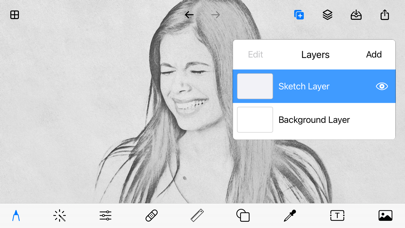
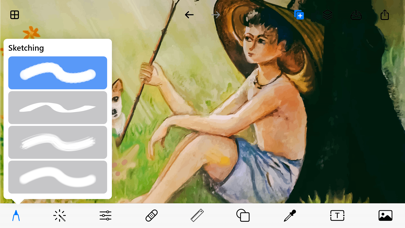
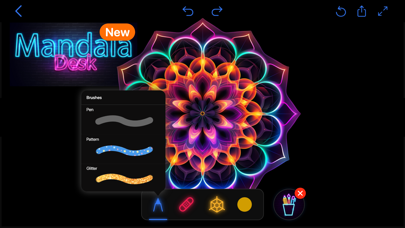
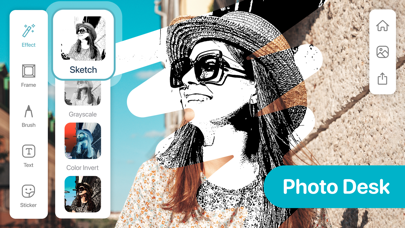
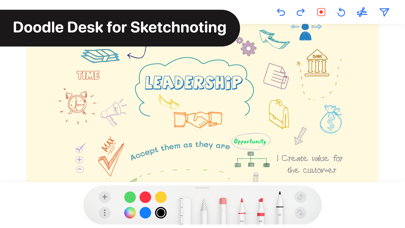
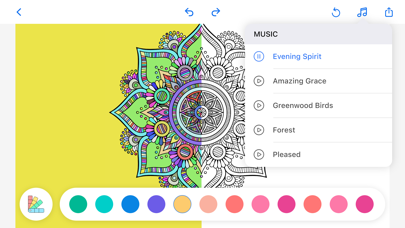
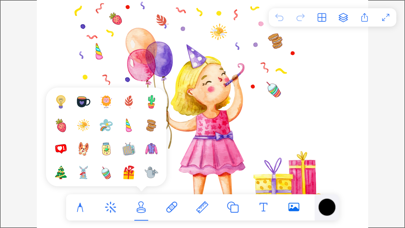
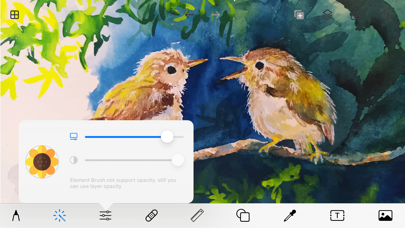
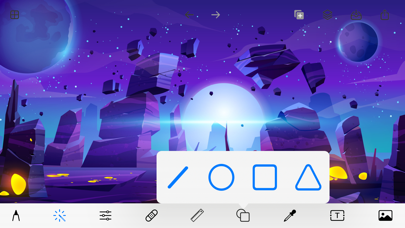
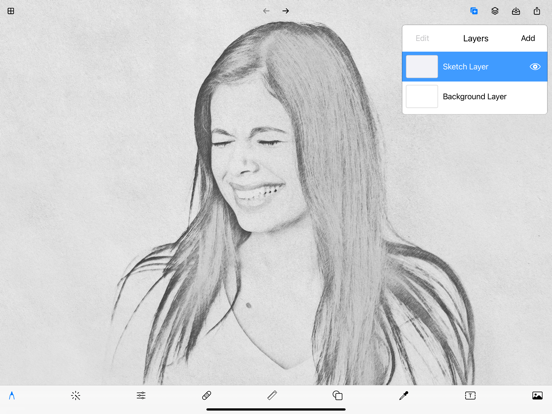
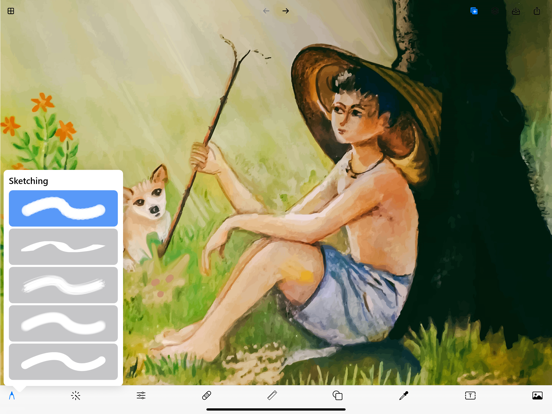
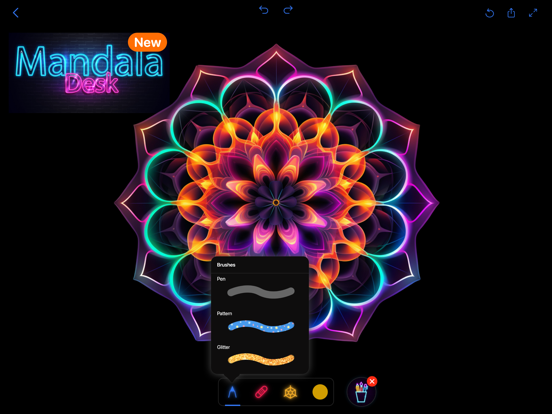
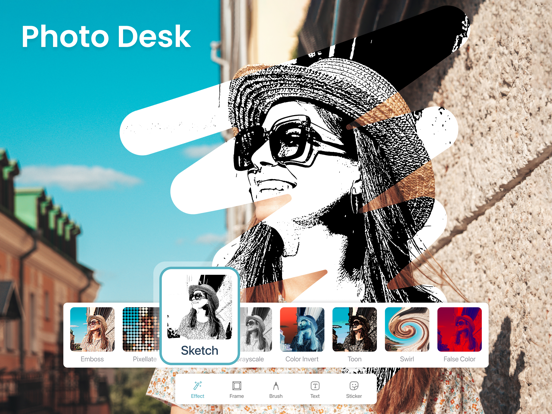
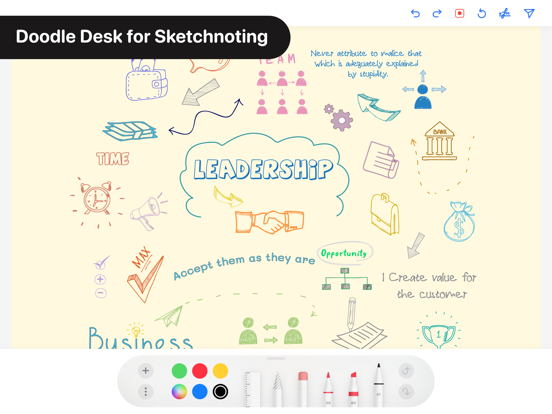
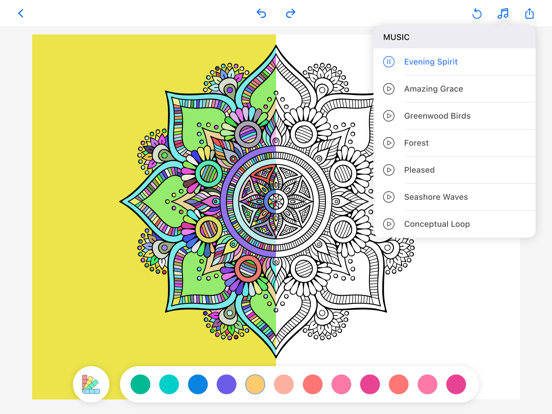
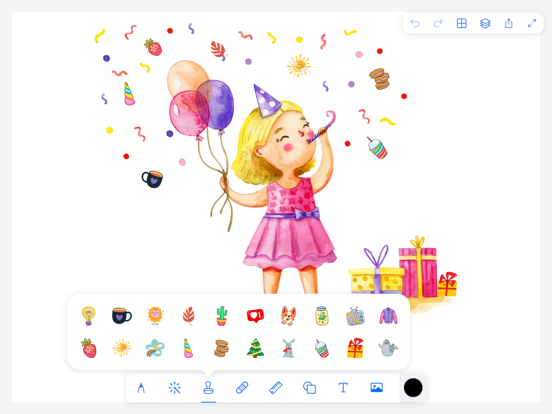
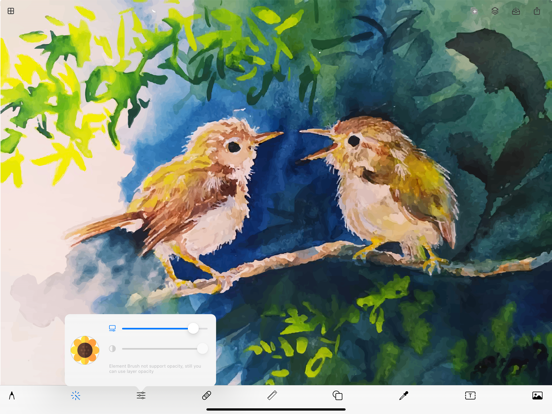
Superior brushes - The most advanced painting engine on tablets • 40+ natural brush presets • Brushes interact realistically with paper textures Superior tools - A place for everything • Layers and Photoshop blend modes • Selection and clipping masks Superior interface - Everything in its place • It’s simple. It’s organized. It’s out of the way. • Organized workflows: Paint - Sketch, Paint, and Blend Clone - Turn a photo into a painting Edit - Adjust color, Liquify, Pattern, Crop, or add a filter • Move your favorite tools to the top bar for quicker access Advanced features • Transform multiple layers simultaneously • Transform tool: Scale, Rotate, Flip, Distort, and Skew • Create seamless patterns with the Pattern tool • Gradient and Pattern Fill • Import images • Rotate and flip the canvas Import and export • Import and export drawings • Add images from Gallery, Camera, or search the web • Export images as JPEG, PNG. Get Drawing Apps Premium – weekly subscription for $2.99 USD. OR monthly subscription (which comes with a 3-day free trial) for $4.99 USD. OR yearly subscription for $9.99 USD • Subscription payments will be charged to your iTunes account at confirmation of your purchase and upon commencement of each renewal term. Subscription with a free trial period will automatically renew to a paid subscription. You can cancel your subscription or free trial in the iTunes settings at least 24-hours before the end of the free trial period. The cancellation will take effect the day after the last day of the current subscription period and you will be downgraded to the free service. • Please note: any unused portion of a free trial period (if offered) will be forfeited when you purchase a premium subscription during the free trial period. • Payment will be charged to your iTunes Account at confirmation of purchase. Account will be charged for renewal within 24-hours prior to the end of the current period. Any unused portion of a free trial period, if offered, will be forfeited when the user purchases a subscription to that publication, where applicable. • Privacy Policy: https://drawingpad.me/privacy-policy.html • Terms: https://drawingpad.me/terms-of-use.html
Latest release
What’s New
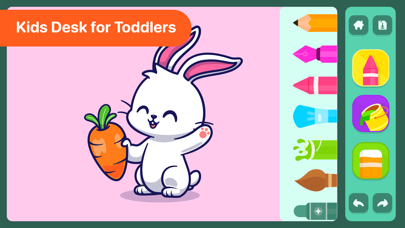
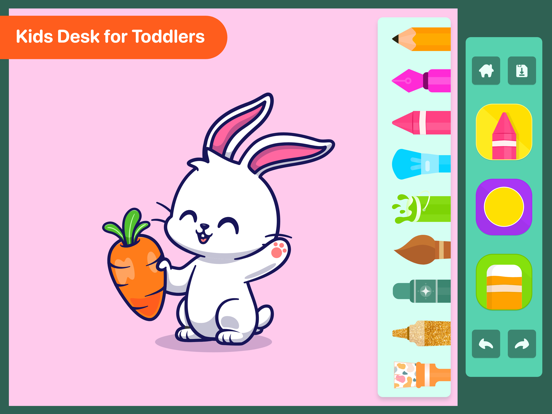
Unleash Your Creativity with Exciting Updates! We’ve made things even better for our little artists and creators! • Improved Kids Pad Experience – Drawing just got more fun for kids! Enjoy a smoother, more playful experience made just for young creators. • Enhanced Tools & Features – Discover more intuitive tools to make drawing easier and more enjoyable for everyone. • Supercharged Performance – Enjoy faster, smoother performance so your creativity never has to pause. • More Ways to Create – Dive into fresh updates that inspire imagination and make creating effortless! Update now and let your creativity shine!
Audience growth
Ratings growth
Momentum comes from crawler snapshots for the tracked storefront. “Viral growth signal” means unusually fast recent rating gains; it is an indicator, not download data.
Price tracking
Price intelligence
- First observed Aug 20, 2026 · 12:40 PM Free
Screenshots