About this app
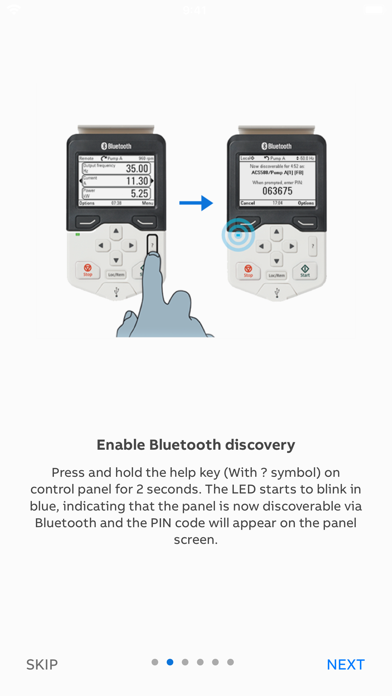
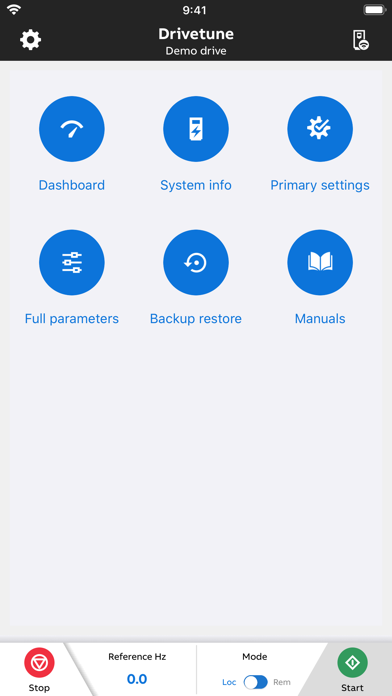
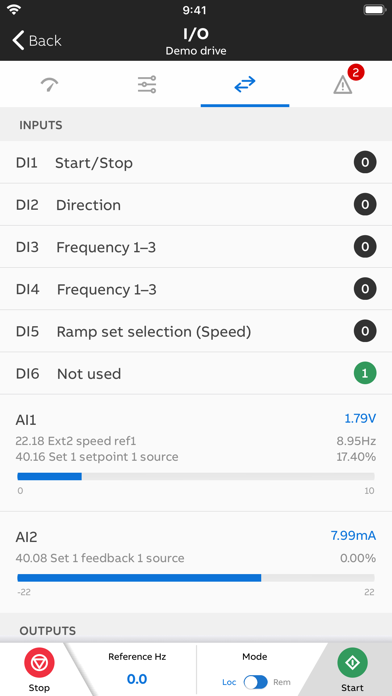
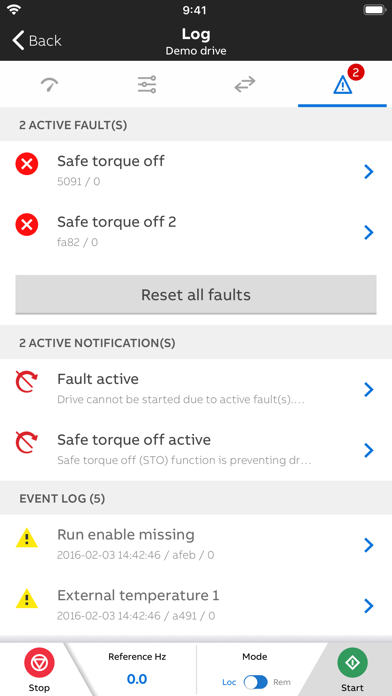
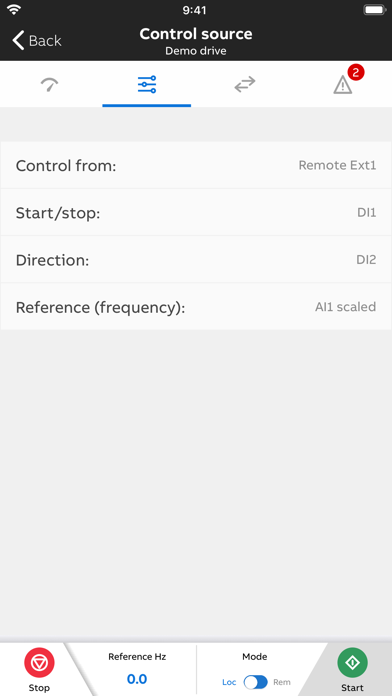
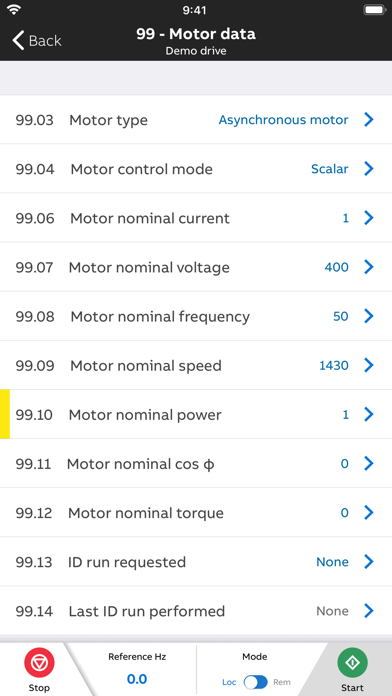
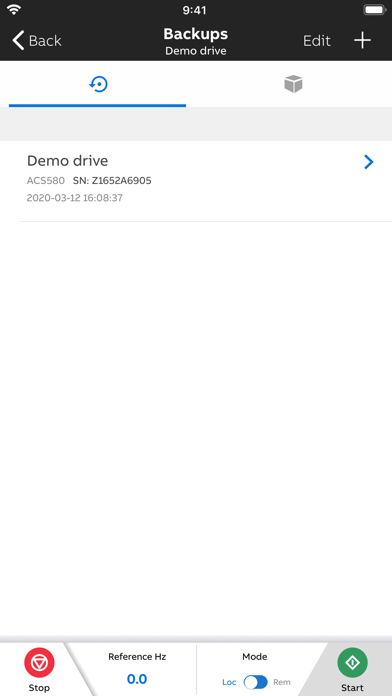
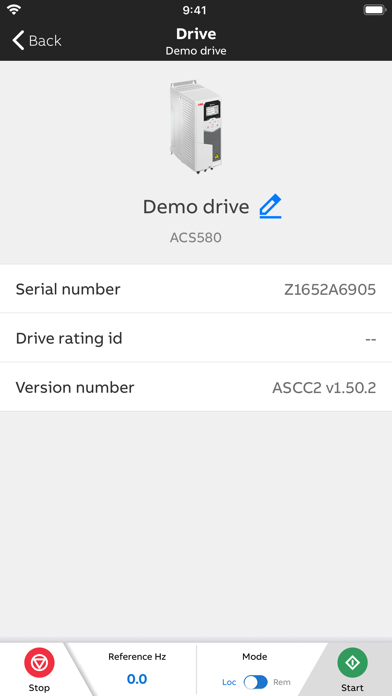
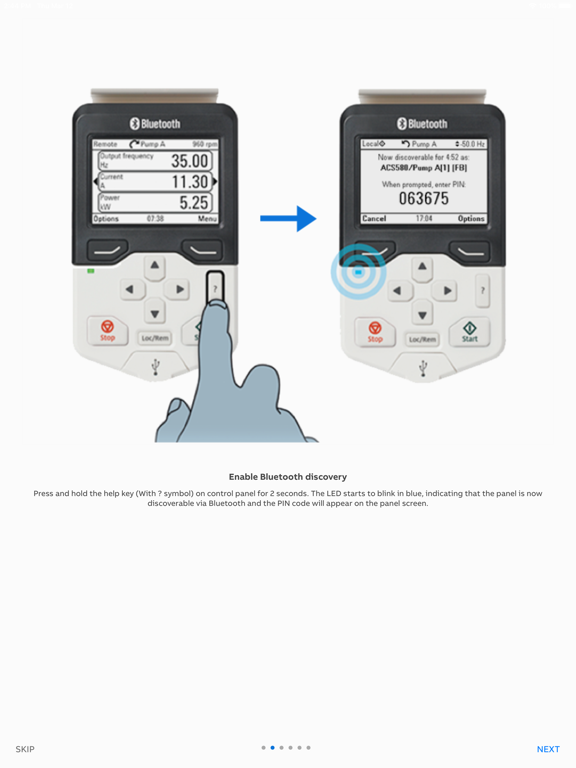
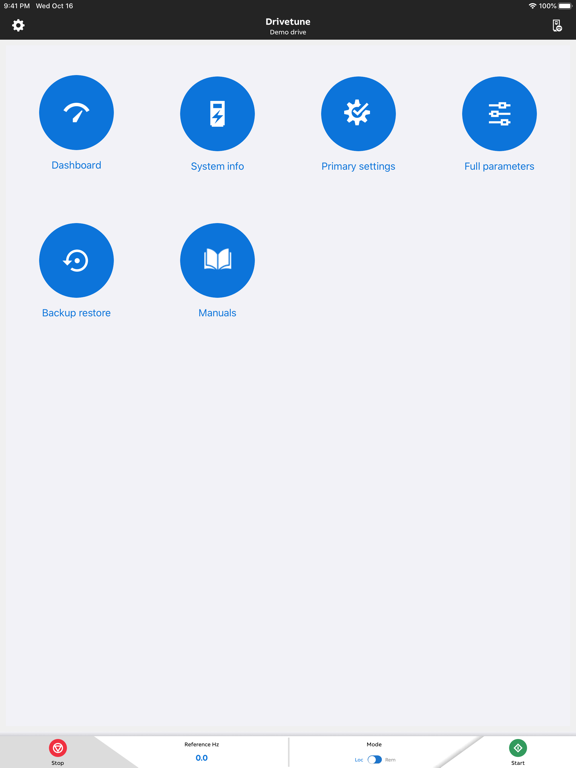
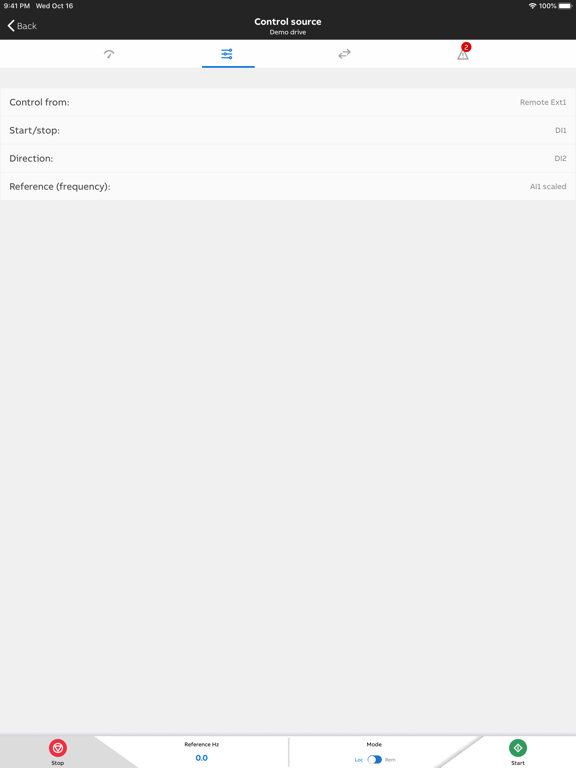
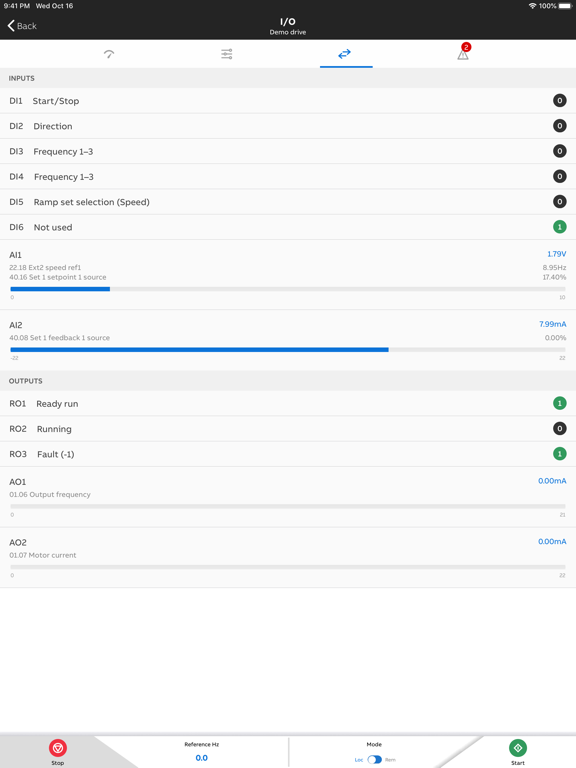
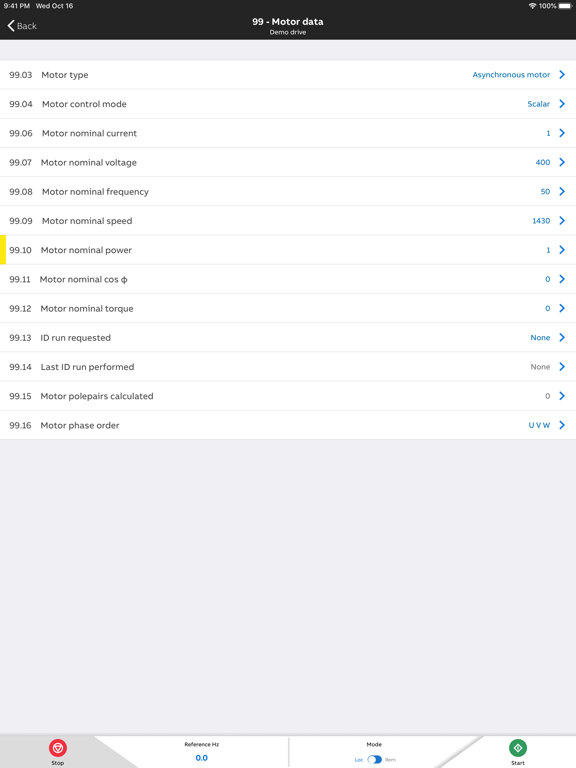
Drivetune lets you start-up, commission & troubleshoot your ABB drives wirelessly - with your mobile device! Tune your drive fast & efficiently with its intuitive interface and guided troubleshooting. Monitor drive status, performance & configuration on a single dashboard. With Drivetune, there is no need to enter hazardous or difficult-to-reach work areas for those actions. You just connect wirelessly to your drive’s Bluetooth panel. Highlights: • Start, stop & control your drive from your mobile. • Securely access & adjust parameters & settings. • Monitor drive status, including parsing System Info QR code from the Panel. • Optimize performance through guided troubleshooting. • Create & share backups & support packages (compatible with ABB Drive Composer). • Compatible with ACS-AP-W and ACH-AP-W Assistant Control Panels. • Supports ACS180, ACS380, ACH480, ACS480, ACH580, ACQ580, ACS580, ACS880 (some models), and DCS880. Supported functionality may vary.
Latest release
What’s New
Update some outdated links
Audience growth
Ratings growth
Baseline captured. Growth appears after the crawler observes a changed rating count.
Momentum comes from crawler snapshots for the tracked storefront. “Viral growth signal” means unusually fast recent rating gains; it is an indicator, not download data.
Price tracking
Price intelligence
First snapshot captured. The trend line starts after the next crawler price observation.
- First observed Sep 3, 2026 · 4:49 PM Free
Screenshots