About this app
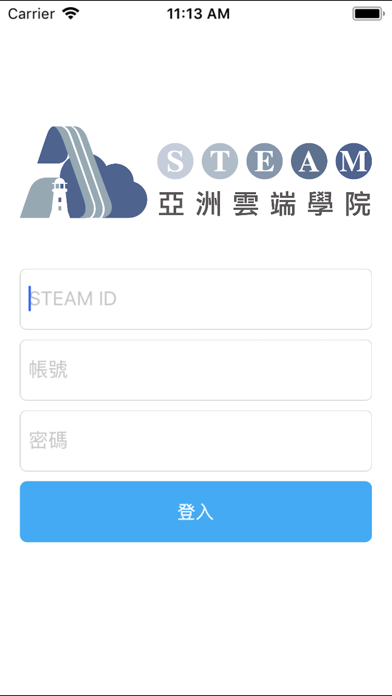
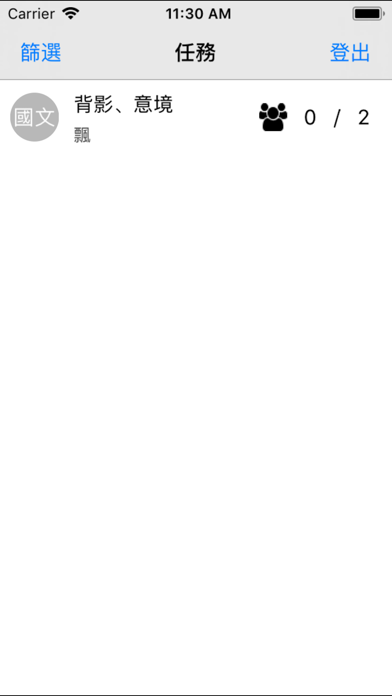
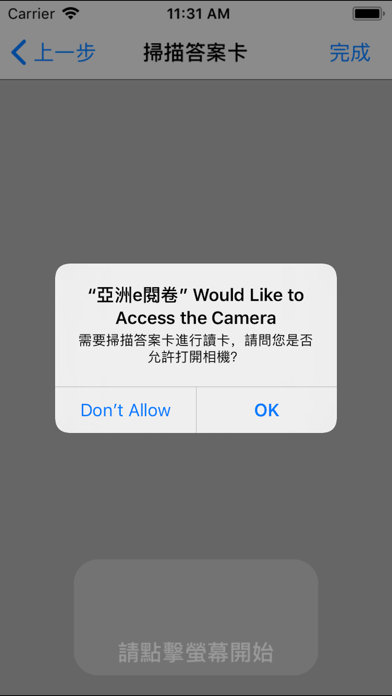
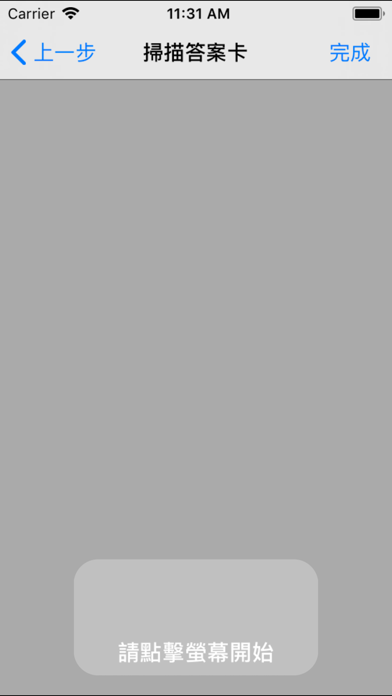
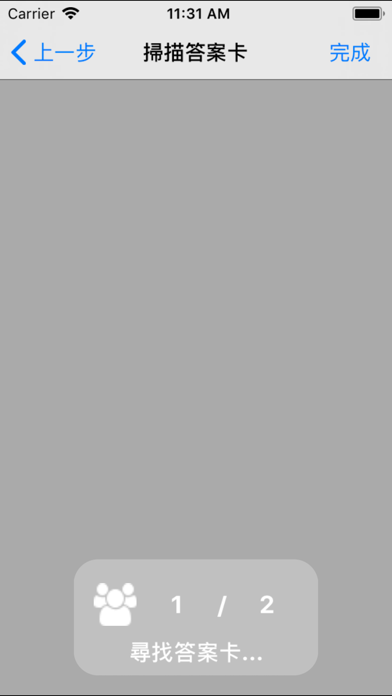
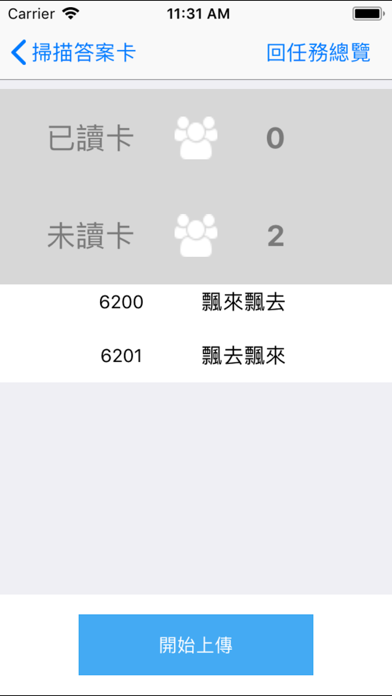
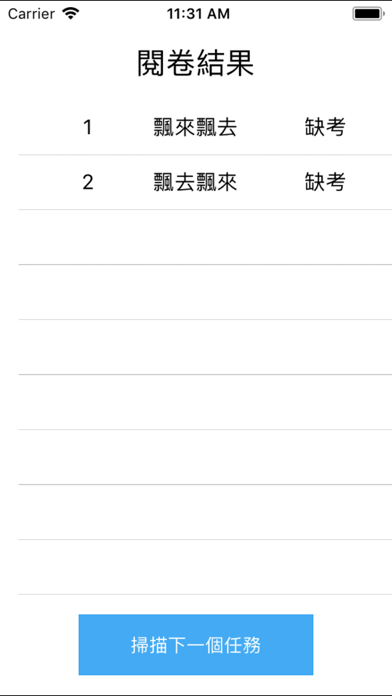
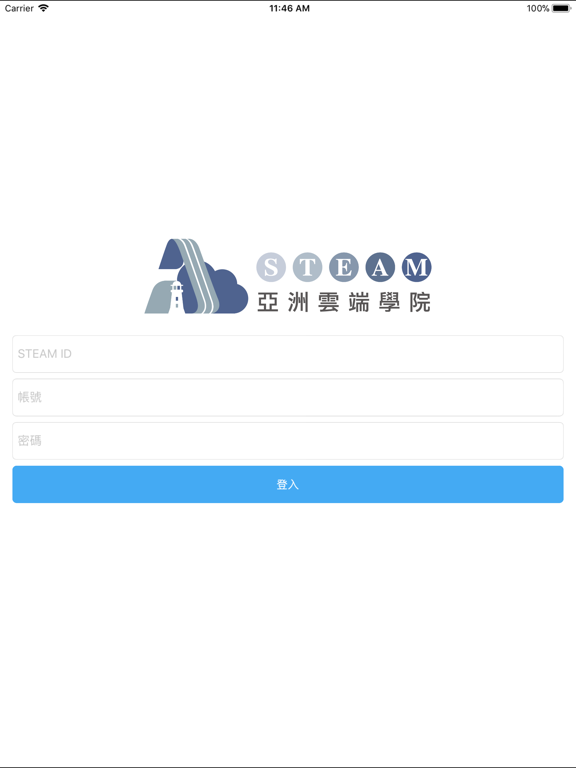
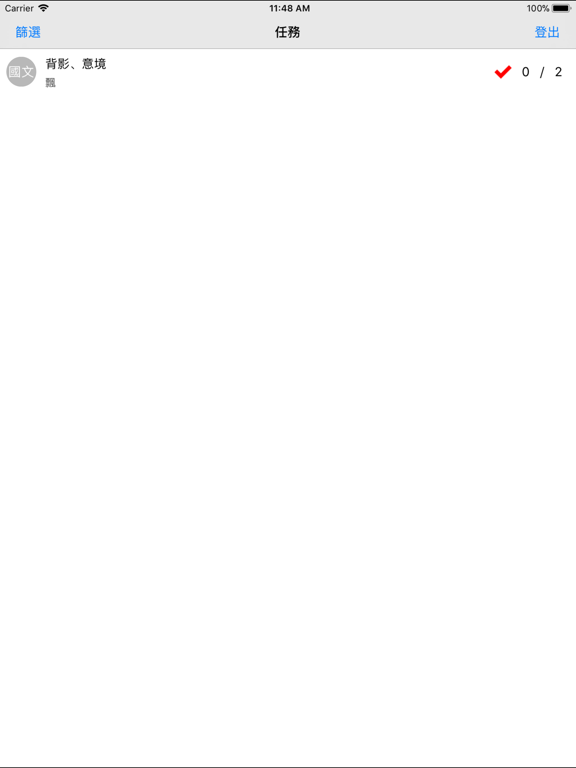
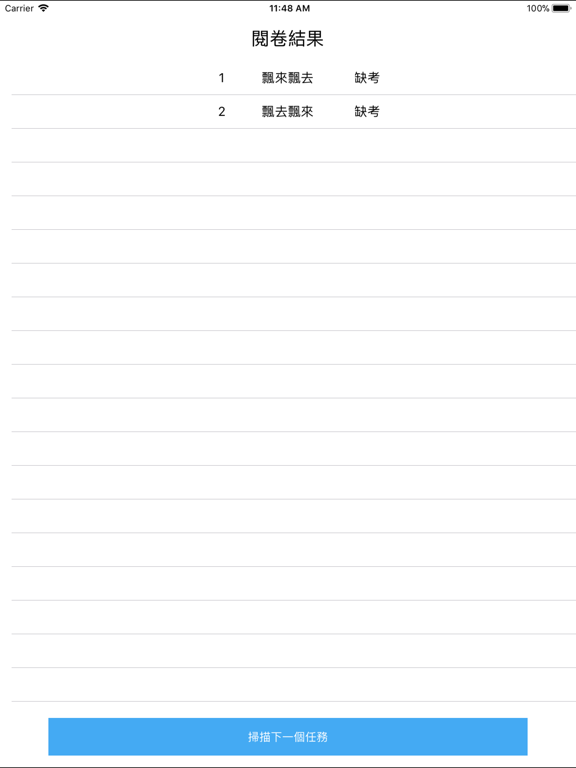
【使用說明】 老師在STEAM測評系統指派學生考試任務是以專用答案卡填答時,收卷後老師的亞洲e閱卷使用步驟如下: 1、開啟亞洲e閱卷App並輸入帳號密碼登入。 2、選擇欲掃描的考試任務。 3、將載具鏡頭對準答案卡,並讓答案卡在畫面正中央。 4、點擊螢幕開始掃描,系統約每1~2秒自動進行一次掃描。 5、完成掃描後進入上傳頁面,點擊「開始上傳」開始進行上傳作業。 6、由載具端觀看簡單的排名與成績表,或登入STEAM系統觀看完整的成績與學力分析報表。
Latest release
What’s New
Version 1.1.7
Nov 27, 2020
掃描頁新增縮放功能
Audience growth
Ratings growth
7-day gain
+0
Ratings / day
0.0
30-day gain
+0
Baseline captured. Growth appears after the crawler observes a changed rating count.
Momentum comes from crawler snapshots for the tracked storefront. “Viral growth signal” means unusually fast recent rating gains; it is an indicator, not download data.
Price tracking
Price intelligence
Current
Free
Historical low
Free
Paid → free
0×
First snapshot captured. The trend line starts after the next crawler price observation.
- First observed Aug 20, 2026 · 10:42 PM Free
Screenshots