About this app
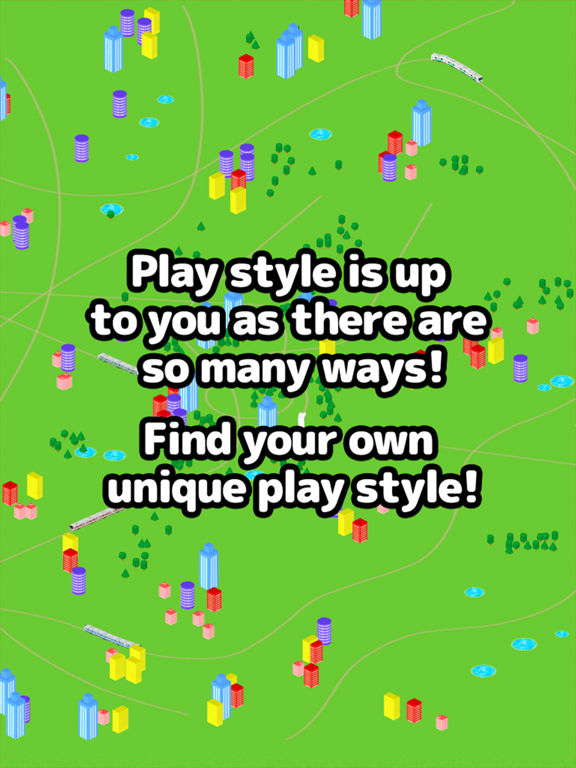
You can make the regular trains and bullet trains run with simple controls. Driver mode makes you feel like a conductor! If you drag along the screen it will create rails that a train will start to run on. If you touch the screen buildings, trees and puddles will appear. Touch and drag along the screen and create your own city! It's also fun to see what happens when the train bumps into buildings, trees and puddles. When you press the “Drive” button it changes to conductor mode where you feel just like you're really there. Use the accelerator and the brake to drive the train!! If you touch up, down, left or right on the screen while driving you will be able to look at the other trains that are running from different angles!! In camera mode you can follow the trains from many different angles. Enjoy checking out your own personal city!! ****How to Play**** Normal Mode -Create rails by dragging along the screen and a train selection list will appear. (You can also choose auto-select from the menu.) -the train will start to run once You choose a train. -If you tap the screen, buildings, trees and puddles will be placed. (Change with the bottom left “placement” button.) -Adjust the camera in 4 levels with the “Larger” and “Smaller” buttons. -If you press the “Drive” button it will switch into conductor mode. -If you press the “Camera” button it will switch into camera mode. -If you press the “Trash” button it will remove the last railway and object you created. Conductor Mode -Change the speed with the “Break” and “Accelerator” buttons. -If You press up, down, left or right on the screen You can Change the camera angle. -The ”Change Train” button will change the train to another train. -The “Larger” and “Smaller” buttons will adjust the camera to 4 different levels. -The “Return” button returns to normal mode. Camera Mode -Follow the trains from various perspectives. -the camera will Change If You tap the screen. -The “Change Train” button will change the train to another. -The “Return” button will return you to normal mode.
Latest release
What’s New
Minor bug fixes.
Audience growth
Ratings growth
Baseline captured. Growth appears after the crawler observes a changed rating count.
Momentum comes from crawler snapshots for the tracked storefront. “Viral growth signal” means unusually fast recent rating gains; it is an indicator, not download data.
Price tracking
Price intelligence
First snapshot captured. The trend line starts after the next crawler price observation.
- First observed Aug 26, 2026 · 6:30 PM Free
Screenshots