About this app
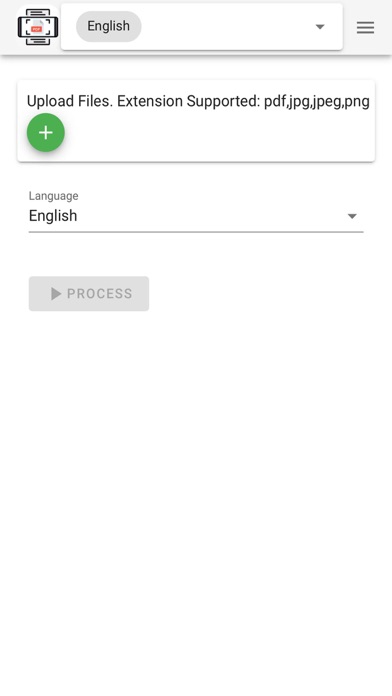
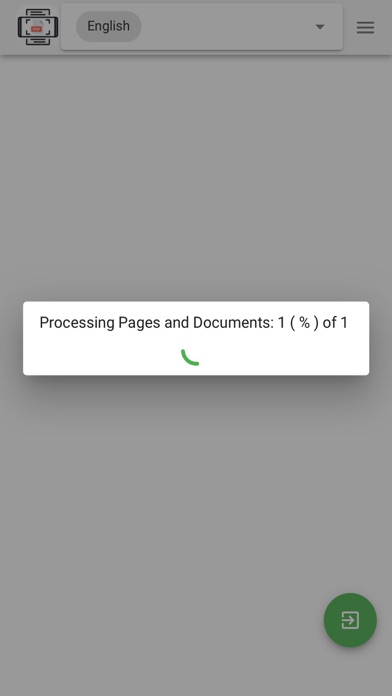
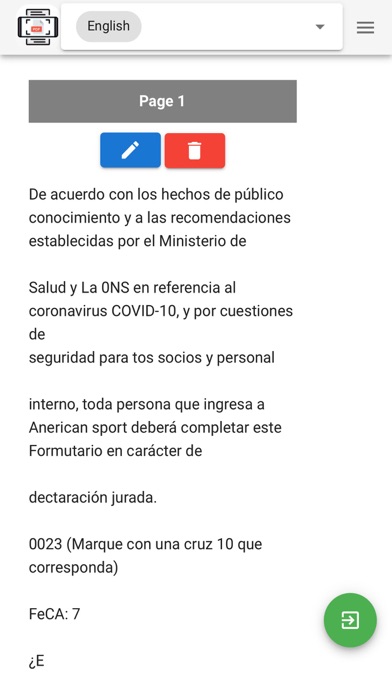
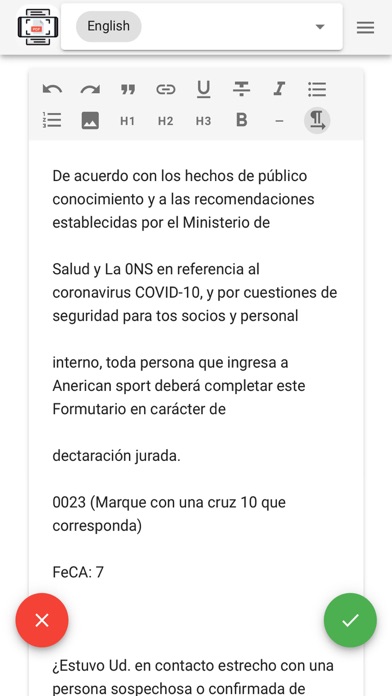
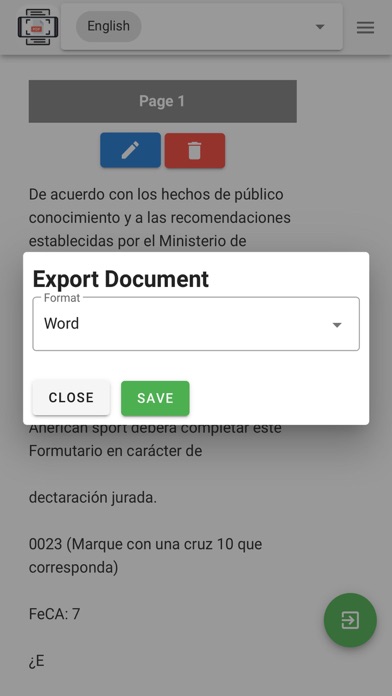
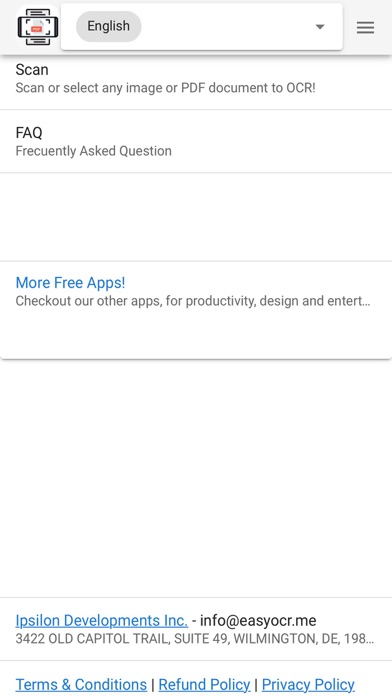
EasyOCR.me is a new app, that allows you to OCR (images to text recognition) any image or PDF document into text, supporting 6 languages! Select any amount of images or PDF documents and they will be digitized into text, ready to be edited and exported into 4 different formats. -> Select any amount of images (jpeg, png, webp) or PDF files to process and merge them together! -> Automatic words and letter detection to text! -> Support of 6 languages including English, Spanish, Japanese, Chinese Traditional and Simplified plus Korean! -> 4 Export formats: Microsoft Word, PDF, HTML and Plain Text -> Edit or delete generated pages for your final document in the editor. Convert your images and PDF documents to text, for FREE, NOW!
Latest release
What’s New
Fixed some stability bug and updated ads SDK
Audience growth
Ratings growth
Baseline captured. Growth appears after the crawler observes a changed rating count.
Momentum comes from crawler snapshots for the tracked storefront. “Viral growth signal” means unusually fast recent rating gains; it is an indicator, not download data.
Price tracking
Price intelligence
First snapshot captured. The trend line starts after the next crawler price observation.
- First observed Aug 10, 2026 · 8:27 AM Free
Screenshots