About this app
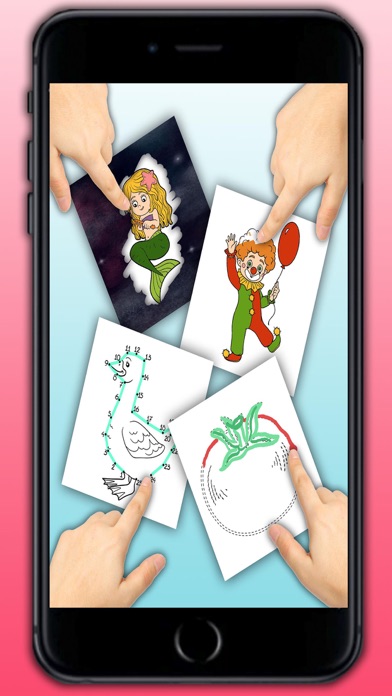
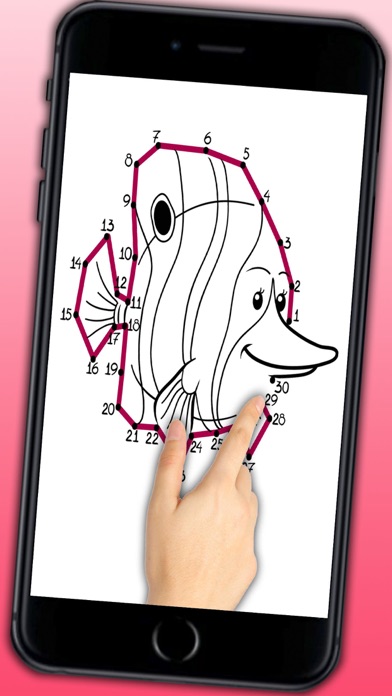
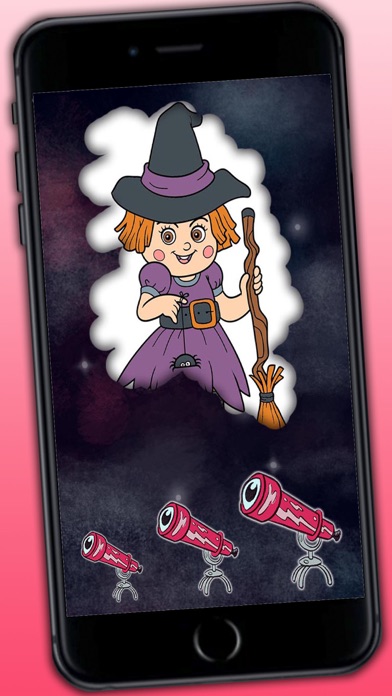
If your children like to draw and paint animals, shapes, cars, toys, fairy tales or princesses, this is an ideal app of drawing game for them for educational purposes. Your kids will have a great time painting beautiful drawings. This educational game app of painting and coloring drawings of different figures is specially designed for children who love cute and beautiful drawings of animals, toys, fairies etc. If you as parents hope your kids can learn drawing and painting from an early age, this would be the perfect app that helps to develop IQ, EQ, imagination and creativity of your kids. With this app the kids can paint in different colors by using colored pencil markers or crayons that the coloring book offered. Fast and easily, the children can color the coloring pages automatically with the magic pens. Download the app for free and enjoy amazing drawings of animals, toys, princesses, princes and more! There are two options in this educational game of coloring book: • Paint the drawing with their fingers, choosing amongst a large variety of colors, markers and crayons. When the children have finished, they can save the image or share it with family and friends or whoever they want. • Discover the picture by quickly scratching or sliding your finger on it. • Connect the dots Features of this coloring pages of princesses: • Paint the most beautiful drawings • Perfect for girls who love painting princesses from fairy tales and coloring gorgeous dresses and dress the princesses • Educational game and coloring pages with infinite possibilities • For children who attend nursery school, preschool or primary school • For kids aged 3 to 6 • Kids using fingers as if the fingers were color pencils pens markers or crayons • Ideal for children to learn how to combine colors • 14 color pencils or crayons • Magic markers with which kids can color pictures automatically If you want, you can buy a version without ads.
Latest release
What’s New
This update from Apple will improve the functionality of this app. No new features are included. Some improvements
Audience growth
Ratings growth
Baseline captured. Growth appears after the crawler observes a changed rating count.
Momentum comes from crawler snapshots for the tracked storefront. “Viral growth signal” means unusually fast recent rating gains; it is an indicator, not download data.
Price tracking
Price intelligence
First snapshot captured. The trend line starts after the next crawler price observation.
- First observed Aug 19, 2026 · 3:56 AM Free
Screenshots