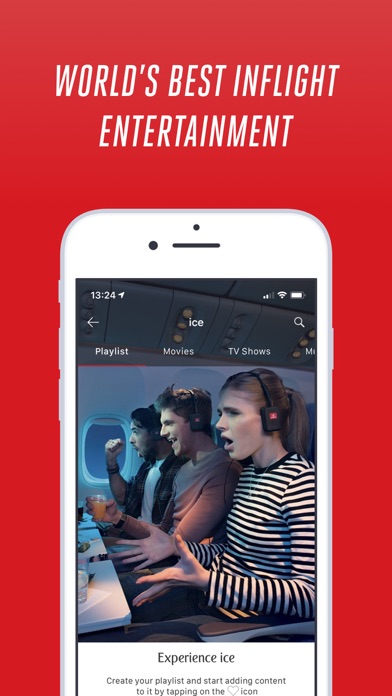
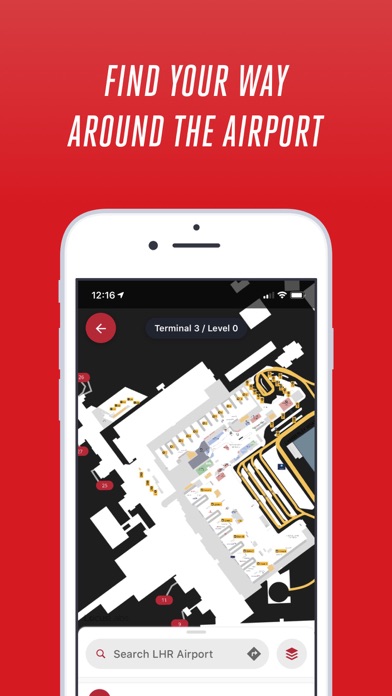
About this app
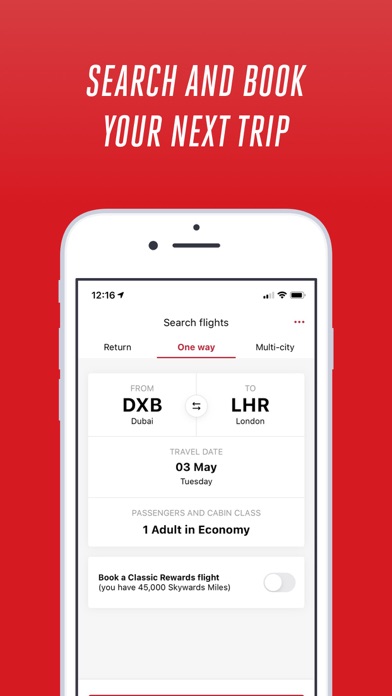
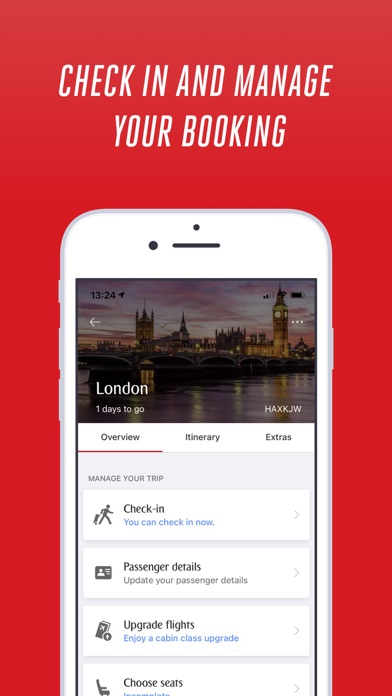
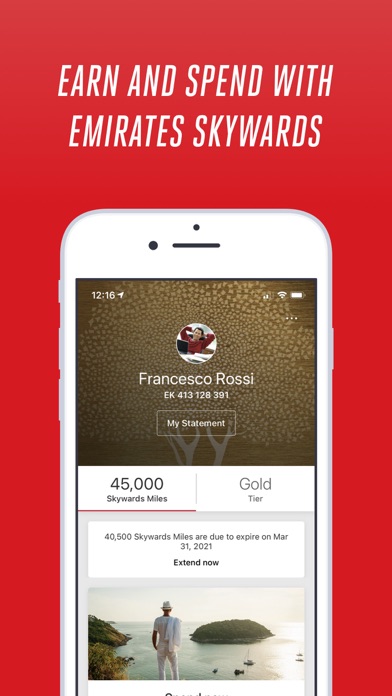
Explore the world your way with the personalised Emirates App for iPhone and Apple Watch. 1. SEARCH AND BOOK YOUR NEXT GETAWAY Search for flights to over 150 destinations around the world, and complete your entire booking through the app. 2. MANAGE YOUR TRIP ON THE GO Choose your meal and seat preference, and add services such as Chauffeur-drive. It’s easy to update your details, and you can view your full itinerary at any time - even when you’re offline. 3. DOWNLOAD YOUR BOARDING PASS Check in online and download your boarding pass. You can print it, or send it to your phone via SMS or email to use it as a digital boarding pass. On The Emirates App for iPhone and iPad you can download your boarding pass directly to Wallet. 4. GET REAL-TIME FLIGHT UPDATES We’ll send you real-time information about your check-in, departure gate, boarding time, baggage belt and more, straight to your personal device. Tailor the app to your needs by choosing which notifications you want to receive. 5. GET THE MOST OUT OF EMIRATES SKYWARDS Explore ways to earn and spend your Skywards Miles directly within the app. Enjoy easy access to information about your tier status, benefits and Skywards Miles balance, and manage your account wherever you are. 6. THE EMIRATES APP FOR APPLE WATCH Get live travel updates at a glance. The app reminds you when it’s time to board, lets you know if there’s a change to your flight and tells you where to pick up your bags when you land – all without you reaching for your phone.
Latest release
What’s New
We’ve made general updates and bug fixes to make using the app even easier. Help us improve The Emirates App by telling us what you think. Open the app and go to More to fill out the feedback form, or email us at theemiratesapp@emirates.com.
Audience growth
Ratings growth
Baseline captured. Growth appears after the crawler observes a changed rating count.
Momentum comes from crawler snapshots for the tracked storefront. “Viral growth signal” means unusually fast recent rating gains; it is an indicator, not download data.
Price tracking
Price intelligence
First snapshot captured. The trend line starts after the next crawler price observation.
- First observed Aug 19, 2026 · 9:58 AM Free
Screenshots