About this app
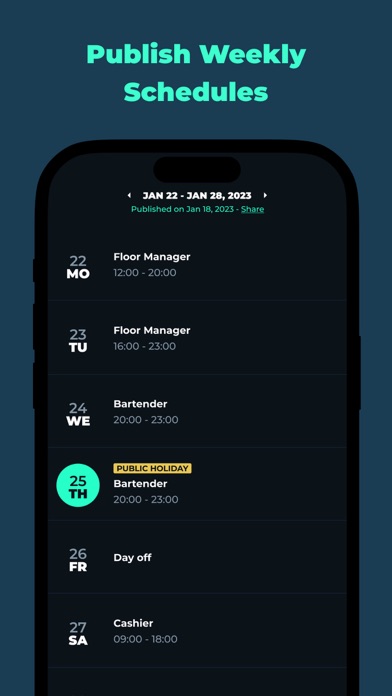
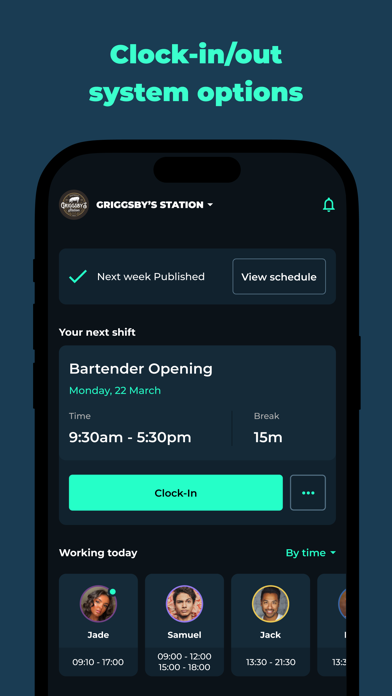
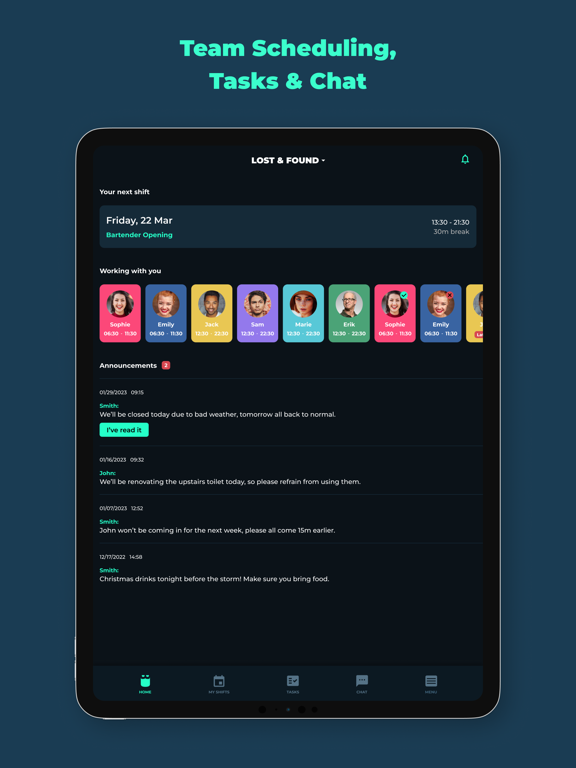
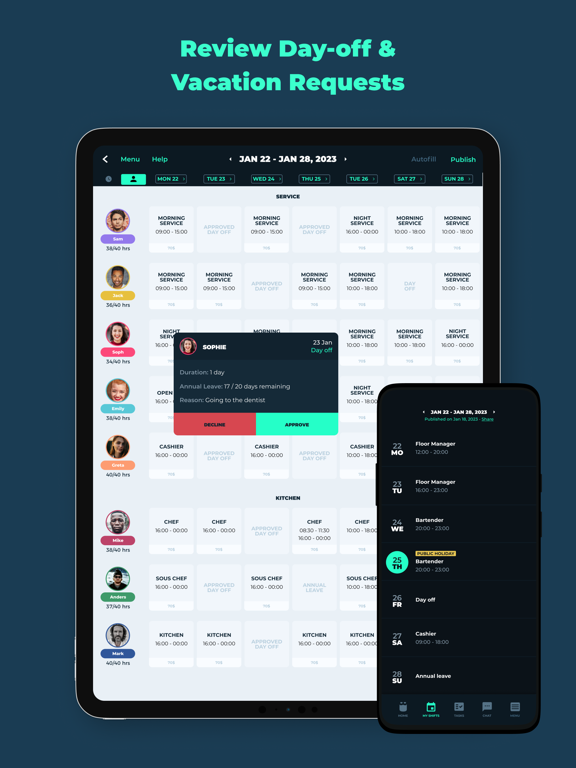
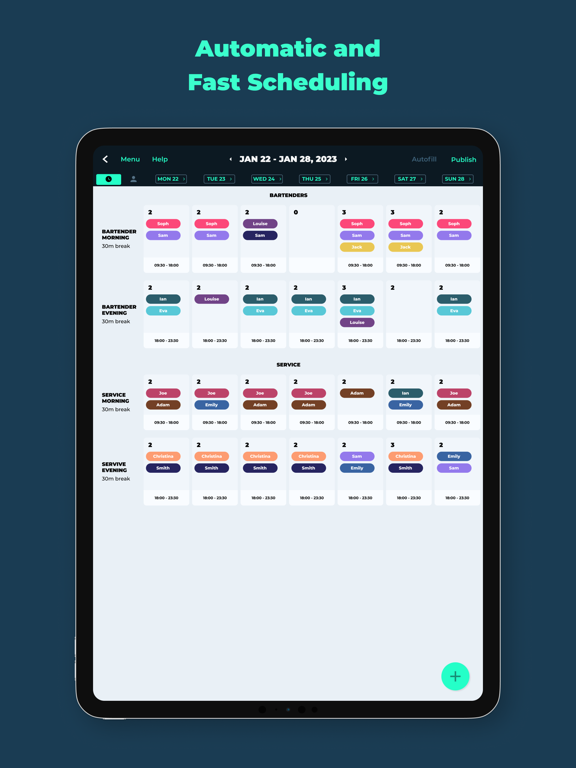
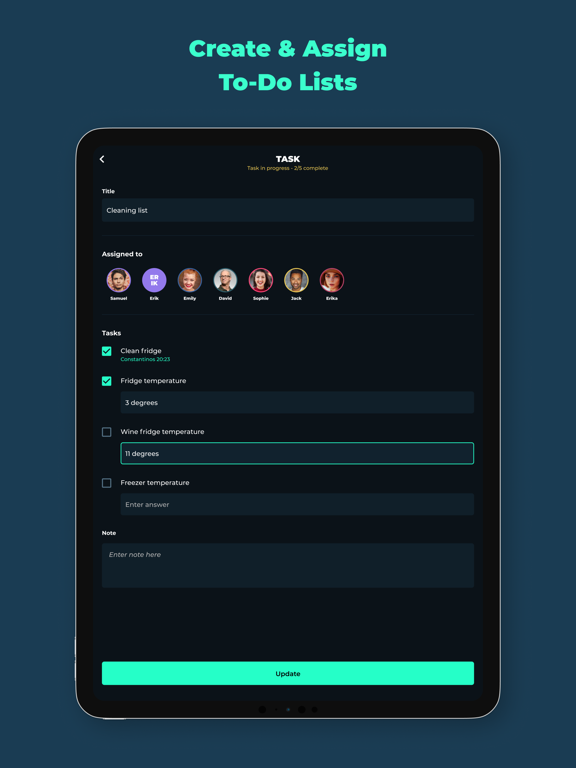
BLEND is a powerful employee scheduling and team management app. Use the app to create and publish weekly rotas of your team. Blend's smart algorithm will help you create the most optimal schedules in minutes. It allows managers to auto-create weekly rotas by allocating shifts to the right employees. Scheduling employees has never been so easy! Every time the schedule is updated each employee receives a push notification. Employees use the app to submit day-off requests and to view their next shift. A smart employee scheduling software can save you many hours every week, and create a better work environment for your team. It is also super easy to use by both managers and employees. Why managers love it: - Manage everything on the go, shift, chat, tasks, announcements - Cost-effective rota in minutes not hours - Personalised shift information to each employee via push notification - The app will suggest shift replacements and alert staff on scheduling updates - Quickly approve employee off duty and vacation requests - View today's schedule at a glance with shortcuts to contact each employee - Group and one to one messages to your team - Post announcements and keep your staff up to date - View which employees have read your announcements - Ability to export staff timesheets with all past shifts in CSV Why your team will love it: - Get your schedule on their device as soon as it's published - The get upcoming shift reminders - Can easily submit time-off requests from anywhere - Balanced time schedules to improve team transparency - Chat with the rest of the team NEW FEATURE ALERT - EMPLOYEE TASK MANAGEMENT Create repeating checklists or one-of tasks. Repeating tasks are linked to shifts and every day the app will automatically assign the tasks to employees based on the published schedule. Each employee will receive a personalised notification with the tasks they need to complete on their shift. Download BLEND now to save time and build a better team culture! Download the app for a free trial!
Latest release
What’s New
We’ve updated the Request experience with a fresh new design, making it easier and faster to submit or edit a request! Employees can now quickly choose between Day Off, Time Off, or Annual Leave and enter all the relevant details through a simpler, more intuitive process. We’d love to hear your feedback and suggestions on how we can make Blend even better. Email us at support@blend.app!
Audience growth
Ratings growth
Baseline captured. Growth appears after the crawler observes a changed rating count.
Momentum comes from crawler snapshots for the tracked storefront. “Viral growth signal” means unusually fast recent rating gains; it is an indicator, not download data.
Price tracking
Price intelligence
First snapshot captured. The trend line starts after the next crawler price observation.
- First observed Sep 1, 2026 · 3:36 PM Free
Screenshots