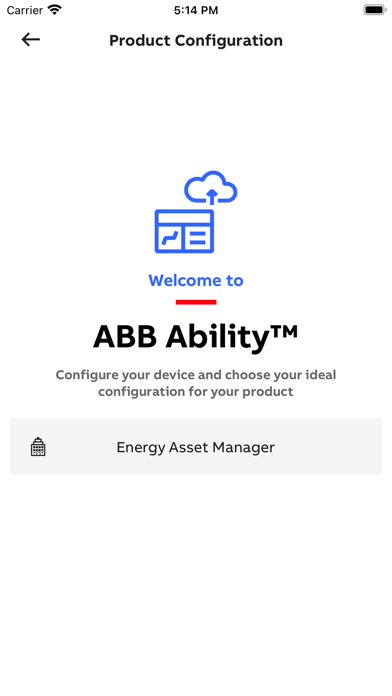
About this app
EPiC Mobile 4.0 – Pocket sized. EPiC control. Manage ABB low-voltage devices with precision, speed and confidence, from the phone that's already in your pocket. EPiC Mobile is designed to help you monitor, install devices and digitally upgrade your hardware’s features. Built for technicians, panel builders, and service engineers, EPiC Mobile gives you the tools and insights you need - whenever and wherever you need them. Compatible devices SACE Emax 3, SACE Emax 2, ABB SACE Tmax XT series (XT2, XT4, XT5), SACE Infinitus, Ekip UP+, CM-TCN.011 – 012 (via NFC), ABB CM-TCS.011 (via NFC) What you can do Connect first. Act faster. Start by connecting to your device and instantly see what you can do - no guesswork. Access the right actions, data, and tools based on the device in front of you. Commission and configure in minutes Set parameters, apply configurations, and get devices up and running quickly via Bluetooth, USB-C, or NFC (depending on device model). Monitor performance in real time Connect to the device to view key data such as current, voltage, power, and temperature. Understand device status immediately and react before issues escalate. Troubleshoot with clarity Access alarms, event history, and diagnostics tools to identify and resolve problems faster - directly on-site. Work offline It works where you do, providing seamless wireless control and reliable offline access to ensure you get the job done. Selected features require an active internet connection. Reduce risk. Increase safety Connect wirelessly and avoid unnecessary exposure to live equipment. React to trips and protection events before they escalate into downtime or danger. Access device data safely – even without powering it (where supported). Stay efficient with smart features * Recents: Quickly reconnect to recently used devices or review past data * Dashboards: See key information and device status in one place * Event overview: View all alarms at once for faster issue detection * Context help: Get instant, screen-specific guidance whenever you need it Built for the field EPiC Mobile is designed to support your daily work: • Configure devices faster and with less effort • Minimize errors • Improve troubleshooting speed • See device status at a glance • Keep systems running reliably Emax 3 – Advanced capabilities With ABB SACE Emax 3, unlock additional powerful features: * Bluetooth Mesh for continuous thermal monitoring * Integrated network analyzer for power quality insights * USB-C connectivity for fast, reliable access * Trip reader for detailed trip analysis Why EPiC Mobile With EPiC Mobile 4.0, your smartphone becomes a powerful tool to manage ABB low voltage devices - helping you work faster, make better decisions, and stay in control.
Latest release
What’s New
EPiC Mobile 4.0 is redesigned and packed with new features to help you work faster and with more confidence. New, intuitive UI shaped by feedback from professionals like you Recents for quick access New dashboards & event overview
Audience growth
Ratings growth
Baseline captured. Growth appears after the crawler observes a changed rating count.
Momentum comes from crawler snapshots for the tracked storefront. “Viral growth signal” means unusually fast recent rating gains; it is an indicator, not download data.
Price tracking
Price intelligence
- First observed Aug 19, 2026 · 10:12 AM Free
Screenshots