About this app
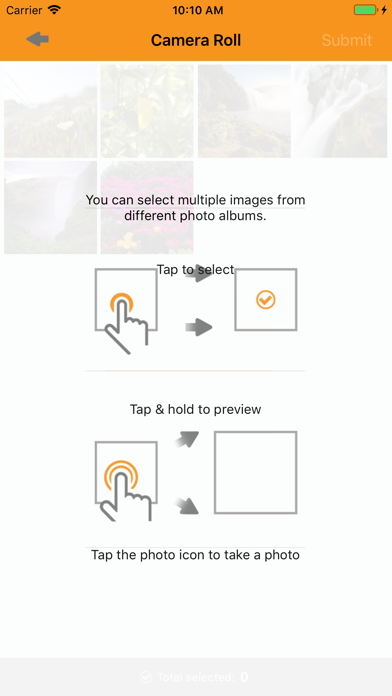
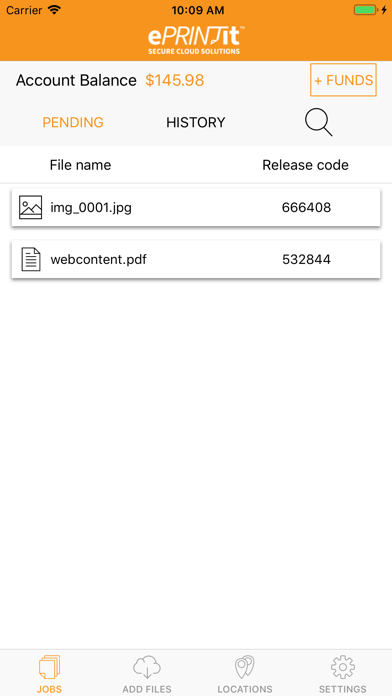
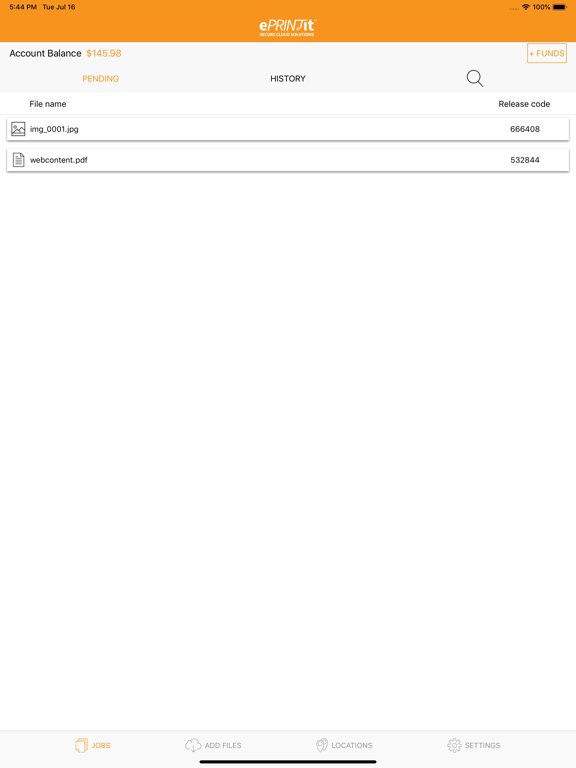
ePRINTit™ introduces the all-new ePRINTit™ Mobile app! ePRINTit™ Mobile is your one-stop mobile app for printing all your favorite content, via ePRINTit™’s secure cloud-based solution. Designed for users from across all industries, ranging from your common public user to students and staff at educational institutions, along with employees of corporate organizations, ePRINTit™ Mobile provides all mobile users the ability to securely and conveniently access and print all their documents. Users can access their entire portfolio of content for printing, located in any of the major cloud storage accounts, such as Google Drive, Dropbox, Box, OneDrive and Office365! ePRINTit™ Mobile also allows in-app website browsing and printing content directly from the webpage, along with direct printing from integrated email addresses. ePRINTit™ Mobile is the only app that provides users with the all-in-one experience of being able to retrieve any of their content for printing, via any of the above options, from a single, streamlined platform! ePRINTit™ Mobile users then choose their desired document pickup location, and subsequently proceed to the selected ePRINTit™ public print or partner location, with the print costs being automatically deducted from the user account. With tens of thousands of print locations situated across the globe, users are always presented with ultra-convenient print locations and can print from anywhere, to anywhere, via the ePRINTit™ secure cloud. How it works: 1. Open the ePRINTit™ Mobile app and sign in using your credentials, or register if first time user. If signing in, enter your organization/campus credentials, For first time users, register by entering your organization, email, name, and creating your unique, secure username and password. 2. Once logged in, users will be able to see all pending print jobs that are awaiting to be released along with their unique release codes. Additionally, users will also be able to see all previously printed documents and their details under the history tab. 3. Next, users can add files for printing through the Add Content page. Using this interface, users can access, select, and submit content for printing directly from their email, specific webpages, device memory, and online storage accounts, all from a single platform. 4. The locations page will then show the available ePRINTit™ partner print locations kiosks nearby, enabling convenient, fast printing. 5. Go to your desired print location, login, preview your document and settings (copies, color, etc.) and print! Funds are automatically deducted from user accounts, though the option of paying at the ePRINTit™ partner print location is also available. 6. The settings page provides users with their user profile information, allows users to add and manage credit cards, add funds, view transaction history, and manage the addition and removal of their desired cloud storage accounts. Download ePRINTit™ Mobile today and experience convenient, seamless, fast and secure printing like never before!
Latest release
What’s New
- Allows Sharing Photos from the Album.
Audience growth
Ratings growth
Baseline captured. Growth appears after the crawler observes a changed rating count.
Momentum comes from crawler snapshots for the tracked storefront. “Viral growth signal” means unusually fast recent rating gains; it is an indicator, not download data.
Price tracking
Price intelligence
First snapshot captured. The trend line starts after the next crawler price observation.
- First observed Aug 11, 2026 · 1:55 AM Free
Screenshots