About this app
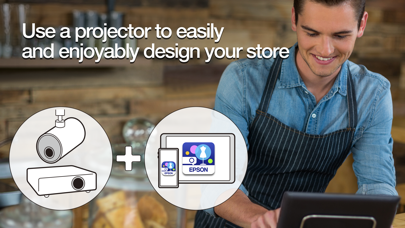
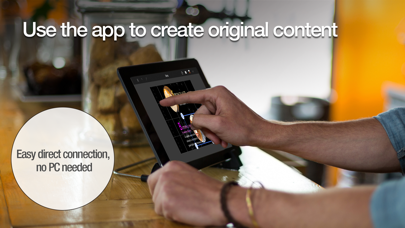
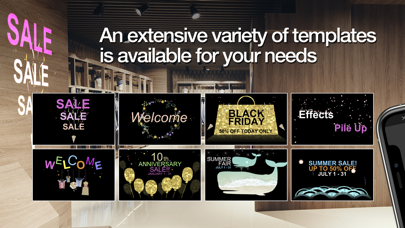
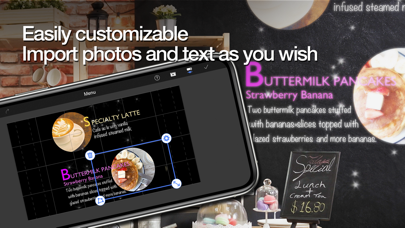
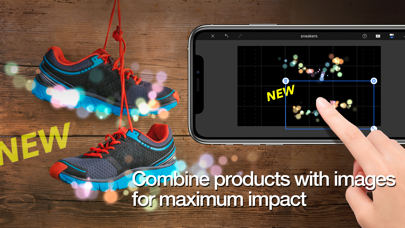
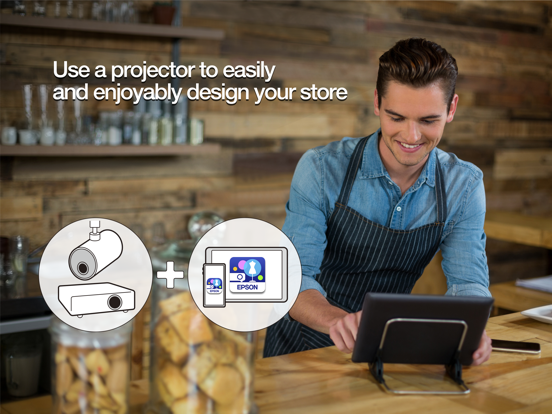
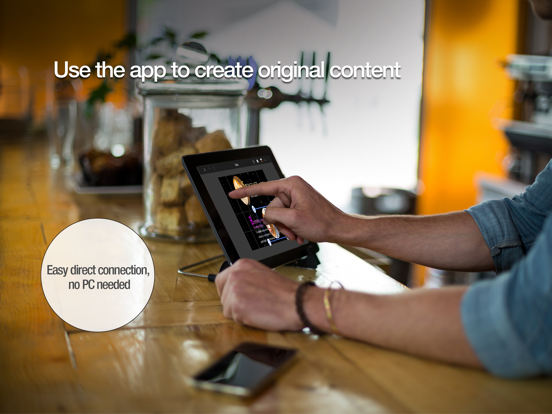
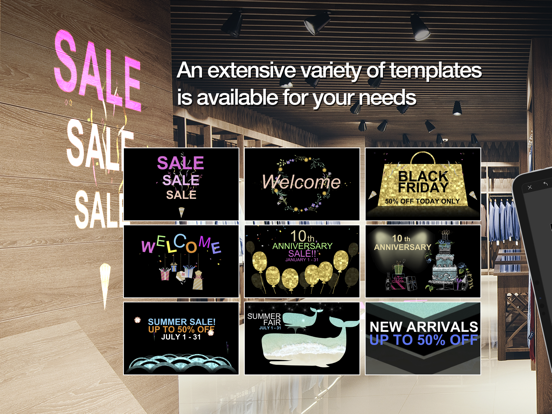
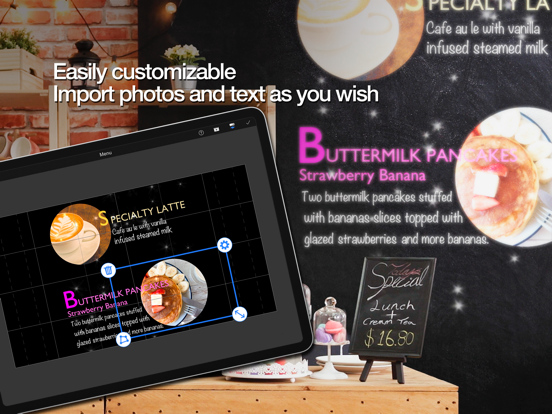
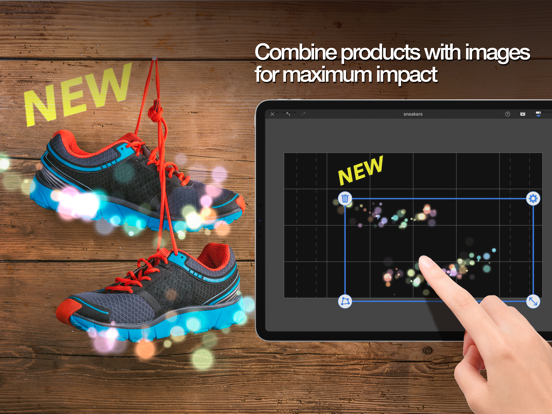
Epson Creative Projection Use an Epson projector*1 and your custom content to bring spaces alive! Epson Creative Projection is an app that allows you to enjoy creating custom content on an iPhone or iPad easily. Decorate any room or space by combining your photos and movies with the app’s built-in templates and stamps. With Epson Creative Projection, you can create original, dazzling content to enliven rooms, product displays, and spaces around you, anytime and anywhere. Steps • Set up your projector. Insert a USB memory or SD card into the projector and connect the projector to a network. • Preview content on the projector. Connecting your iPhone or iPad and projector enables you to edit content on your iPhone or iPad while projecting a preview. You can easily connect your device by reading a QR code displayed on the projected image. • Select a template and edit your content. Select a built-in template that fits your vision of the content you want to create. You can customize your content by adding text, stamps, and effects. • Save your content to your projector. After you finish editing your content, save the file to the USB memory or SD card that you inserted in the projector. You can play the content that you save from the projector even if you do not have your device with you. Main Features • Stamp layout Freely arrange and combine the materials provided in the app any way you like. Use seasonal materials to create new content for each season. • Photo and movie capture Load photos and movies from your iPhone or iPad for use in creating content. • Visual effects You can make snow or flower blossoms flutter down. You can even add a line anywhere you like and make them accumulate on the line. • 4-point free geometry correction This feature allows you to adjust the 4 corners of stamps. It also allows you to correct distortions in images projected on two or more surfaces (planes). Projectors that support the app: Please go to https://support.epson.net/projector_appinfo/creative_projection/en/ to find the list of all supported projectors. [App Permissions] To use the app, the following permissions are required. [Required] Local Network For searching and connecting to the projector. [Optional] Camera Capture a connection QR code. [Optional] Photo Project selected photos from the device to the projector. * Optional permissions can be declined, but some features may not work.
Latest release
What’s New
Minor bug fixes
Audience growth
Ratings growth
Baseline captured. Growth appears after the crawler observes a changed rating count.
Momentum comes from crawler snapshots for the tracked storefront. “Viral growth signal” means unusually fast recent rating gains; it is an indicator, not download data.
Price tracking
Price intelligence
- First observed Aug 10, 2026 · 6:07 PM Free
Screenshots