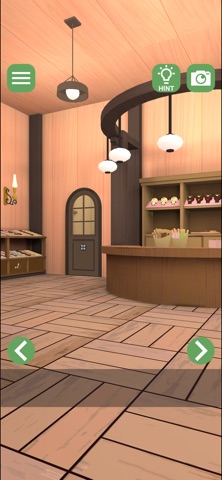
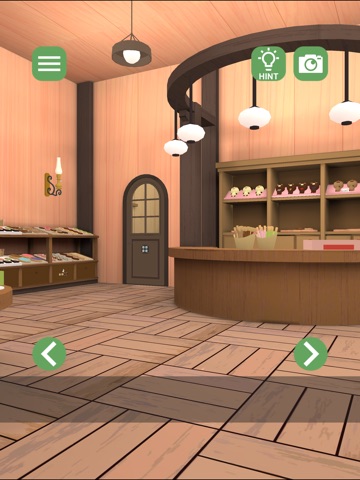
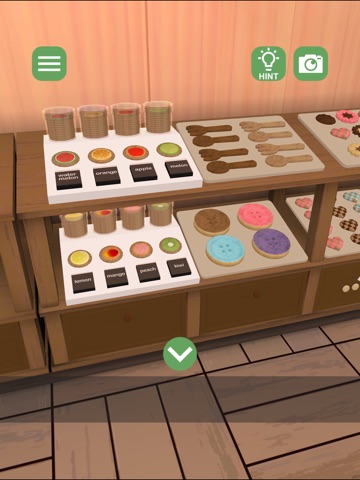
About this app
Screenshot and auto-save features allow you to restart anytime. If you get stuck, you can view hints and solutions inside the game. How to Play Tap areas that catch your interest to investigate. Tap an item to select it, then tap where you want to use it. Double-tap an item to zoom in. Some items can be combined when used together. If you get stuck, check the hints. (Video ads included) About In-App Purchases Removes ads required to view hints and solutions. This allows comfortable play even in regions with unstable internet connections. Copyright Notice Unauthorized posting, reproduction, or modification of screenshots or walkthrough videos may result in penalties under copyright law. 2026 Studio Wakaba
Latest release
What’s New
Fixed an issue where placed items were not displayed correctly when resuming the game from the title screen.
Audience growth
Ratings growth
Baseline captured. Growth appears after the crawler observes a changed rating count.
Momentum comes from crawler snapshots for the tracked storefront. “Viral growth signal” means unusually fast recent rating gains; it is an indicator, not download data.
Price tracking
Price intelligence
First snapshot captured. The trend line starts after the next crawler price observation.
- First observed Aug 26, 2026 · 3:07 PM Free
Screenshots