About this app
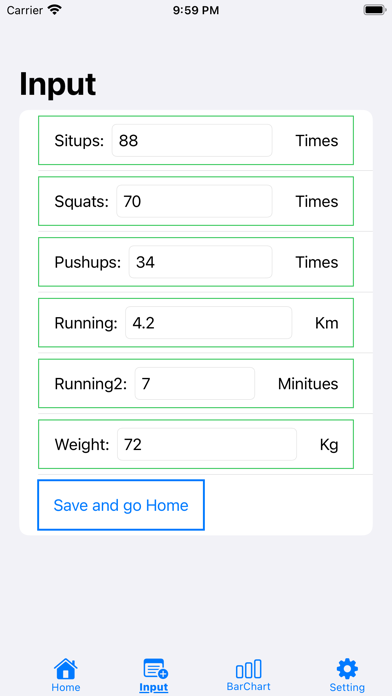
1. When you first start up, you will be prompted to set what to record on the "Recording item screen". For those who find it difficult, you can load a sample of the item, load it, modify it, and save it. 2. After that, all you have to do is record your exercise performance. I think it's best to record every day, but it doesn't matter if you record multiple times a day or if there are not every day. 3. You can set a target value for the record item, and when the actual value exceeds it, a "well done mark" is displayed. 4. The recorded data can be displayed as a bar graph up to the last 14 times.
Latest release
What’s New
Bug fixes and performance improvements.
Audience growth
Ratings growth
Baseline captured. Growth appears after the crawler observes a changed rating count.
Momentum comes from crawler snapshots for the tracked storefront. “Viral growth signal” means unusually fast recent rating gains; it is an indicator, not download data.
Price tracking
Price intelligence
First snapshot captured. The trend line starts after the next crawler price observation.
- First observed Aug 19, 2026 · 6:33 AM Free
Screenshots