About this app
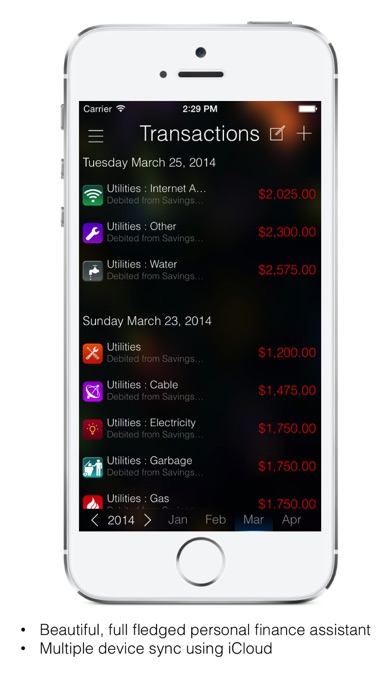
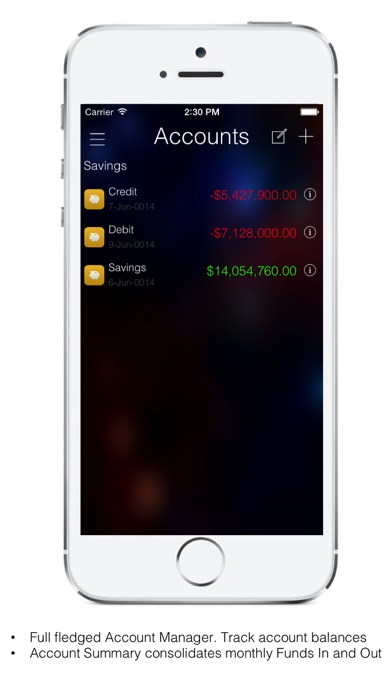
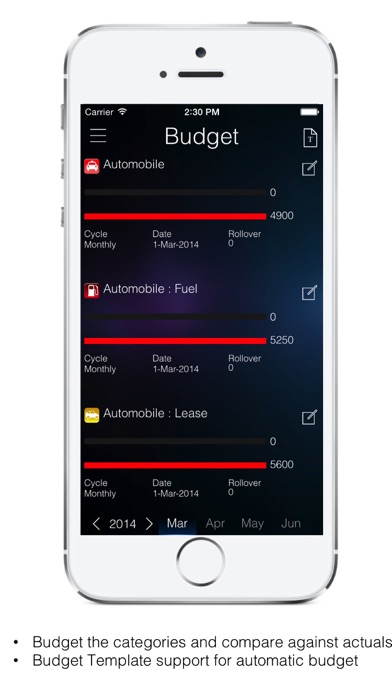
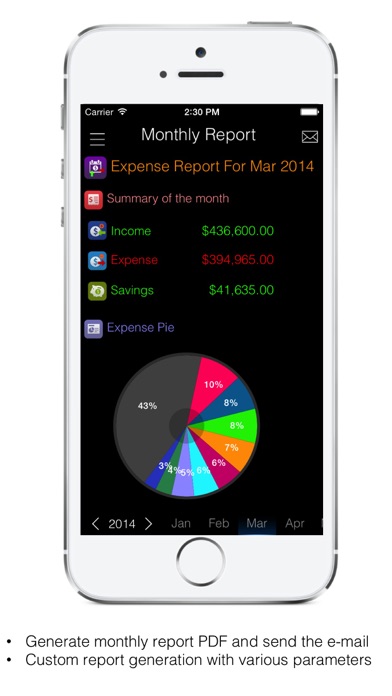
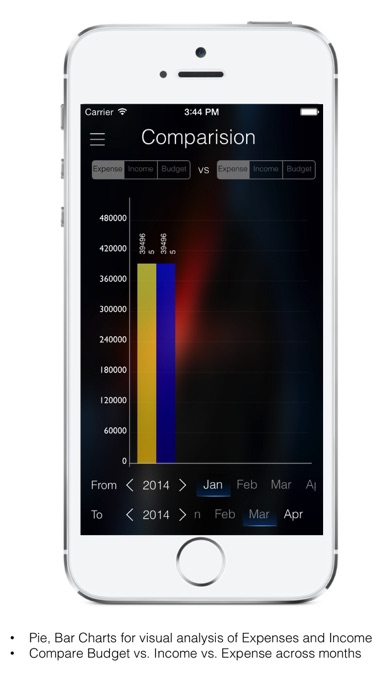
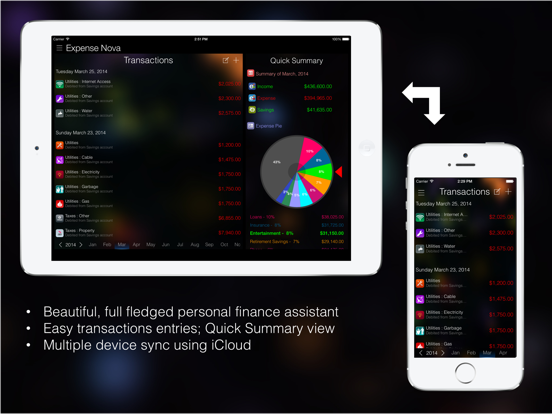
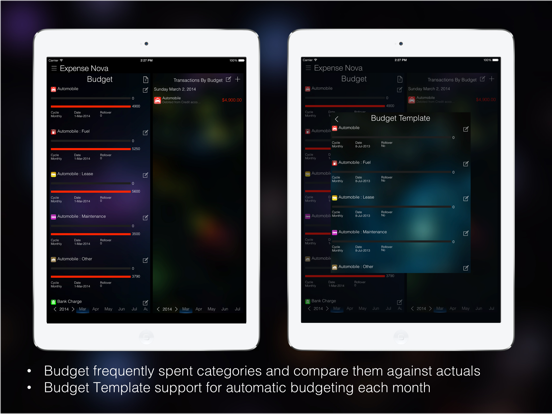
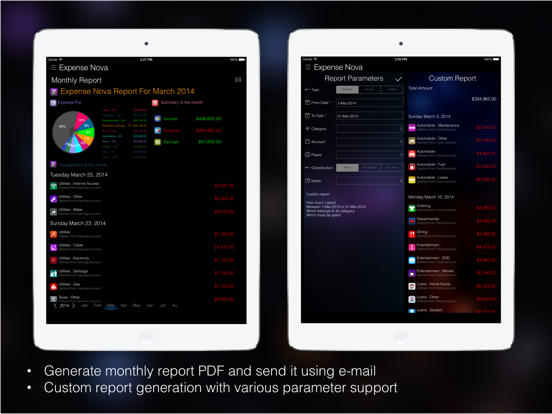
Expense Nova – Know Where Your Money Goes •Expense Nova is a graphical Income and Expense Analysis tool with the provision to set Budgets and compare them against the actuals. •Fully loaded on to your mobile Device iPad, iPhone and iPod, no online access or setup needed. •Wide range of easy to use interactive Visual Expense Analysis tools that helps you to find out where your money goes by a specific period or a specific category or a specific item •Loaded up with most commonly used Income and Expense Categories, and allows you to setup your own categories as well. •Easy User interactive Reports and Graphs that helps easy analysis. •Family Sync using iCloud **Features** Easy Data Entry •Import your expenses from your Credit or Debit Bank Statement into the tool as-is. All you need is download a CSV file from your Online Banking System and upload it into the Expense Nova in Easy to Follow Steps •Easy to use Expense / Income / Budge Item Entry Screens with on the fly Calculations. •Easy to maintain Recurring Expense or Income Items, once set the items are automatically handled all throughout the period without any additional entry Detailed Analysis •Select the Expense / Income item over a period with easily selectable Year / Month / All right on one screen. •Interactive Pie and Bar Charts to Visualize the breakdown of each category or item against the total Expense or Income for any period. •Rotate the interactive Pie to Select a Category and see the detailed Breakdown of the items. •Color and Visualization differentiation for items based on Expense / Income / Transfers and for their categories Manager your Budget •Manage Your Budget for each of the categories for a period, and compare them against the actuals right on. •Create Budget Template once for common items and your budget will be set for each month automatically. •Graphical representations on items that go over the budget and fluent calculations on the fly. •Option to Roll-Over your remaining budgeted amount to the next month as a carry forward. Manage your Accounts •Setup your Accounts once, and see your account current balances offline anytime based on your transaction data entry either through imports or manual. •View your account Opening Balance, Transfers (Funds In / Funds Out) and Closing Balances by Month. Accurate Expense and Income Categories •Built in Expense and Income Categories based on the industry standards. Modify or create your own Categories and Sub-Categories on top of them. •Once an expense or Income Items are set to a category all future entries are automatically set to the same category. •Visualize the breakdown of the Expense and Income Items by Category or the Item itself over a period of time on an easy selectable interactive screen on interactive Rotatable Nova Pie Chart, and Bar Chart. •Set your own icons from a wide range of icons for your categories for your easy identification Reports •On top all these features create Monthly reports on PDF format and provision to send out emails as an attachment. *** Unlocked version allows unlimited number of transactions, recurring transactions, budget process.
Latest release
What’s New
* Latest iOS 13 and devices support Please contact us contact@supernovatechapps.com if you have any queries or changes needed. Like the app? Please rate us in App Store
Audience growth
Ratings growth
Baseline captured. Growth appears after the crawler observes a changed rating count.
Momentum comes from crawler snapshots for the tracked storefront. “Viral growth signal” means unusually fast recent rating gains; it is an indicator, not download data.
Price tracking
Price intelligence
First snapshot captured. The trend line starts after the next crawler price observation.
- First observed Aug 11, 2026 · 3:11 PM Free
Screenshots