About this app
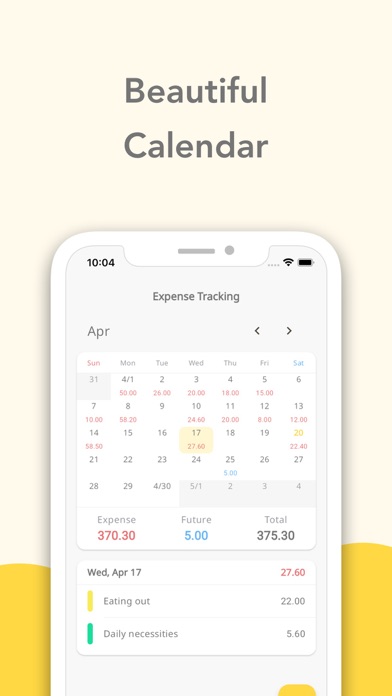
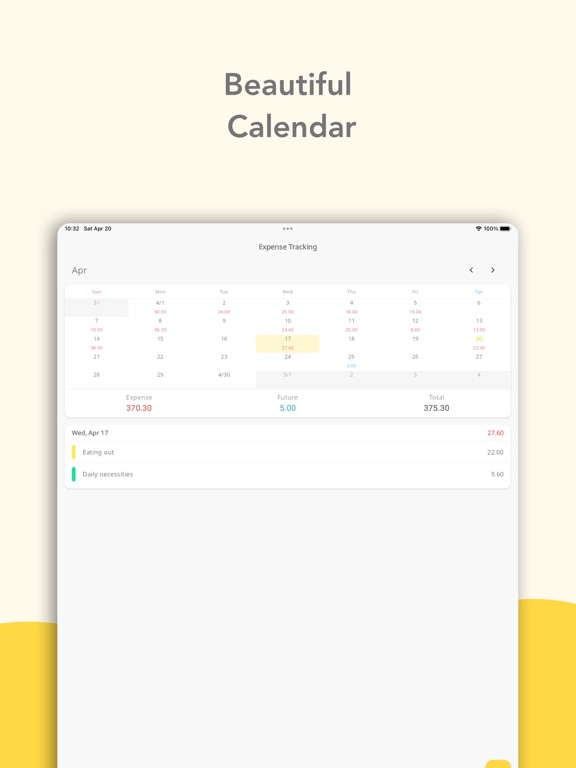
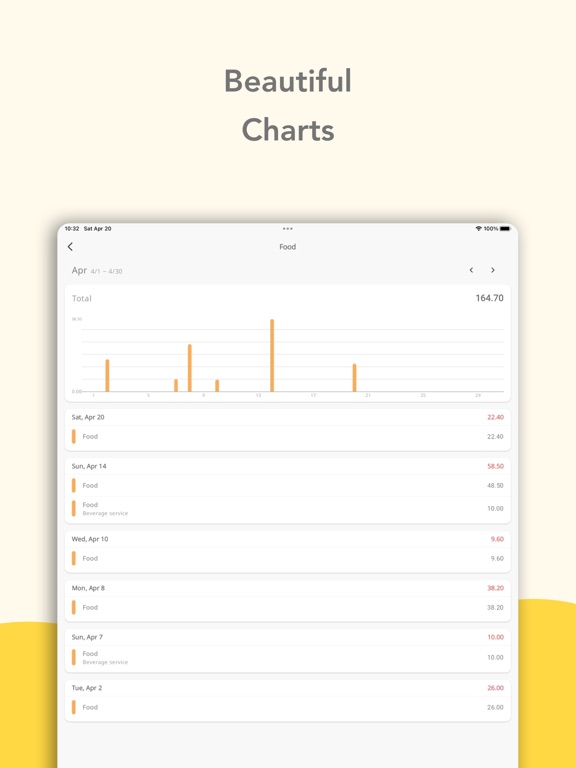
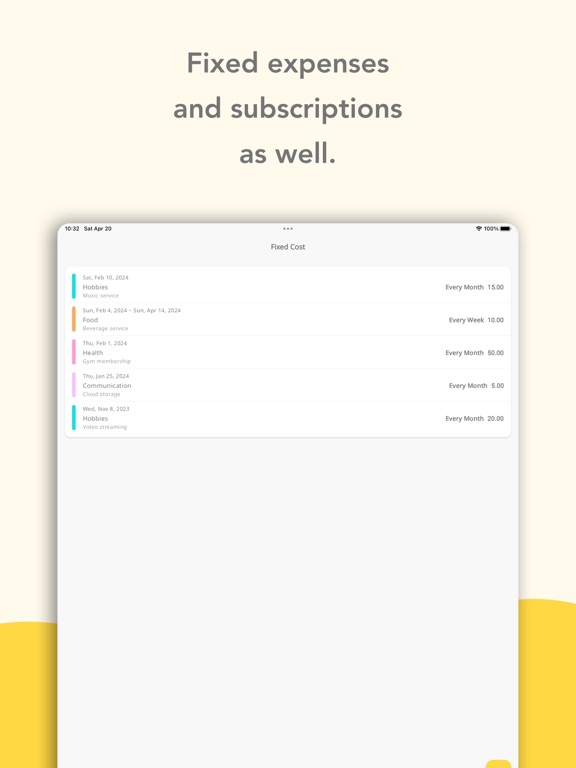
Expense Tracking is a simple expense tracker that records spending only. No income, no savings, no clutter — just log what you spend, as quickly as taking a note. TRACK SPENDING BY CATEGORY Record every expense under categories like food, rent, or daily costs. See exactly where your money goes and spot overspending at a glance. Categories are fully editable. SEE UPCOMING EXPENSES Past expenses and expenses from tomorrow onward are shown separately, so you always know how much money will go out this month — perfect for planning ahead and saving money. MANAGE SUBSCRIPTIONS & FIXED COSTS Keep rent, utilities, phone bills, and streaming subscriptions in one place. Register your monthly fixed costs once and they are counted into your upcoming expenses. CHECK YOUR SPENDING ON A CALENDAR Browse daily expenses in a calendar view — like a spending diary or money journal. STATS BY CATEGORY See totals for each category and switch between yearly, monthly, and weekly views to understand your spending habits. PERFECT FOR YOU IF - You want a simple money app you'll actually keep using - You just want to log daily spending, without extra features - You live alone and want to track living costs and food expenses - You want to review subscriptions and cut fixed costs - You're starting to save money and take control of your spending WHY EXPENSE TRACKING - No income or savings input — focused on expenses only - A minimal spending journal in the spirit of the Japanese kakeibo - Shows your future costs too — something most trackers can't do From daily spending to subscription checkups, keep your money simple with Expense Tracking. # LICENSE https://iconbox.fun/ https://bon.design/
Latest release
What’s New
- Added an in-app purchase to remove ads. - Added statistics for fixed costs on the Fixed Costs screen. - Added new colors to choose from for categories.
Audience growth
Ratings growth
Baseline captured. Growth appears after the crawler observes a changed rating count.
Momentum comes from crawler snapshots for the tracked storefront. “Viral growth signal” means unusually fast recent rating gains; it is an indicator, not download data.
Price tracking
Price intelligence
First snapshot captured. The trend line starts after the next crawler price observation.
- First observed Sep 30, 2026 · 6:37 AM Free
Screenshots