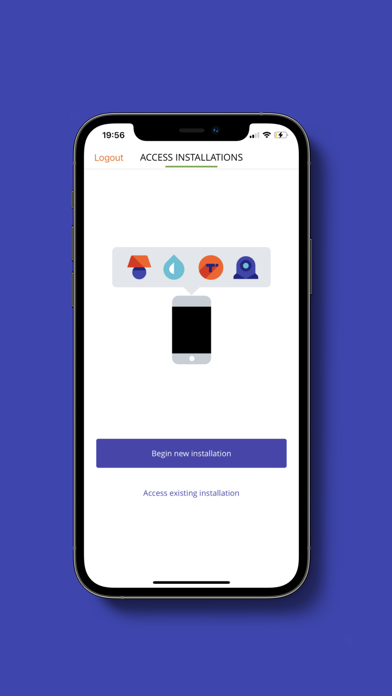
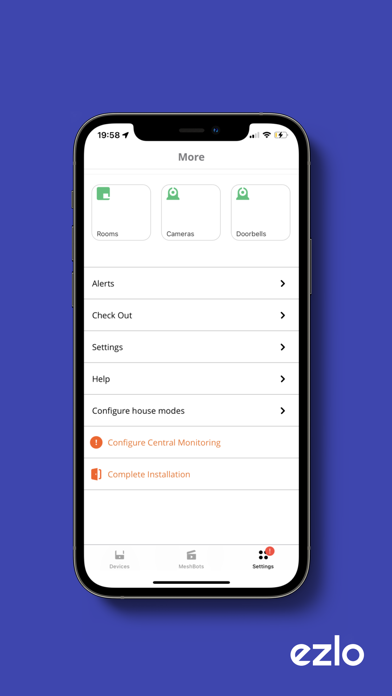
About this app
Ezlo Installer is for use by an authorized installer only. Used to configure and troubleshoot the Ezlo platform. Using the checkout feature, please ensure that the system is properly configured before leaving the client’s home.
Latest release
What’s New
What's New: This update brings important improvements to the Installer app, enhanced sensor enrollment, and several bug fixes: Enhanced Sensor Enrollment (345 MHz Radio Sensors): - Improved "Learn Sensors" experience with updated icons and clearer labeling - Added Tamper-only and All Signals discovery modes for better sensor detection - Enhanced sensor information display showing device types when available - Fixed issue where sensors could be enrolled without required sensor group assignment Installer App Improvements: - Fixed camera naming issues - default names now respect 20-character limit - Camera rename function now displays proper text instead of technical tokens - Improved error message display on failed camera streams - Fixed VistaCam 703 camera pairing timeout handling - Resolved overlapping navigation bars on iPad - Motion sensor status now shows user-friendly labels Security & Device Management: - Fixed S2 device encryption on iOS installer - devices now properly encrypt during enrollment - Improved Honeywell DPW plugin compatibility - Fixed wireless setup for controller onboarding - Streamlined sensor group assignment workflow User Experience: - Removed siren volume and sound selection per product requirements - Removed unnecessary confirmation dialogs for smoother sensor group assignments
Audience growth
Ratings growth
Baseline captured. Growth appears after the crawler observes a changed rating count.
Momentum comes from crawler snapshots for the tracked storefront. “Viral growth signal” means unusually fast recent rating gains; it is an indicator, not download data.
Price tracking
Price intelligence
First snapshot captured. The trend line starts after the next crawler price observation.
- First observed Aug 14, 2026 · 4:43 PM Free
Screenshots