About this app
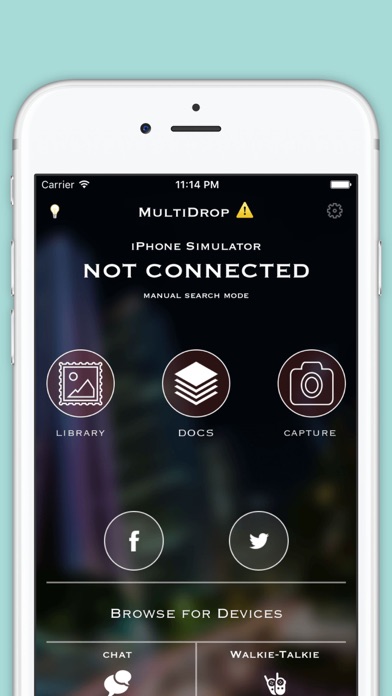
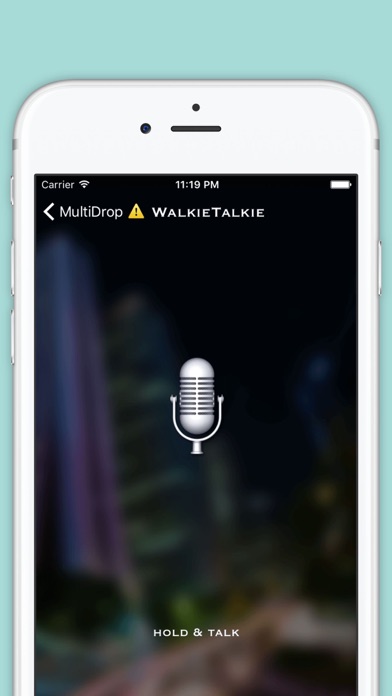
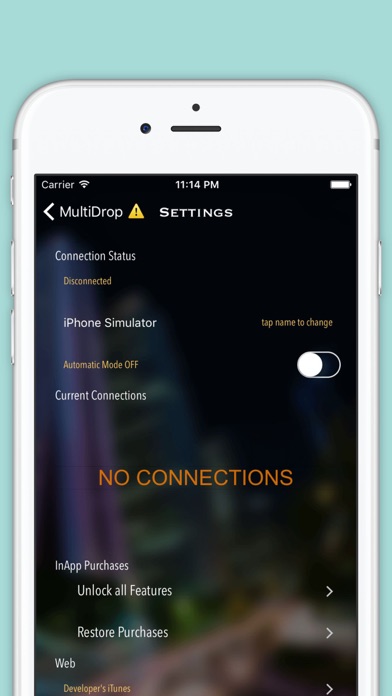
WiFi File Transfer is easiest and quickest file sharing application, supporting multiple files sharing with multiple devices simultaneously. WiFi File Transfer Application provides solution for the iPhone users who want to connect their mobile with PC without connecting a data cable or wire. WiFi File Sharing App provides the connectivity of mobile device with PC through Wi-Fi. User can copy, paste, and delete files from phone by connecting it with Computer. App also supports transfer between one iPhone to another iPhone. We believe the greatest sharing is among WiFi buddies - family, friends, co-workers, Relatives, who are already on the same local network. WiFi File Transfer help you to manager your important files in your Phone on the computer over wireless connection. No USB cable needed. Advanced FEATURES: • Upload or download multiple files at once • Delete, rename, copy, zip files using the built-in file manager interface • Chat Feature • Shortcuts to photo, video and music directories • Browser other devices. • Works while the device is in hotspot mode How to use WiFi File Transfer: 1.) Browse for other available devices which have Multipeer framework from Apple 2.) Click connect button after choosing the target device. 3.) Now you can do chatting or Walkie-Talkie 4.) You can also transfer files be it audio, video or text files. Enjoy the WiFi File Transfer which is available free of cost for iPhone users. Feel free to comment and your review on the WiFi Data Transfer Application.
Audience growth
Ratings growth
Baseline captured. Growth appears after the crawler observes a changed rating count.
Momentum comes from crawler snapshots for the tracked storefront. “Viral growth signal” means unusually fast recent rating gains; it is an indicator, not download data.
Price tracking
Price intelligence
First snapshot captured. The trend line starts after the next crawler price observation.
- First observed Aug 11, 2026 · 7:48 AM Free
Screenshots