About this app
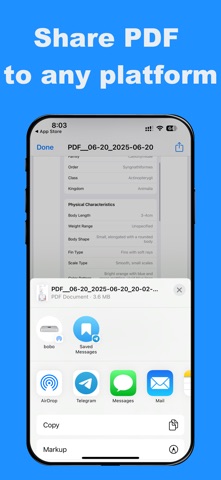
Convert photos into a shareable document in seconds. This iOS app is a lightweight image to pdf converter designed for speed and privacy. Select multiple images from your Photo Library, import pictures from the Files app, or capture pages with your camera. Preview your selection, name the file,then tap Convert to create image to pdf in one step. Export a multi-page PDF (one image per page) on an A4 layout with automatic scaling to keep the originalaspect ratio. Works with JPG, PNG, HEIC, and screenshots. Every image to pdf result is saved locally on your device. Browse your PDF list with date and file size, open and view instantly, share to Mail, Messages, orcloud drives, or delete one file or delete all. No account. No uploads. Your image to pdf workflow stays offline. Supports 26 languages and runs on iOS 14+, so you can use image to pdf anywhere.
Latest release
What’s New
- What's New: - Added "From Files" option to select images from the Files app - You can now import images from Downloads, iCloud Drive, email attachments, and other locations - Enhanced user experience with more image source options
Audience growth
Ratings growth
Baseline captured. Growth appears after the crawler observes a changed rating count.
Momentum comes from crawler snapshots for the tracked storefront. “Viral growth signal” means unusually fast recent rating gains; it is an indicator, not download data.
Price tracking
Price intelligence
First snapshot captured. The trend line starts after the next crawler price observation.
- First observed Aug 28, 2026 · 11:31 AM Free
Screenshots