About this app
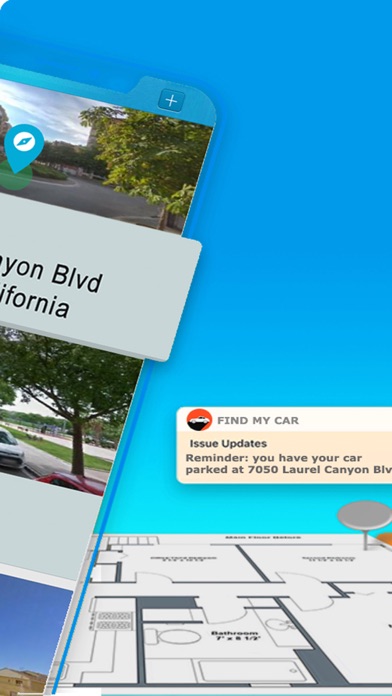
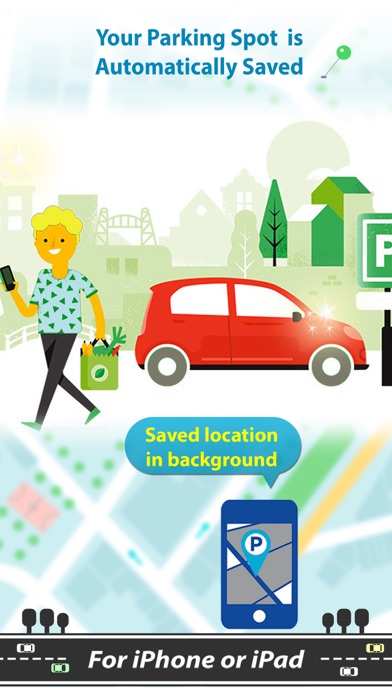
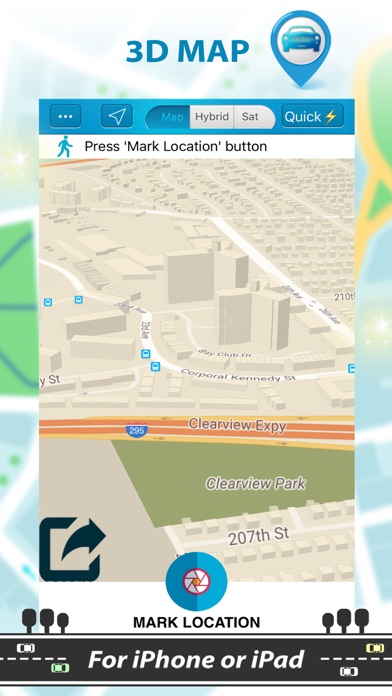
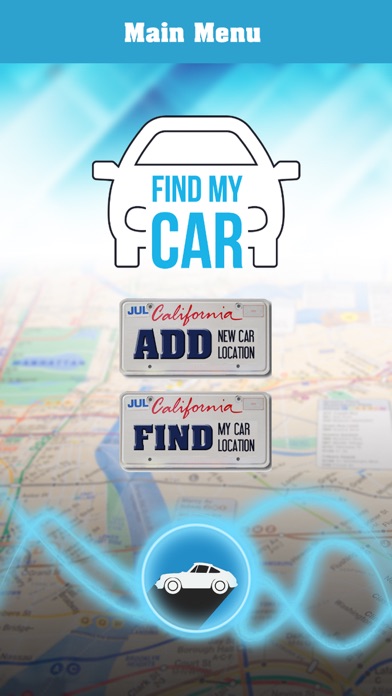
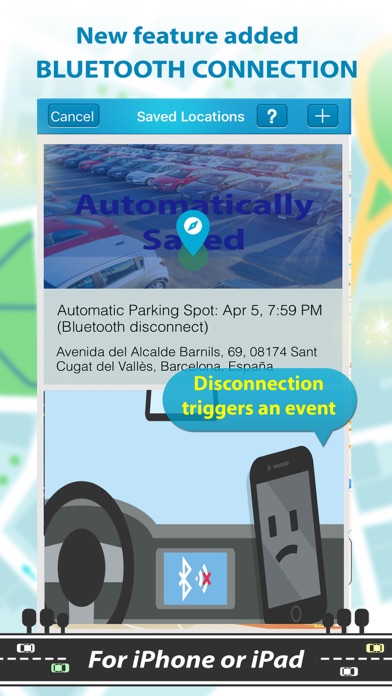
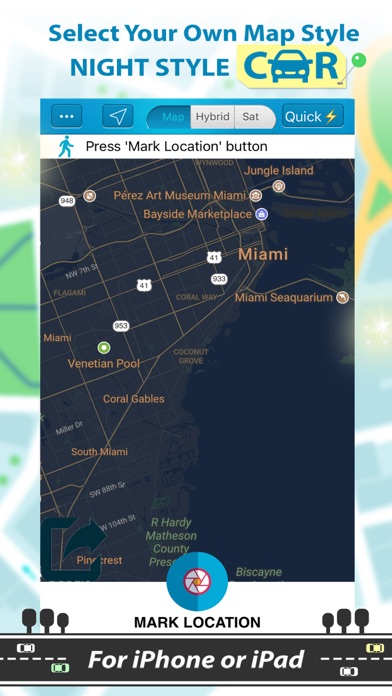
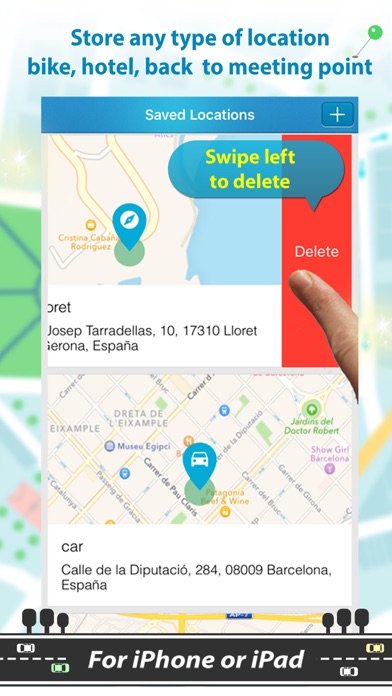
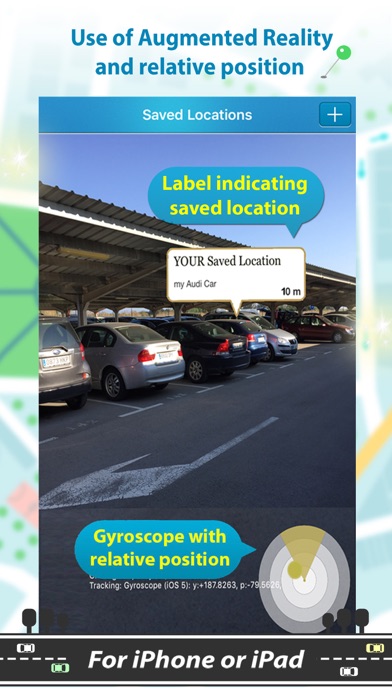
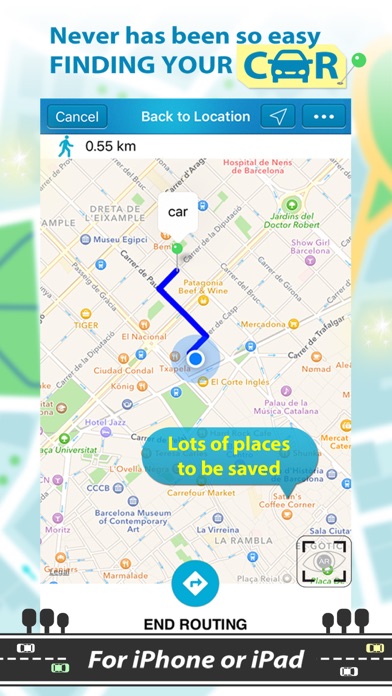
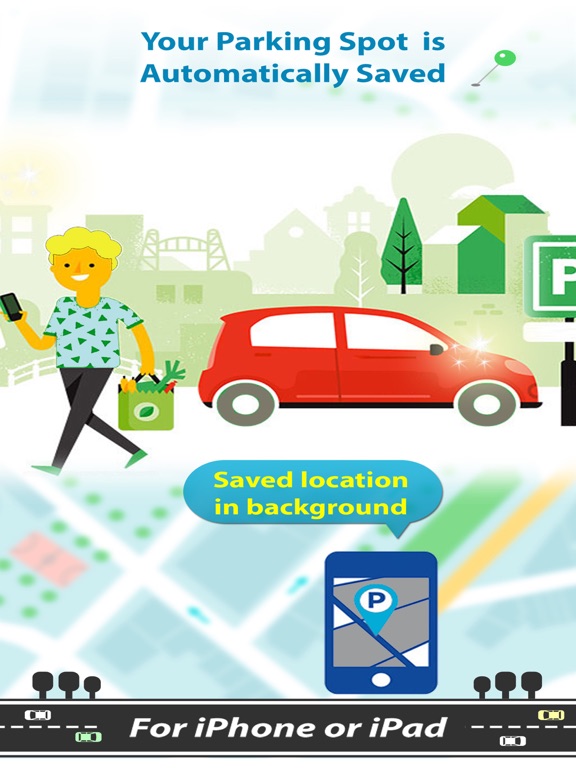
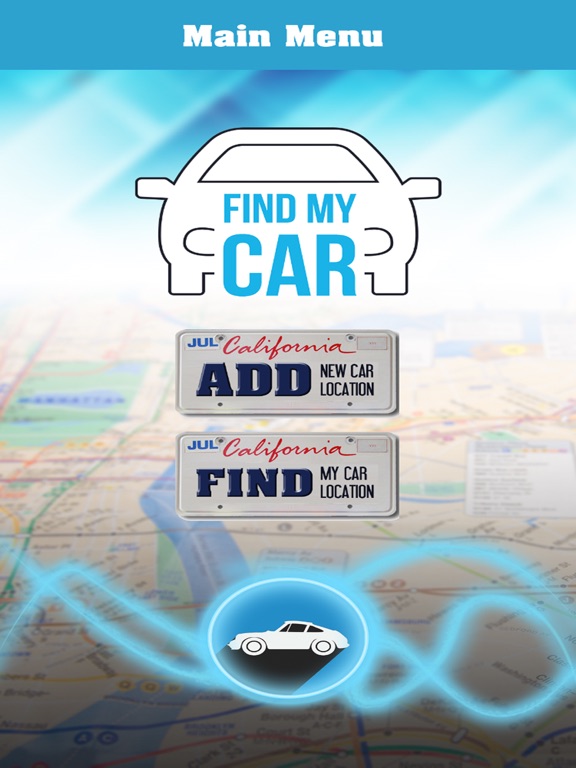
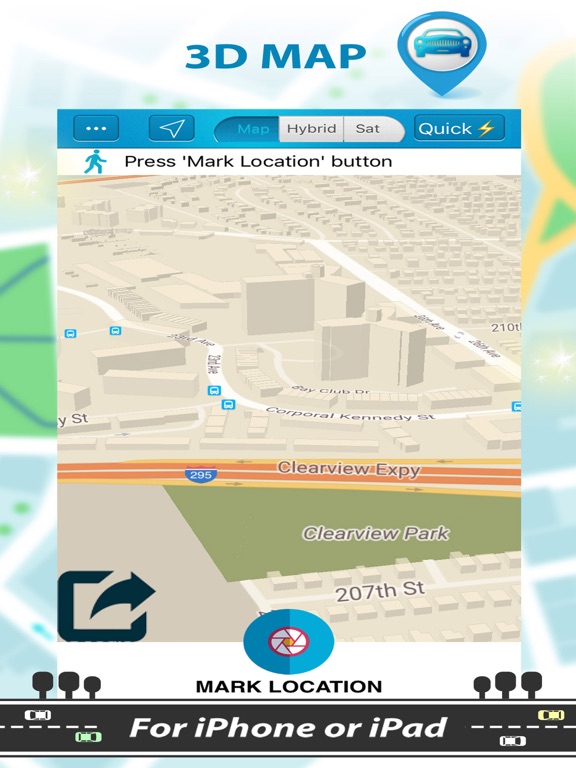
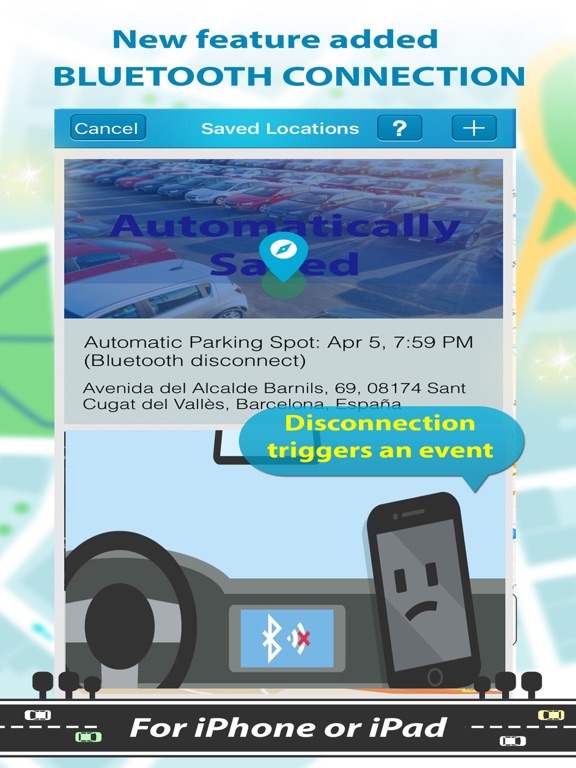
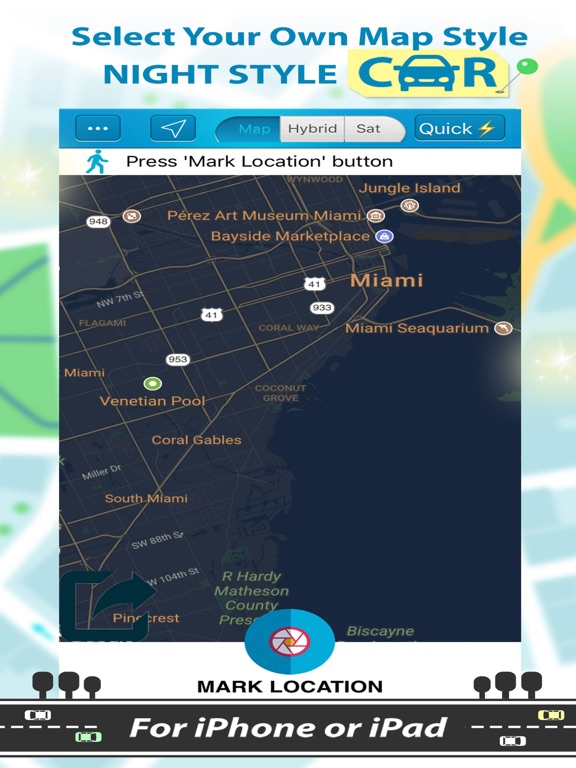
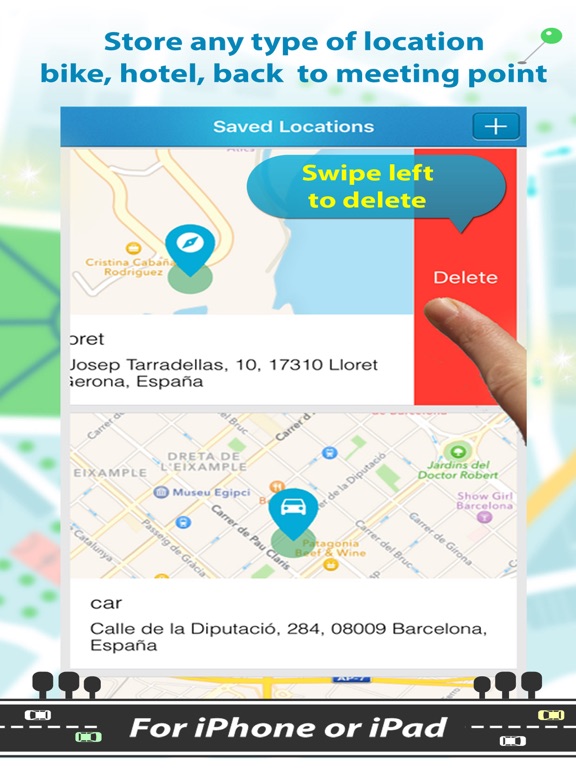
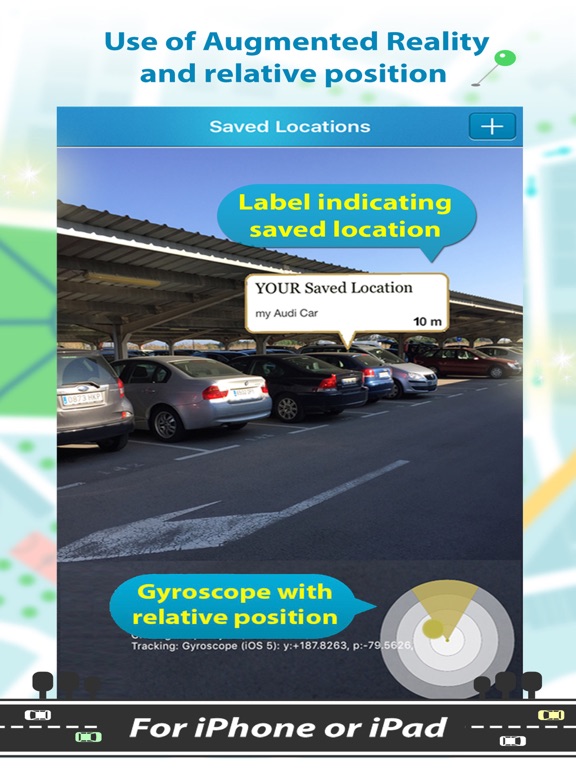
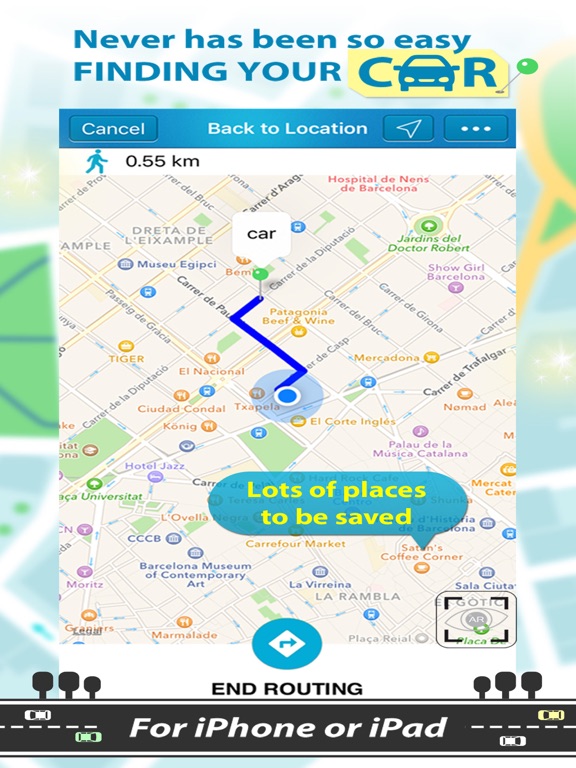
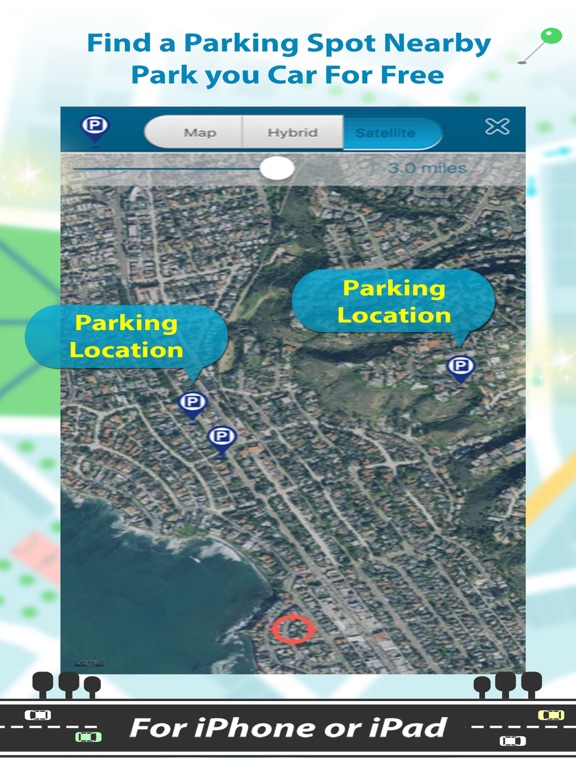
Find My Car is an useful application that uses GPS location services to help you find your car or a parking nearby. You will never forget where you have your car parked! Got your final destination? You only need to push the button and your current position got saved. You also can find a parking spot nearby with FindMyCar. NEW FEATURE ADDED Bluetooth disconnection triggers an event and your current location is saved inmediatelly. 1) Step into you car and turn on your audio car system, 2) open Find My Car app. It will wirelessly connect to your audio car using bluetooth automatically. 3) when your radio car is turned off, your current location is saved automatically in your list of locations saved. HOW TO USE Open Find My Car application and save your car, hotel or other position on the map and associate a short description. It will be much easier to find the place where you parked your car, or where is your hotel or whatever place you need to remember. In a simple and intuitive way, the application offers accuracy and speed on your return to your original location. When you stop the car, simply open the application and that it will identify your exact location using a GPS. With a simple touch on the "save" option, your position has already been saved. You can also write some reference point or special feature of the site (the building in front of where you have parked, floor of the building, the exact number of the parking place...). Thus, besides the geolocalisation you have additional references to remember details of where you parked your vehicle. This application requires an active internet connection to retrieve data. You also need to turn on "Location services" option in the settings of your device. App overview: -Save parking position -Save hotel position -Save other type of locations -Bluetooth audio car system disconnection triggers an event for saving your current parking location. -Tell the others where you have your parking. -Find the shortest path to get back to your car parked. -Create your personal places list to locate the usual locations to park. -Use of augmented reality to find you location easily -Add memos to be able to assure parking level including parking position or other parking information in a multistory car-park. STEP BY STEP INSTRUCTIONS Use '...' sign to see the drop down menu list, then press "saved locations" to see the list of your saved locations, then press '+' to add a new one. Use '+' to save your location and also pressing 'Mark Location' button, if desired, you can write down the name in the textbox and select 'car', 'hotel' or 'other' and finally on 'save location' button. Old locations are in the drop down as 'saved locations'. Swipe left on the address to delete from saved. With the 'add reminder' option you can create a note and schedule an alarm to be fired when the parking ticket expires, for example. Check the already written reviews: ***** Love it especially in the malls. (By EclipseGSX, 5 stars) ***** I've tried several. This is the best so far. (By Layed Back Fl, 5 stars) ***** Every drivers must have! (By Balateroid, 5 stars) ***** The best one in augmented reality. I can find where i parked my car. Very easy to use (By ryan.dobson, 5 stars). Offline function When you have set your parking position once, it is saved on the device and you can then completely close the app. Upon reopening the app, the saved parking position will be displayed again. *** IMPORTANT NOTICE *** Bello Studios is dedicated to updating their apps regularly to make sure they deliver the very best user experience. There's a huge effort to bring this features to you, if you have any issues to report or suggestions to make, please email me to bellostudios@gmail.com
Latest release
What’s New
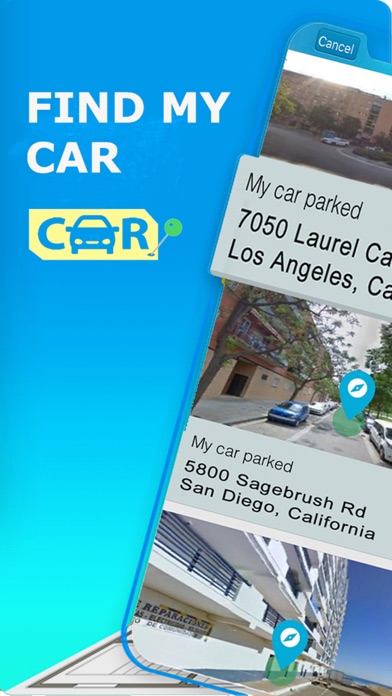
Street image saved when saving the location. It has augmented reality to help you to return to your car.
Audience growth
Ratings growth
Baseline captured. Growth appears after the crawler observes a changed rating count.
Momentum comes from crawler snapshots for the tracked storefront. “Viral growth signal” means unusually fast recent rating gains; it is an indicator, not download data.
Price tracking
Price intelligence
First snapshot captured. The trend line starts after the next crawler price observation.
- First observed Sep 1, 2026 · 6:21 AM Free
Screenshots