About this app
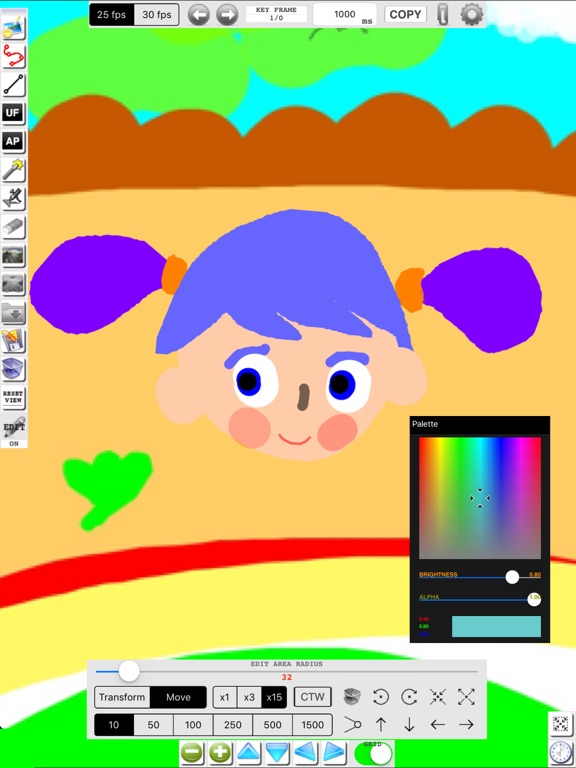
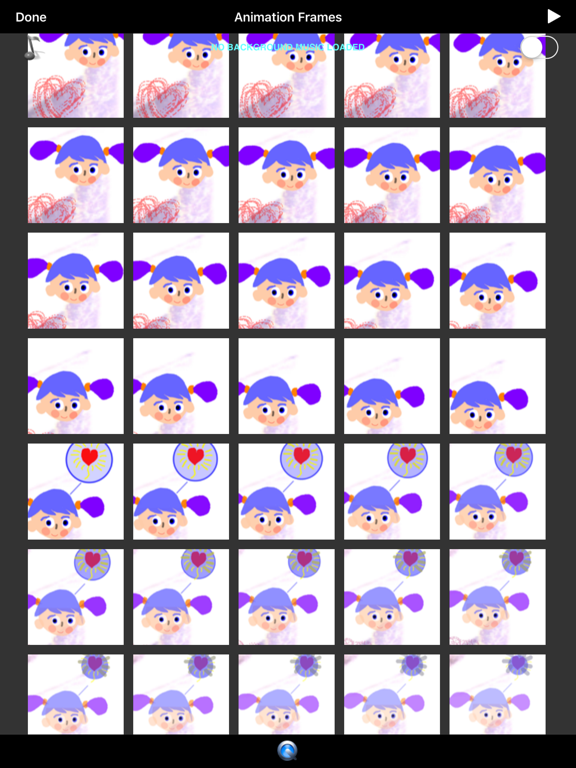
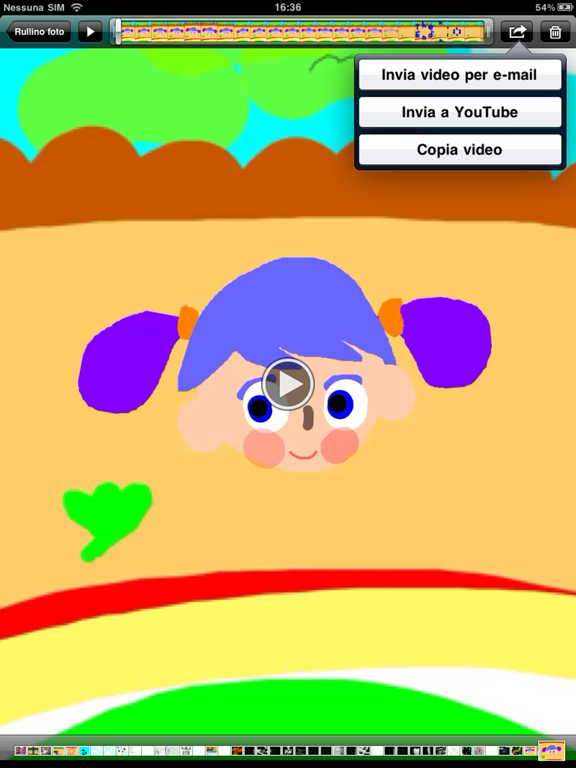
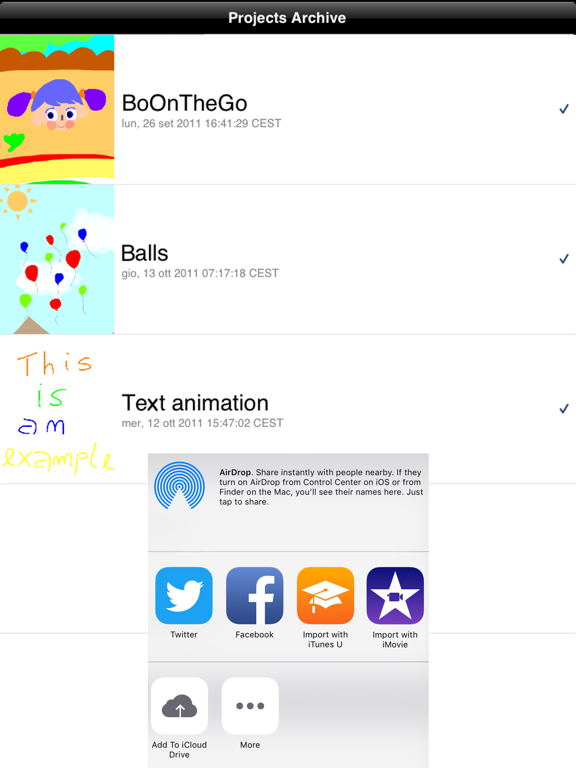
"Finger Painting Animator HD" is a software for creating 2D graphic animations and movies. The procedure for creating the movie is as follows: 1) Start a new project (giving it a name) 2) Load a background image (if desired) 3) Draw the scene to be animate with your fingers (using the tools provided: freehand drawing, color filling, airbrush, transparency, brushes with variable width, CAD tools such as line, grid, etc...) 4) Specify the scene duration (each scene can have a different duration) and save the scene 1 (keyframe 1) 5) Switch to the scene 2, edit the scene 1 using the editing tools provided (ZOOM, PAN, SCALE, ROTATE, COPY, TRANSFORM, JOIN CONTROL POINTS, MOVE, DELETE, MODIFY COLOR, WIDTH, TRANSPARENCY, etc…) or add new elements or characters to the scene and save the scene 2 (keyframe 2) 5) Create all necessary keyframes for your movie (2D animation: N 2D animation scenes, N keyframes) 6) Start the graphics engine to create the 2D animation movie: the software will automatically create the intermediate frames (inbetweens) interpolating and animating (tweening) the control vertices of the drawn keyframes (keyframing) and adding fades where needed. Also they are available the functions: - "MOVIE MAKER" that allows you to generate video .MP4 or .MOV exportable in the Photo Album of the device, usable with other installed applications (eg. “iMovie" ... for example "Finger Painting Animator HD" can be used to create new transitions for iMovie, also using handwritten animated text or drawings or small films superimposed on an image or a keyframe) - "PLAY" to visualize the created 2D animation movie (starting from any desired frame of the movie) - "FRAME BY FRAME" to display all the images of the movie (with the intermediate images, automatically generated from the graphics engine) - "LOAD AND ADD BACKGROUND MUSIC" to add a soundtrack to the movie - "SHARE PHOTOFRAMES" to copy all the JPG images (frames) of the 2D animation (movie) on your Mac or PC, using "iTunes File Sharing" - "SHARE MOVIE" to copy the generated movie file .MP4, and/or .MOV on your Mac or PC, using "iTunes File Sharing" - "REMOTE SHARING" to share all the created multimedia content with DROPBOX, iCloud Drive, Facebook, etc ... Create your movies with "Finger Painting Animator HD".
Latest release
What’s New
* Minor bugs fixed
Audience growth
Ratings growth
Baseline captured. Growth appears after the crawler observes a changed rating count.
Momentum comes from crawler snapshots for the tracked storefront. “Viral growth signal” means unusually fast recent rating gains; it is an indicator, not download data.
Price tracking
Price intelligence
First snapshot captured. The trend line starts after the next crawler price observation.
- First observed Aug 27, 2026 · 4:32 AM $2.99
Screenshots