About this app
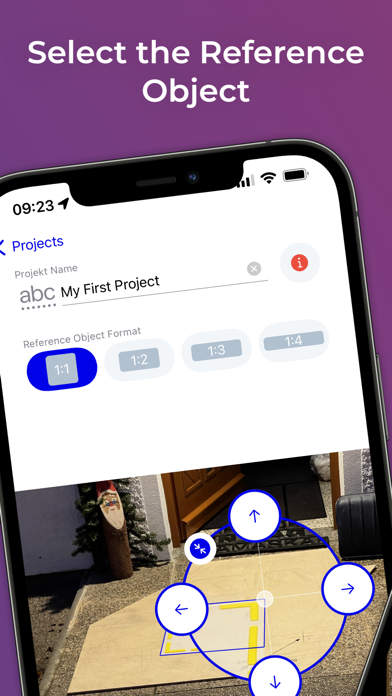
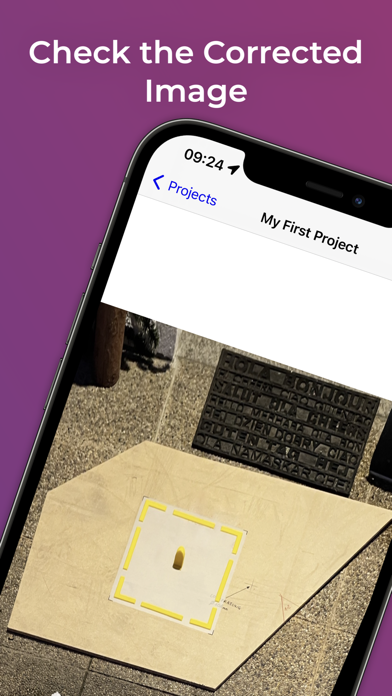
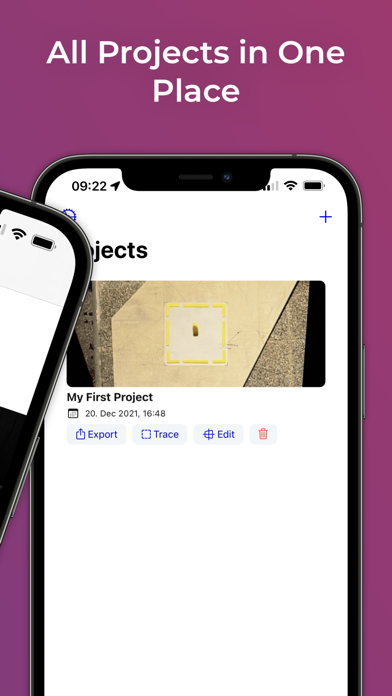
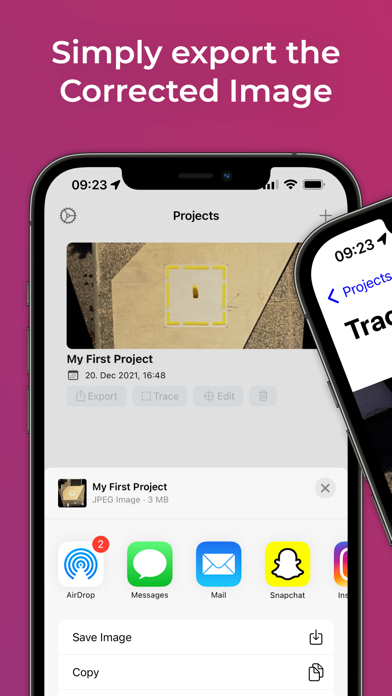
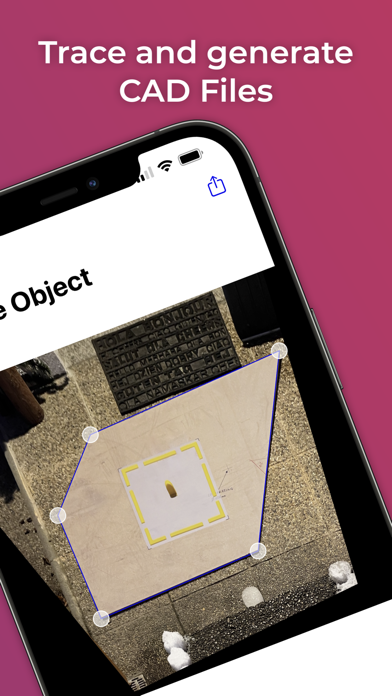
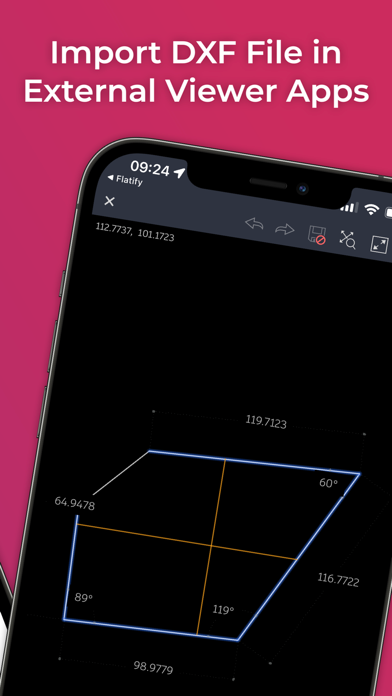
With the help of "Flatify - Perspective Repair" you can simply remove the perspective distortion from all kinds of 2D objects such as, stencils, forms, shapes... and further import them into your preferred CAD program to trace the outlines. Even the most complicated shapes can be digitized without a lot of measuring effort! --- Only 4 Steps to your CAD file --- Step 1: Photographing the 2D object with the reference object lying on it using the Flatify - Perspective Repair App. Step 2: Check the corner points of the reference object in the Flatify - Perspective Repair Flatify App. Step 3: Export the processed image and import it into your preferred CAD program on your computer. Step 4: Trace the contours in the CAD program and get your CAD file. From now on you can also do Step 3 & 4 directly within the Flatify App without the need of a computer or an external program!
Latest release
What’s New
- Fixed bugs that prevented using the app on certain iOS Versions
Audience growth
Ratings growth
Baseline captured. Growth appears after the crawler observes a changed rating count.
Momentum comes from crawler snapshots for the tracked storefront. “Viral growth signal” means unusually fast recent rating gains; it is an indicator, not download data.
Price tracking
Price intelligence
First snapshot captured. The trend line starts after the next crawler price observation.
- First observed Sep 4, 2026 · 6:47 AM Free
Screenshots