About this app
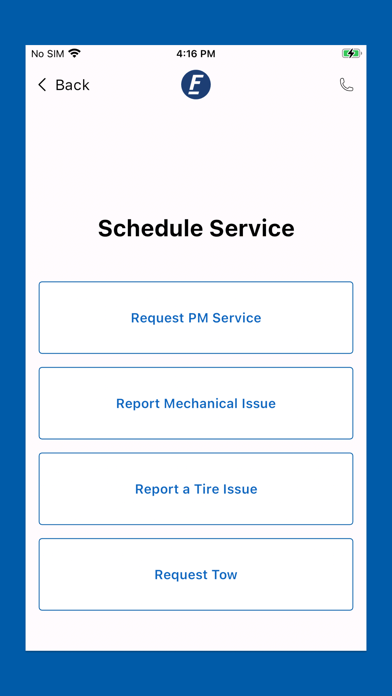
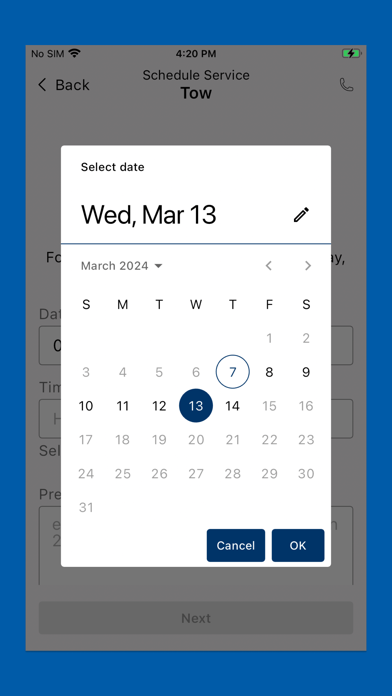
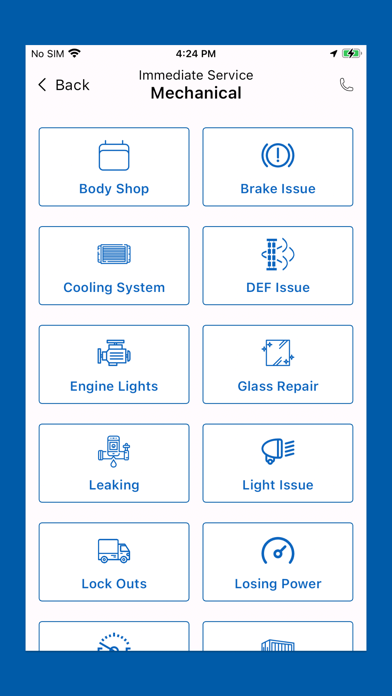
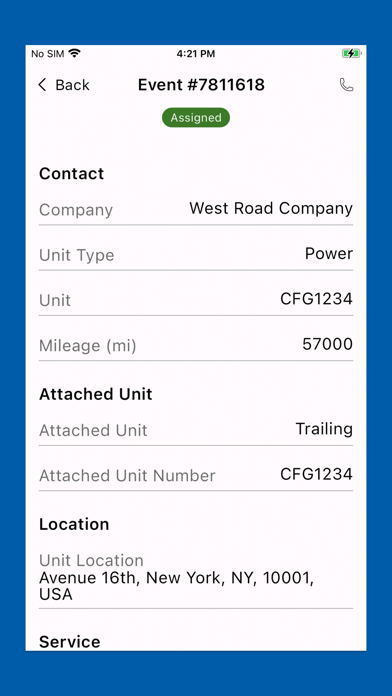
Every Vehicle. Every Service. Connected. FleetNet America’s mobile app allows customers to initiate and track emergency roadside and/or maintenance service requests from your phone without calling our service center. Requests are entered directly into our systems, saving you valuable time and getting you back on the road faster! GET PROMPT HELP Schedule emergency roadside assistance with a few easy clicks. Your service request is submitted directly into our system and ready for review by an agent in seconds. SCHEDULE IMMEDIATE SERVICE OR SERVICE AT A LATER DATE When entering your service request, you have the option to schedule service immediately or schedule at a time convenient to you. If you need a PM (preventive maintenance) tomorrow and know your location for a scheduled stop, you can enter your request today. Plan ahead and stay on schedule! GET EVENT STATUS UPDATES You will receive live updates about the event as it happens. Know who has been assigned for the repairs and when the service provider is expected on scene. If you need to check the status of another event, you can enter the information on the Welcome Screen for those updates as well. SAVES YOU TIME Avoid waiting on hold by using the mobile app to submit your event. Save valuable time by entering information in the app instead of calling the service center. When your request is received, the information is quickly reviewed and processed for dispatch, putting you in the fast lane. HOW IT WORKS From the Welcome Screen, the user taps the Request New Service button and is directed to the Request Service Screen to enter information. Requested information includes: • Company Name • Type of Unit • Unit #/Vin/License Plate # • Year/Make/Model • Engine • First & Last Name • Service Address/City/State/Zip • Odometer/Hubometer • Load Weight • Description of Issue • ‘Service Needed Immediately’ or ‘Schedule Service at a Later Date’ The user will receive progress updates on the event including Event Created; Service Provider Assigned; Service in Progress; and Event Completed. Event details are included with each phase as well. The user can also check the status of any event from the Welcome Screen by submitting two of the following three pieces of information. • Reference # • Unit # • Phone # If you have questions about FleetNet Mobile, please contact us at sales@fleetnetamerica.com or 855.836.3912.
Latest release
What’s New
Smoother Performance: We've fine-tuned the app under the hood for minor performance enhancements, ensuring a more fluid and responsive experience for everyone. Enhanced Stability: We've squashed several bugs to improve app stability and overall reliability, making your app experience more dependable. New Relic Integration: We've added the powerful New Relic feature to help us continuously monitor and optimize app performance, ensuring a consistently excellent experience for you.
Audience growth
Ratings growth
Baseline captured. Growth appears after the crawler observes a changed rating count.
Momentum comes from crawler snapshots for the tracked storefront. “Viral growth signal” means unusually fast recent rating gains; it is an indicator, not download data.
Price tracking
Price intelligence
First snapshot captured. The trend line starts after the next crawler price observation.
- First observed Aug 20, 2026 · 10:42 PM Free
Screenshots