About this app
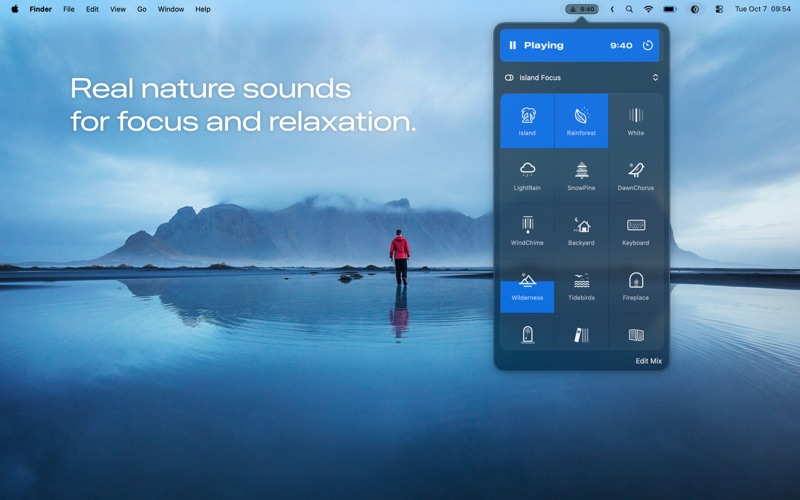
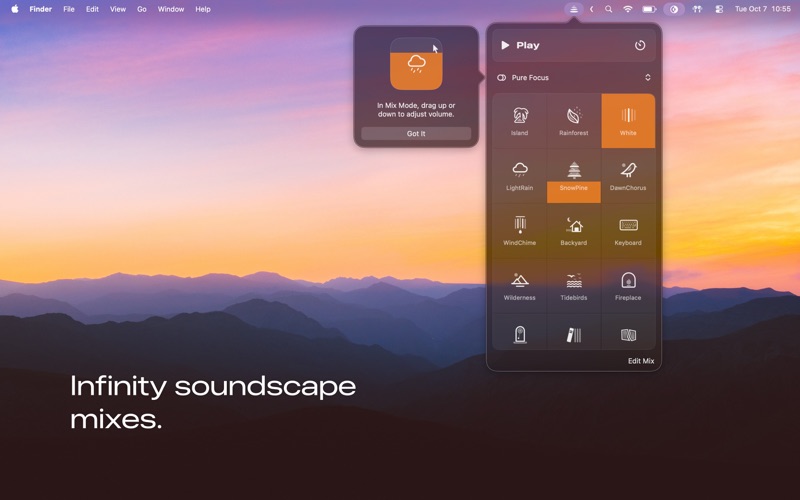
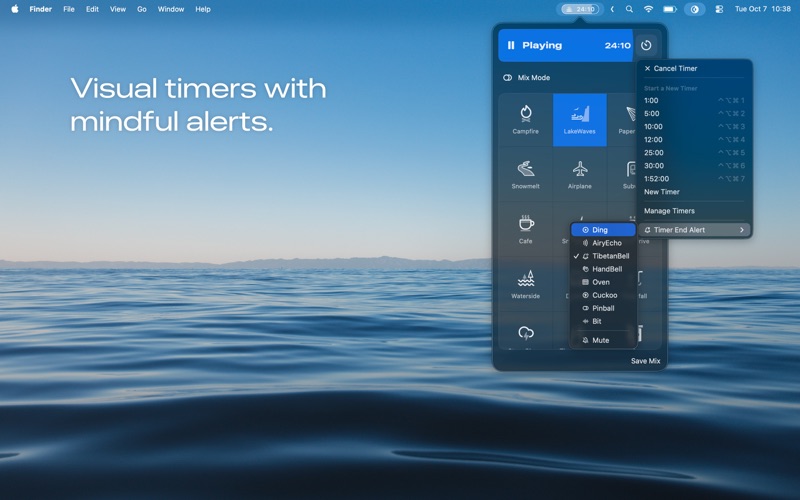
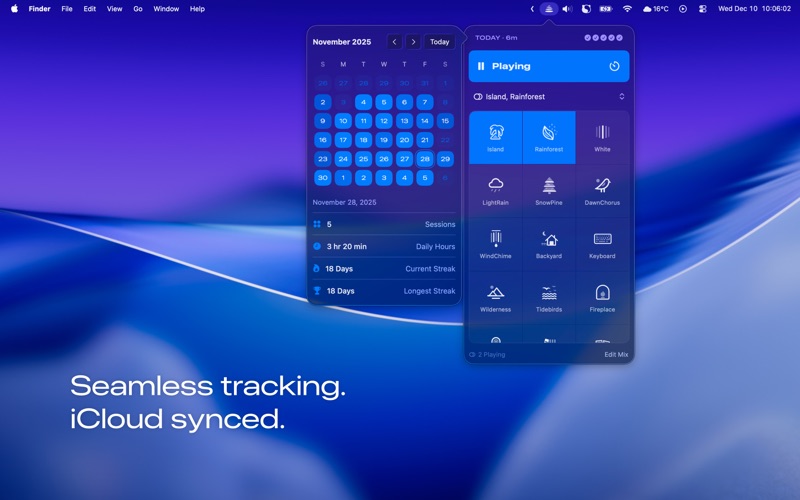
High-Fidelity Nature Sounds + Focus Timer, Just One Click Away. Focast is a natural white noise timer designed for deep focus. Create your own calm workspace on Mac, whether you are working, studying, reading, or writing, to block distractions and stay in flow. • Over 95 high-fidelity ambient sounds from around the world, including forests, waves, rain, fire, birds, wind chimes, and city corners. • Every sound is field-recorded by sound artists and professionally mixed by Focast for seamless and pure playback. • With Mix Mode, you can layer multiple sounds freely, adjust volume and depth with simple drag controls, and save your personal ambience. • Works perfectly with other music apps, allowing you to combine natural soundscapes with your favorite music for a richer atmosphere. • Create unlimited Pomodoro, focus, or break timers. • Track your progress directly in the menu bar with a visual timer. • View your entire focus history in a clean calendar heatmap, and build streaks that keep your momentum going. • Sync your sound mixes, timers, and focus history across all your Macs with seamless iCloud sync. • Gentle and customizable alerts at the end of each session. • One click to start focus, one click to adjust global volume, and smooth quick controls for daily use. ---- Built on Cognitive Science and Auditory Psychology Natural white noise provides masking across frequencies to reduce distractions, balance emotions, and stimulate creativity. Together with a visual timer, Focast turns focus into a ritual that helps your brain enter and maintain a flow state more easily. Perfect for: • Creators working in open offices or cafés • Developers, designers, and writers during long focus sessions • Students and researchers who need quiet concentration • Mac users seeking calm, clarity, and renewed energy ---- Lightweight and Native Focast is crafted for macOS with an elegant, minimalist experience. No internet required, instant start, ultra-smooth performance, and low power consumption. A quiet and continuous sound space, always ready on your Mac. ---- From Qi FM to Focast Reborn from the original Qi FM after five years. Starting from sound and time, Focast is evolving into a purer focus tool that brings focus back to nature with calm and strength. ---- This app offers two purchase options: a one-time purchase or a subscription, both of which unlock full access to all features. Terms of Use (EULA): https://www.apple.com/legal/internet-services/itunes/dev/stdeula/ Contact us: Email: hi@zenbox.cc X: @itoddodd
Latest release
What’s New
Thanks for choosing Focast! In this update we’ve redesigned the Preferences panel and added keyboard shortcut support: you can now set your own shortcuts for play/pause, volume, and the main panel. We hope these changes make your focus time smoother and more comfortable. Master Volume adjusts the overall loudness of Focast. It’s designed so you can blend Focast smoothly with your own music, playlists, or other apps. For creators, it also makes it easy to balance Focast while editing video or working with audio. It does not change the volume of individual sounds in your mix, and it won’t affect your Mac’s system volume.
Audience growth
Ratings growth
Baseline captured. Growth appears after the crawler observes a changed rating count.
Momentum comes from crawler snapshots for the tracked storefront. “Viral growth signal” means unusually fast recent rating gains; it is an indicator, not download data.
Price tracking
Price intelligence
First snapshot captured. The trend line starts after the next crawler price observation.
- First observed Aug 8, 2026 · 1:16 PM Free
Screenshots